Creality Falcon T1 Review: The Ultimate 5-in-1 Galvo Laser Guide (2026)
Looking for a high-speed, modular laser? The Creality Falcon T1 combines Blue Diode, Fiber, MOPA, and UV lasers into one Galvo-powered machine. We analyze the specs,…

Every printer we review at Makers101 goes through the same process: real hardware, real prints, real time. We run each machine through a structured testing timeline covering print quality, speed, noise, reliability, multi-material performance, software, and community support — then cross-reference our findings with what real users report on Reddit and forums. No manufacturer-supplied results. No rushed first impressions. What you’ll find here are honest assessments of what a printer is actually like to own and use week after week, written for makers who want to know the truth before spending their money. Read our review methodology to see exactly how we test.
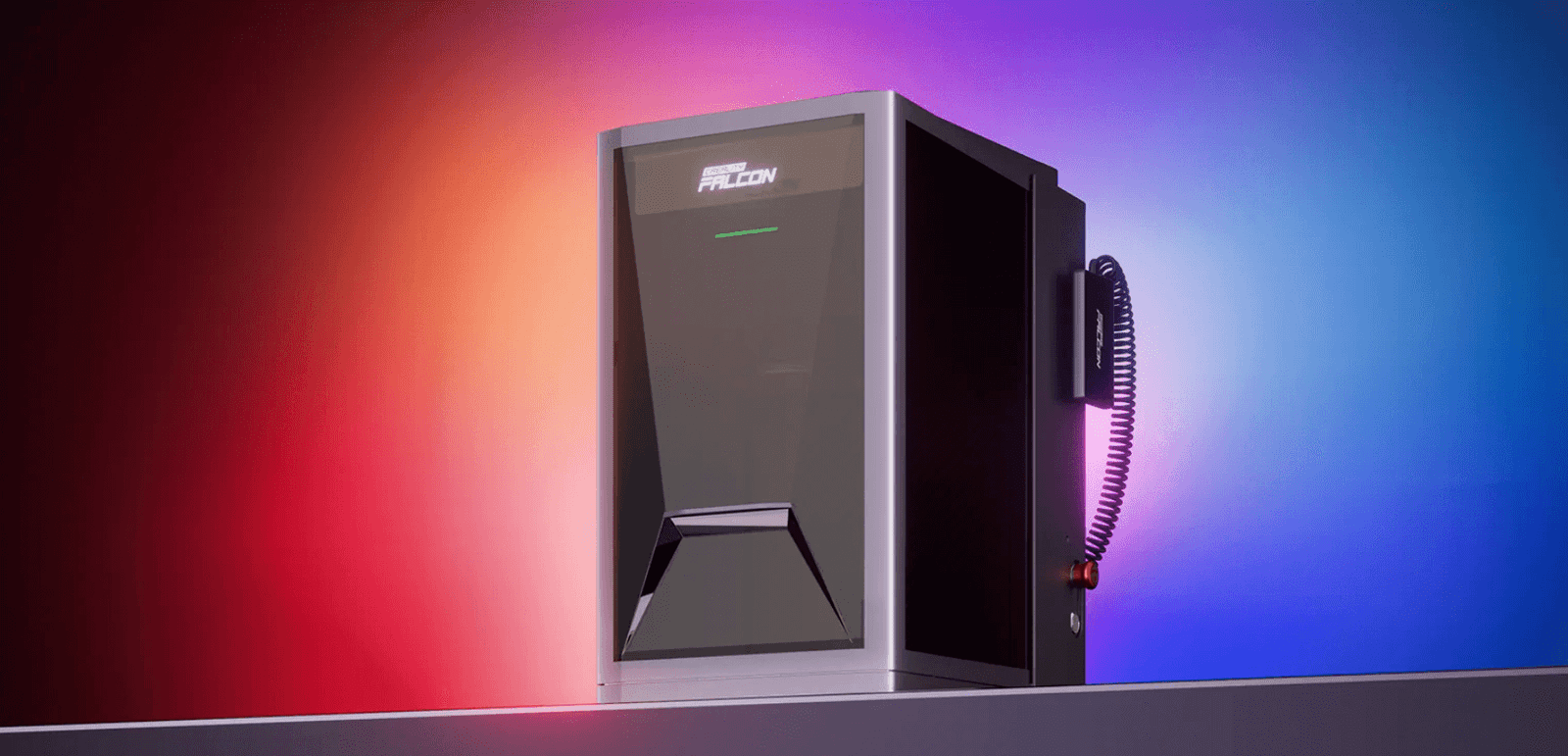
Looking for a high-speed, modular laser? The Creality Falcon T1 combines Blue Diode, Fiber, MOPA, and UV lasers into one Galvo-powered machine. We analyze the specs,…
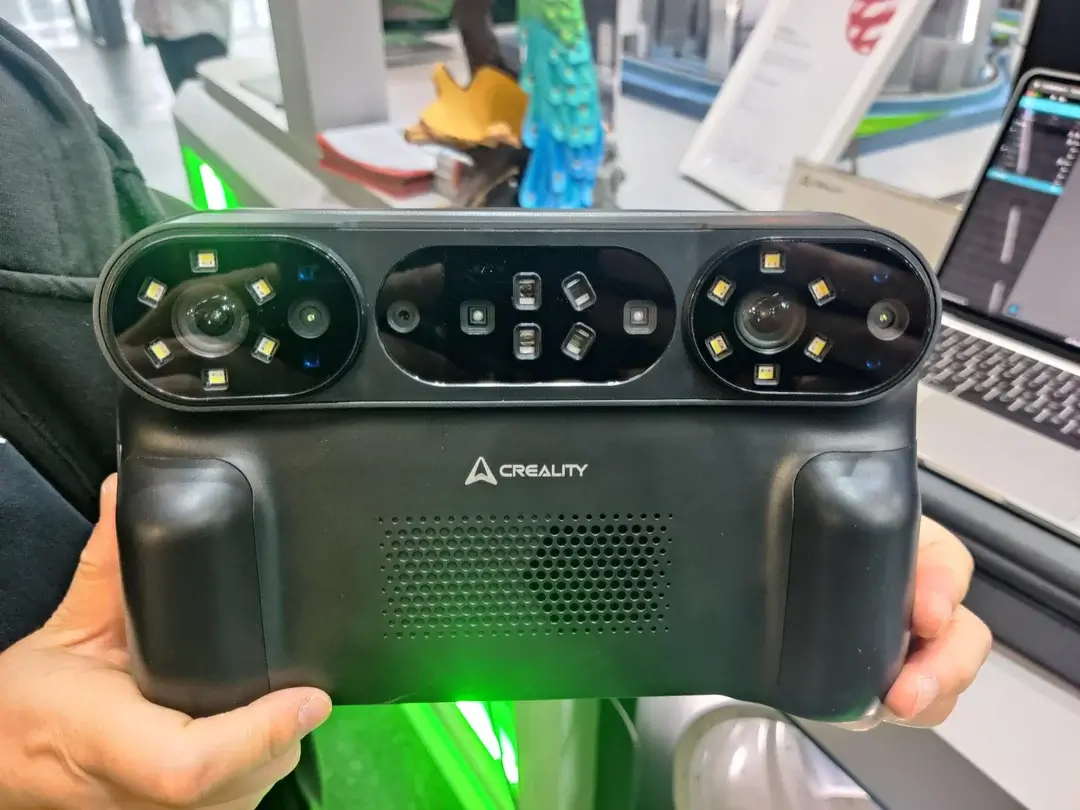
Creality Sermoon P1 is an all-in-one3D scanner with blue laser and NIR scanning. See confirmed specs, expected US price,release date, use cases,and who should buy it.
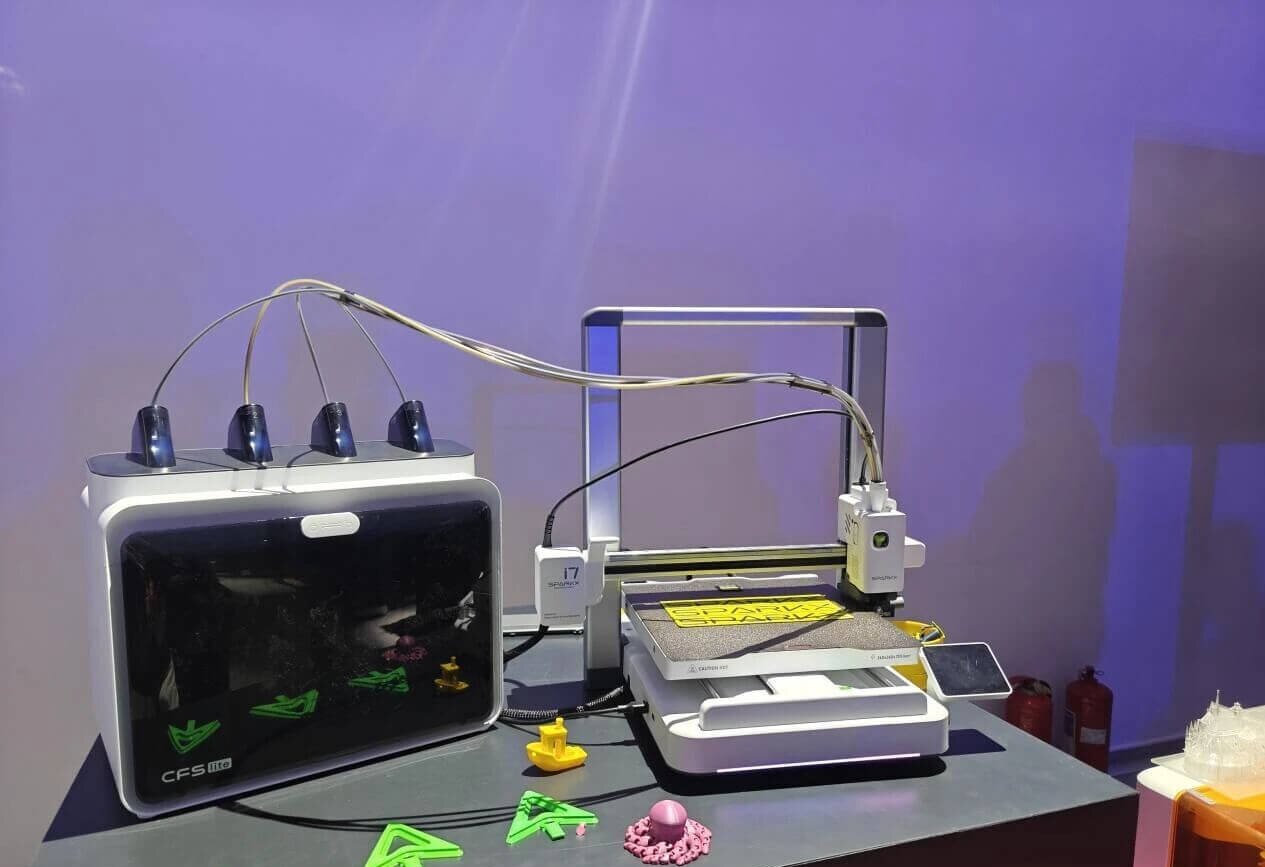
Get your SparkX i7 ready for its first print with a beginner-friendly quick start. Includes first-time self-check expectations, PLA loading (spool/PTFE or CFS Lite), auto leveling,…
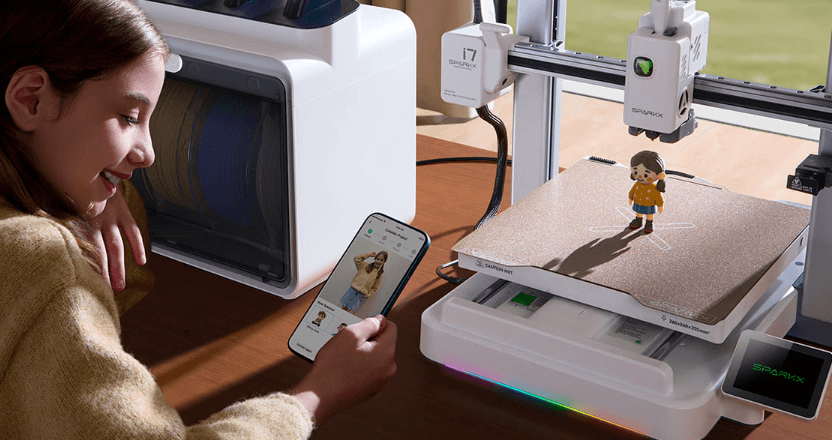
All confirmed SparkX i7 info in one place: specs, US pricing/bundles, CFS Lite multicolor basics, A1 comparison, and an update log.

Bambu Lab H2C review: how Vortek hotend switching cuts purge waste and color-change time vs AMS/MMU and toolchangers, the trade-offs, and who should buy it.
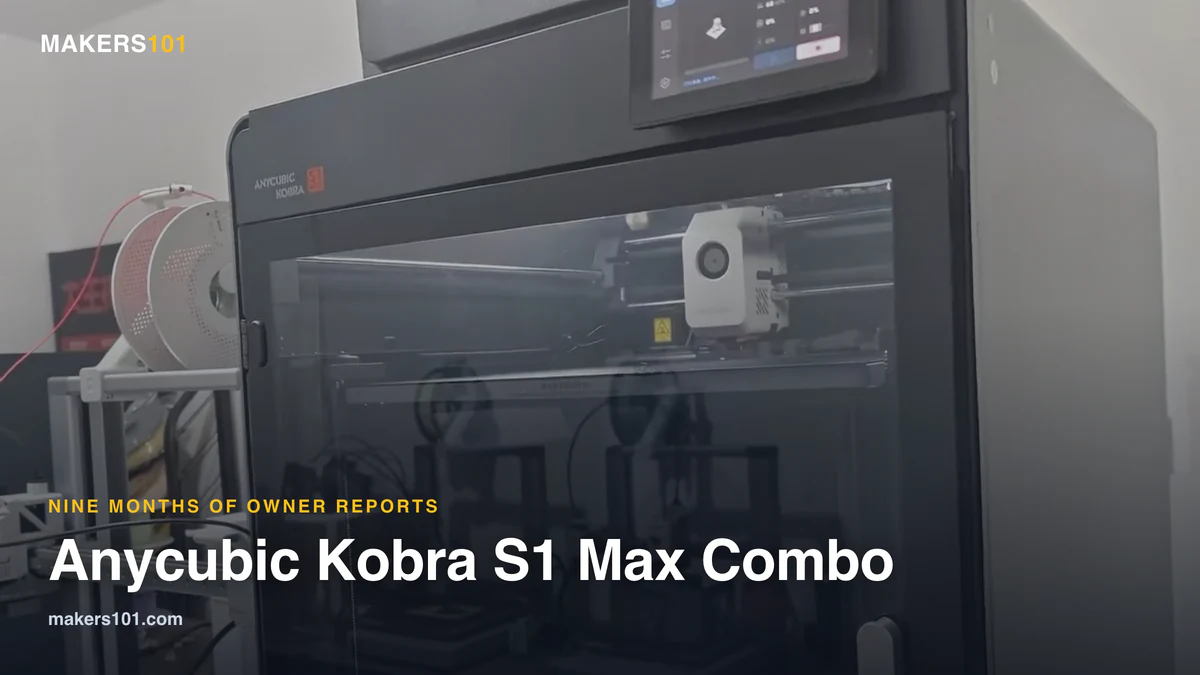
The Kobra S1 Max Combo is one of Anycubic’s most aggressive releases: 350mm CoreXY, up to 16 filaments, and high-temp materials in an enclosed chassis. We…

Download the official Creality Sermoon S1 3D scanner user manual (PDF). Includes setup guide, software instructions, and troubleshooting tips for new users.
9 times out of 10 it's your filament settings — not your printer. Get the exact temps + 10 quick fixes for PLA, PETG, TPU & ABS — 13 pages, free.
