Category: Tools & Tips
Practical 3D printing tools & tips, troubleshooting guides, calibration tips, upgrade ideas, and workflow improvements to help beginners and experienced makers print better results with confidence.

The Complete Guide to FDM 3D Print Post-Processing (Beginner to Pro)
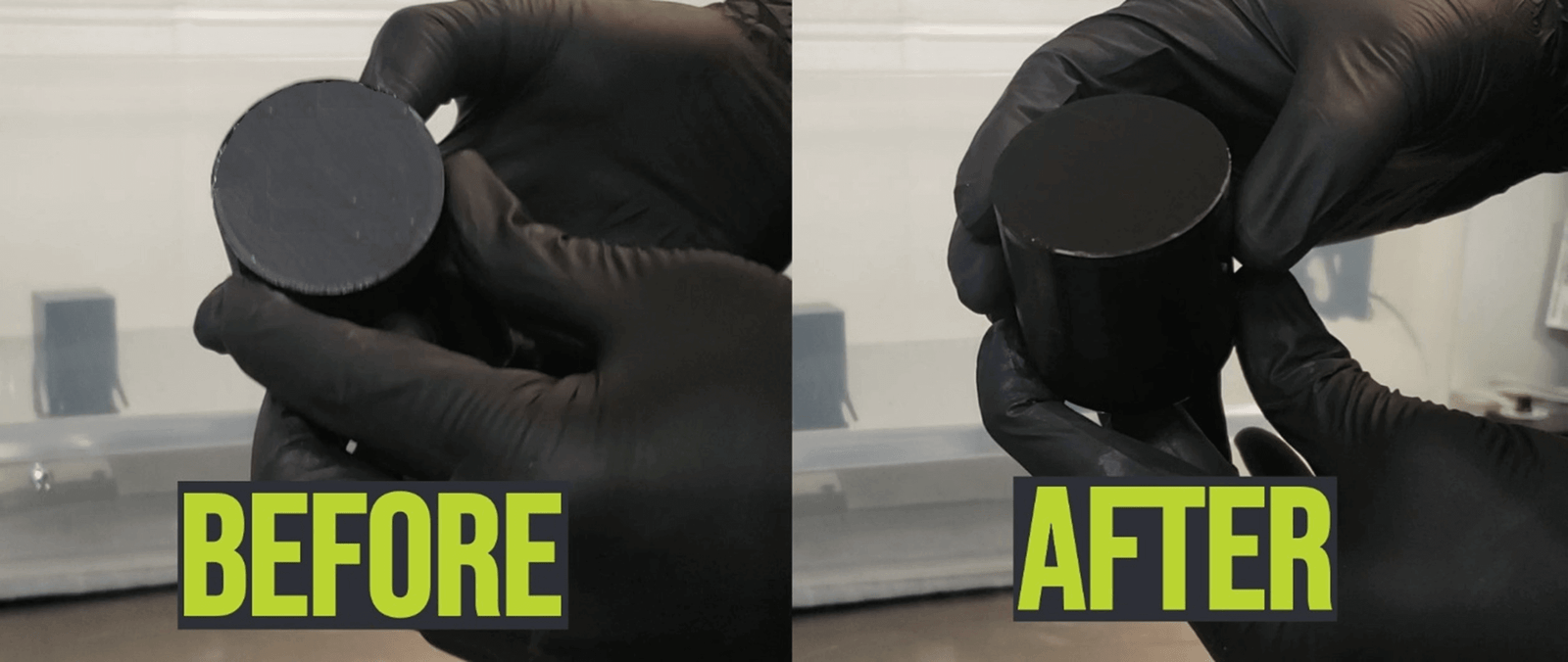
Post-processing is the key to making FDM 3D prints look smooth and professional. This step-by-step guide explains sanding, filling, priming, and painting in a simple, practical way for beginners.

Beginner’s Guide to Filaments Usage 2025
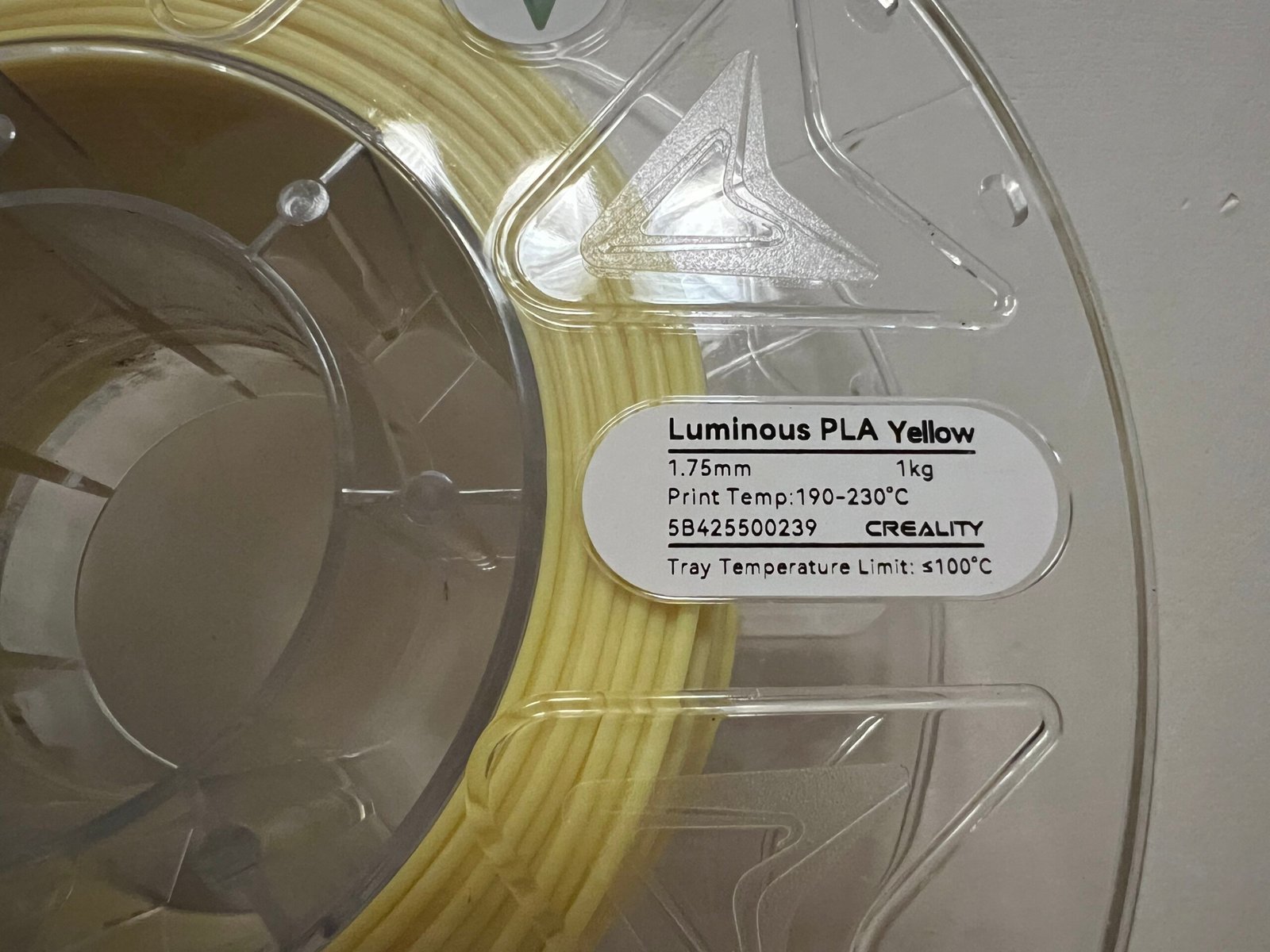
If you’re new to 3D printing, this simple guide will help you choose the right filament, use it the correct way, avoid common beginner mistakes, and get clean first prints. Learn how PLA, PETG, TPU, and ABS behave, how…

Creality Root Disclaimer Explained: Risks, Impact, and 2025 K1 Changes
A complete breakdown of Creality’s Root Disclaimer: why K1 2025 removes Root access, real risks of Rooting, who should Root, and what users should do now.

How to Fix a Jammed Filament on Creality K2 Series 3D Printers (2025 Guide)
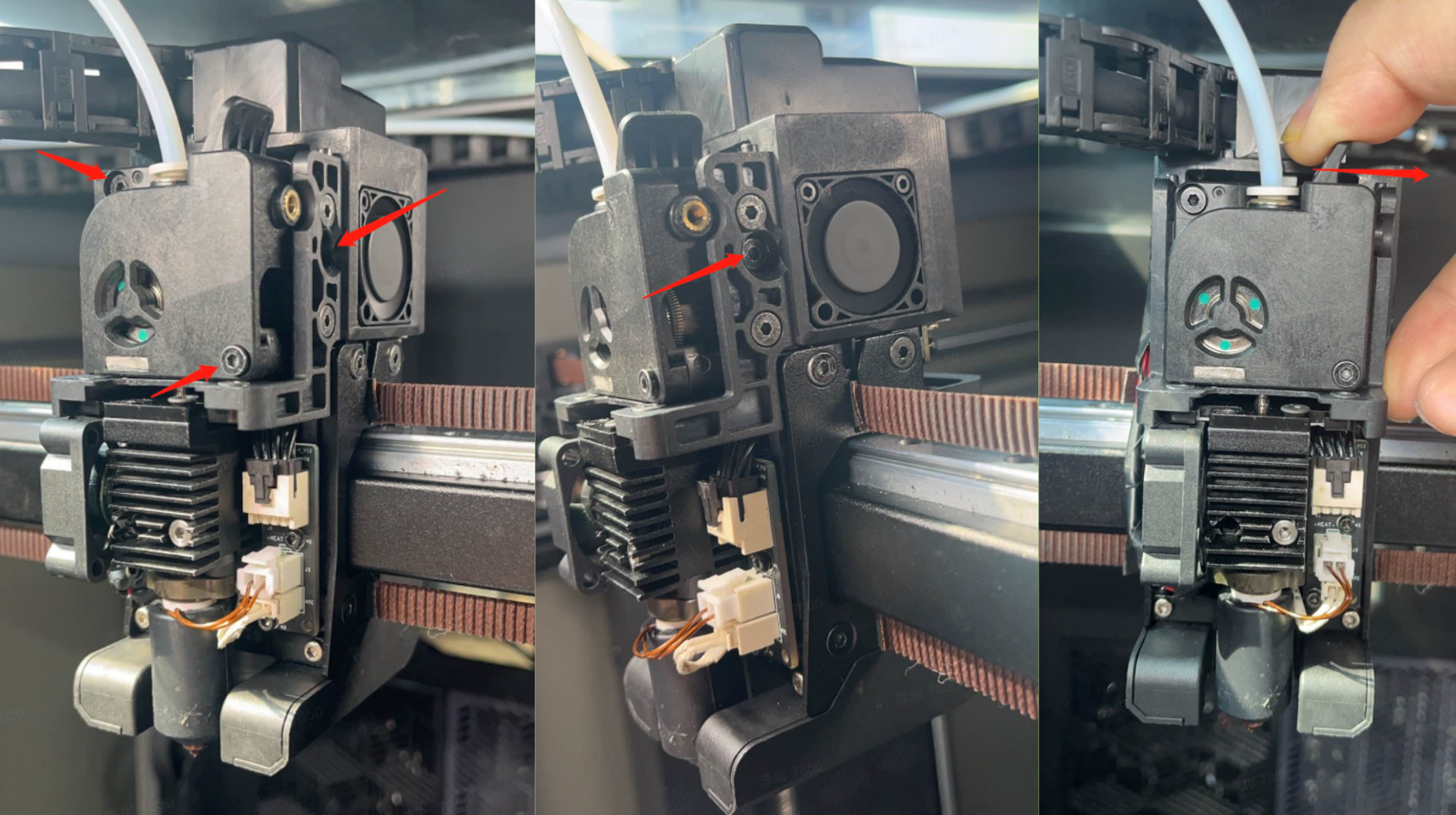
Introduction If your Creality K2 Plus or K2 Pro suddenly stops extruding filament halfway through a print, you’re not alone. Filament jams — also called clogs or extruder blockages are among the most common issues faced by 3D printing…

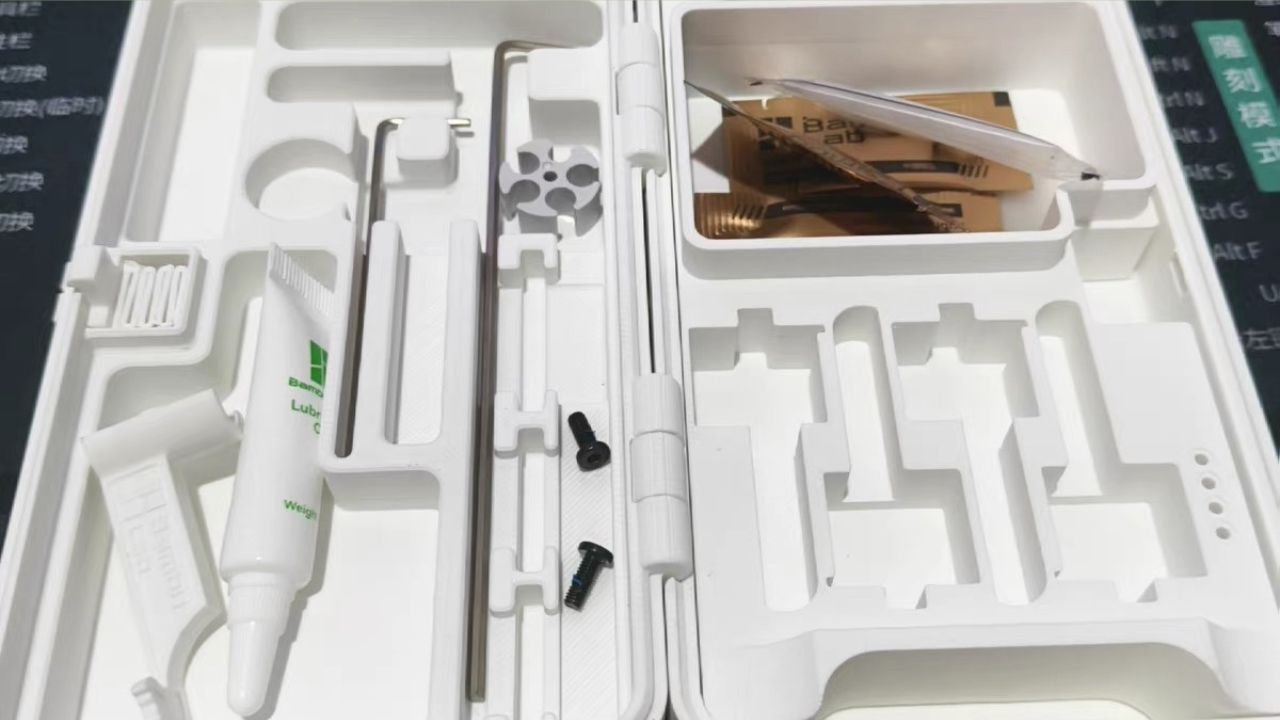
Lubricating Oil vs Grease in 3D Printers: What to Use, When, and Why It Matters
Fix filament jams on your Creality K2, K2 Plus, or K2 Pro — with step-by-step methods, real community insights, and prevention tips.
Creality Sermoon S1 3D Scanner User Manual (PDF Download)
Download the official Creality Sermoon S1 3D scanner user manual (PDF). Includes setup guide, software instructions, and troubleshooting tips for new users.
Fix Creality Hi c: Step-by-Step Troubleshooting Guide
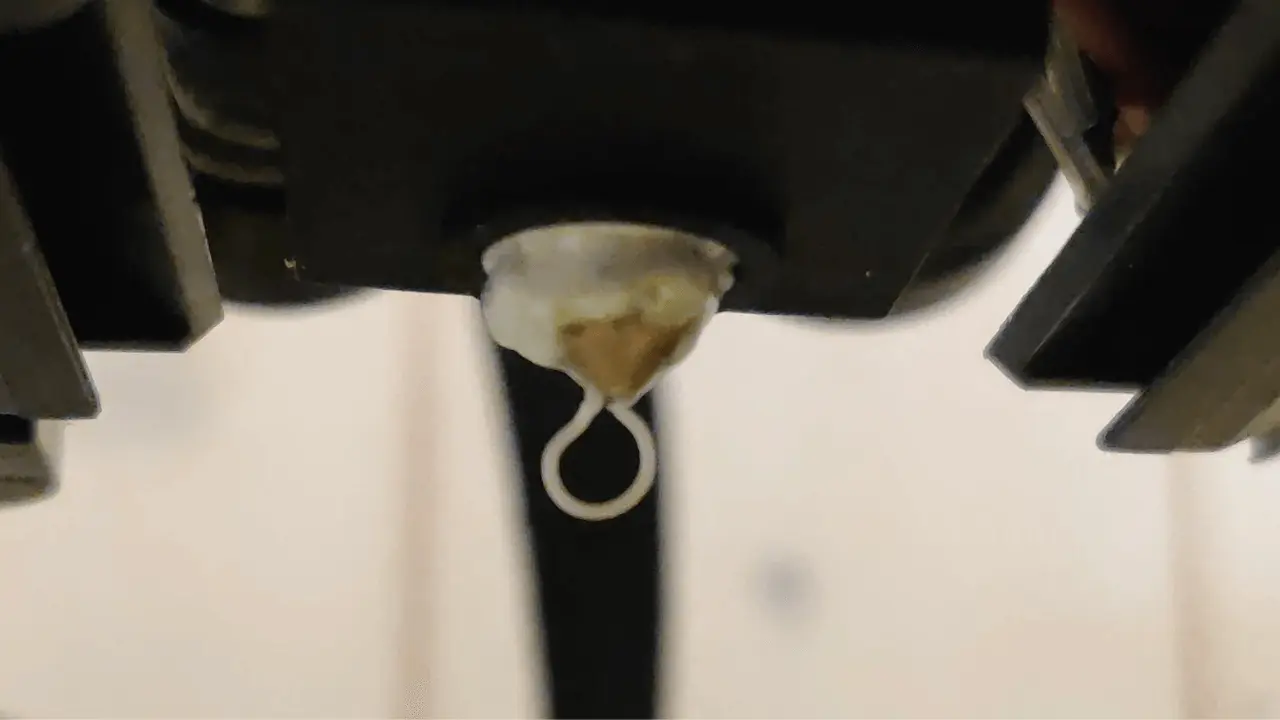
Struggling with filament leakage on your Creality Hi 3D printer? This guide offers step-by-step solutions, troubleshooting tips, and maintenance advice for smooth printing.
How to Replace the Creality Hi Cutter: Step-by-Step Guide
Learn how to replace the Creality Hi Cutter with our step-by-step guide. Follow clear instructions, tips, and safety precautions to ensure a seamless replacement process.
Troubleshooting for K2 Plus Ringing Issues: Easy Fixes and Pro Tips
Learn how to fix ringing issues on the Creality K2 Plus 3D printer. Discover detailed steps to adjust belt tension, recalibrate input shaping, and resolve vibrations for flawless prints.
Why Your K2 Plus Screen Won’t Turn On (And How to Fix It)
Is your K2 Plus screen refusing to light up? Here’s how you can fix it! Explore this detailed guide to uncover causes and solutions, ensuring your 3D printer gets back to work smoothly.