LightBurn 101: Beginner’s Tutorial for 2026
New to LightBurn? This 2026 beginner’s tutorial covers licenses, setup, your first project, and the mistakes almost every new user makes with a laser.

New to 3D printing? This is your starting point. We cover everything from setting up your first printer and choosing the right filament, to understanding the broader landscape of brands, technologies, and industry trends shaping the hobby in 2026. Whether you’ve just unboxed your first machine or you’re trying to make sense of the latest product launches and market moves, you’ll find it here. Complete beginners should start with our setup guides and filament basics. Industry watchers will find our brand analysis and launch breakdowns useful for staying current without sifting through press releases.
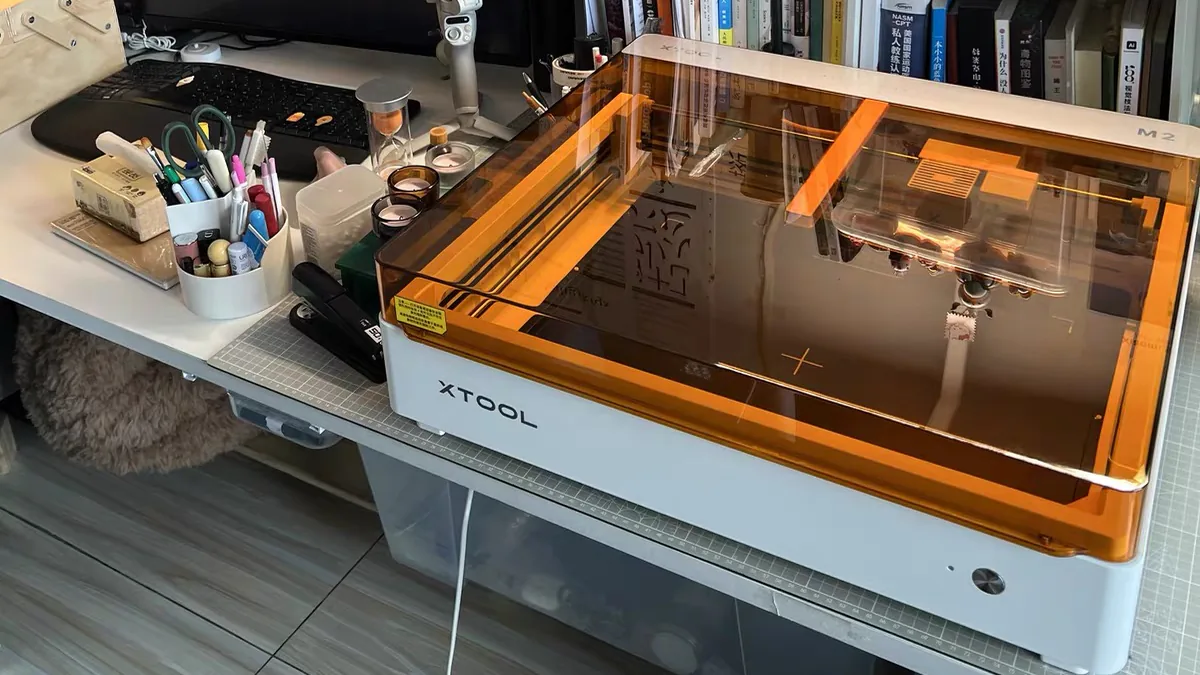
New to LightBurn? This 2026 beginner’s tutorial covers licenses, setup, your first project, and the mistakes almost every new user makes with a laser.
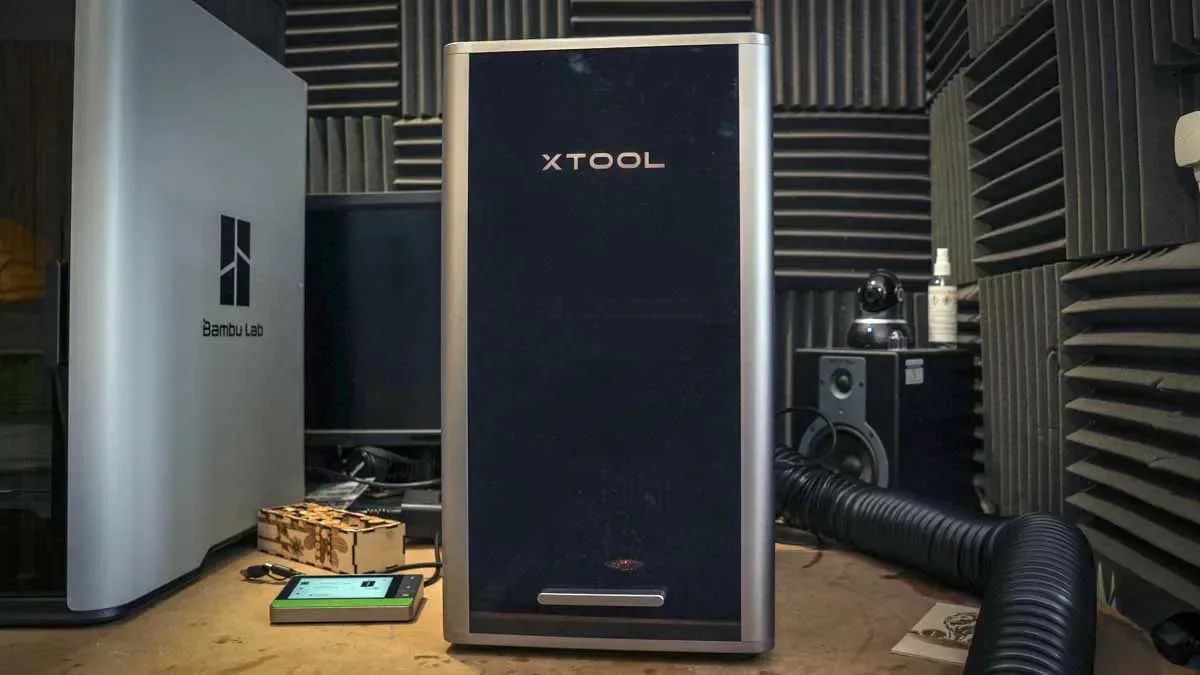
Master 10 laser engraving pro tips for safer, cleaner results: material checks, focus, LightBurn tests, air assist, masking, jigs, and maintenance.
Certified food-contact filament exists, but the paperwork covers the reel and not your print. What the research found, and how to check any spool yourself.
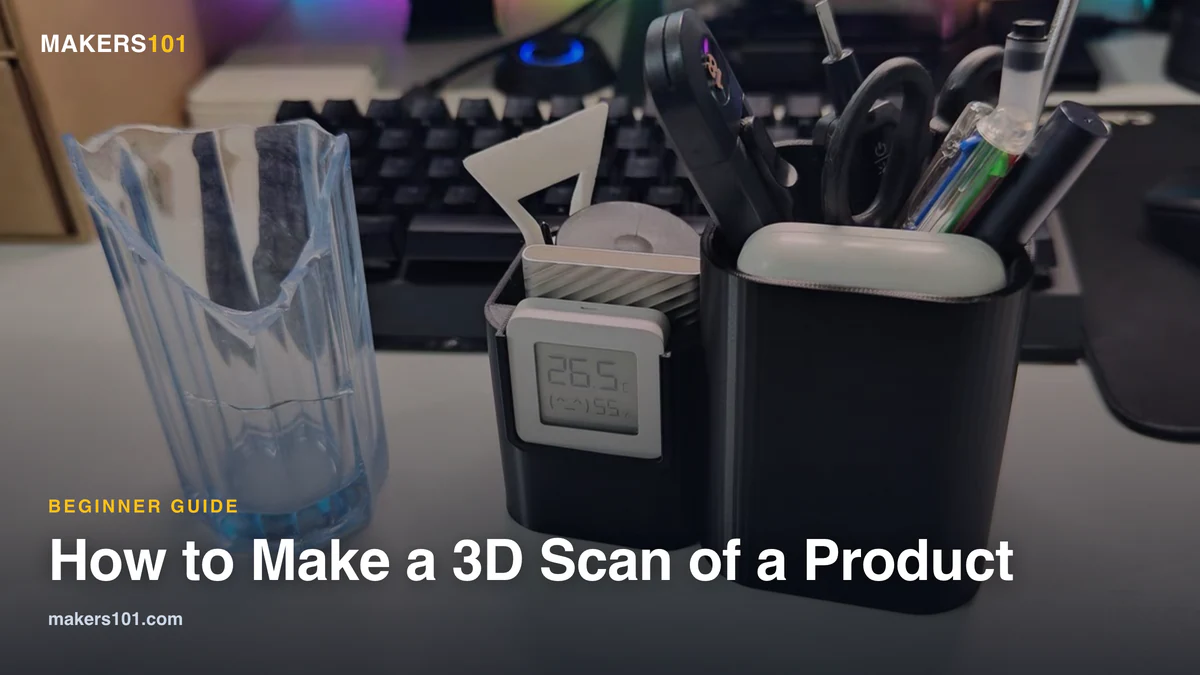
Your phone can already capture a physical object well enough to print a working replacement. Here are the three routes, the two free apps that export…
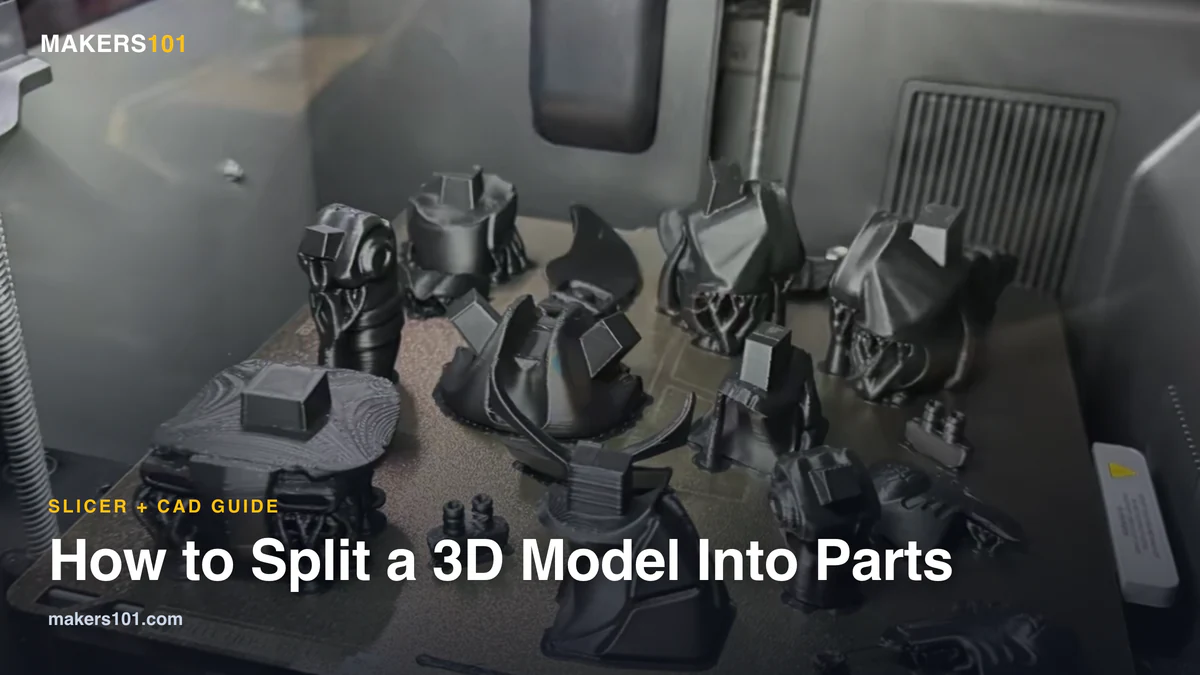
Learn how to split 3D model into parts, add alignment pins, choose the right software, test clearances, and print oversized designs reliably.
Cura can’t change layer height at a specific Z, and its own source file shows exactly why. Here are the three routes that do work, ranked…
Cura’s ironing defaults under-extrude on most printers. Here’s every factory value, the two numbers Cura calculates for you, and how to find yours.
Orca clamps your Ender 3 acceleration to a ceiling you never see. Here are the factory numbers Orca ships for every Ender 3, where the real…
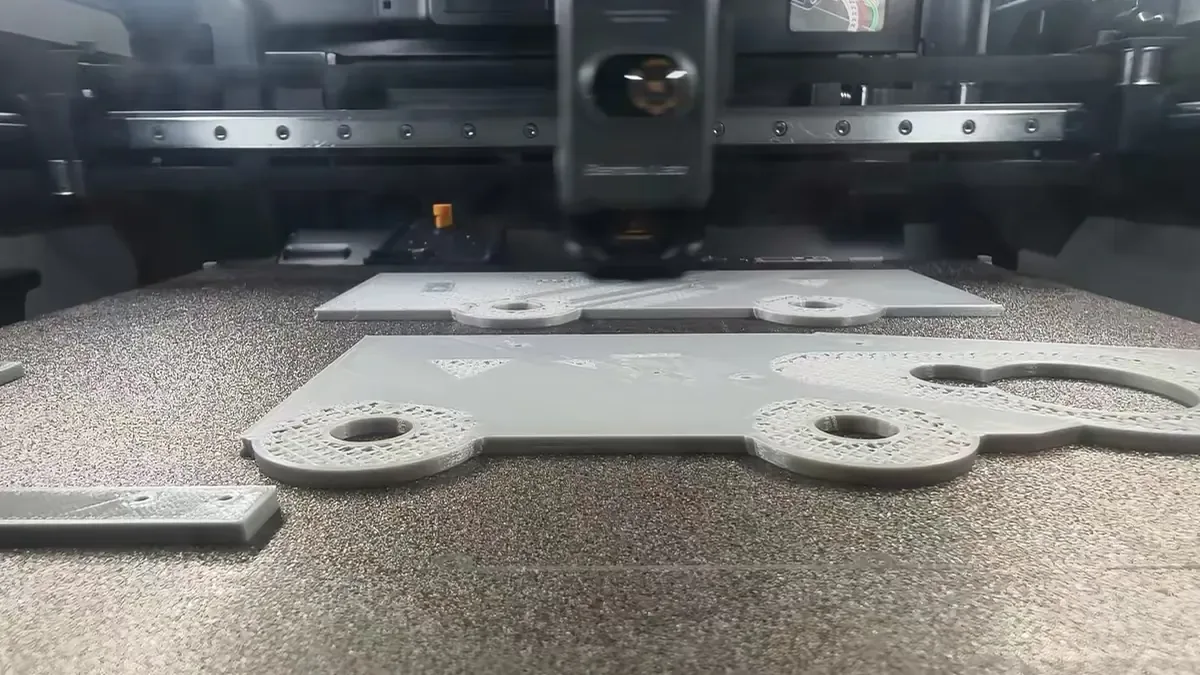
Confused by 3D printer settings? Learn practical FDM starting points for temperature, layer height, speed, infill, retraction, cooling, and calibration.
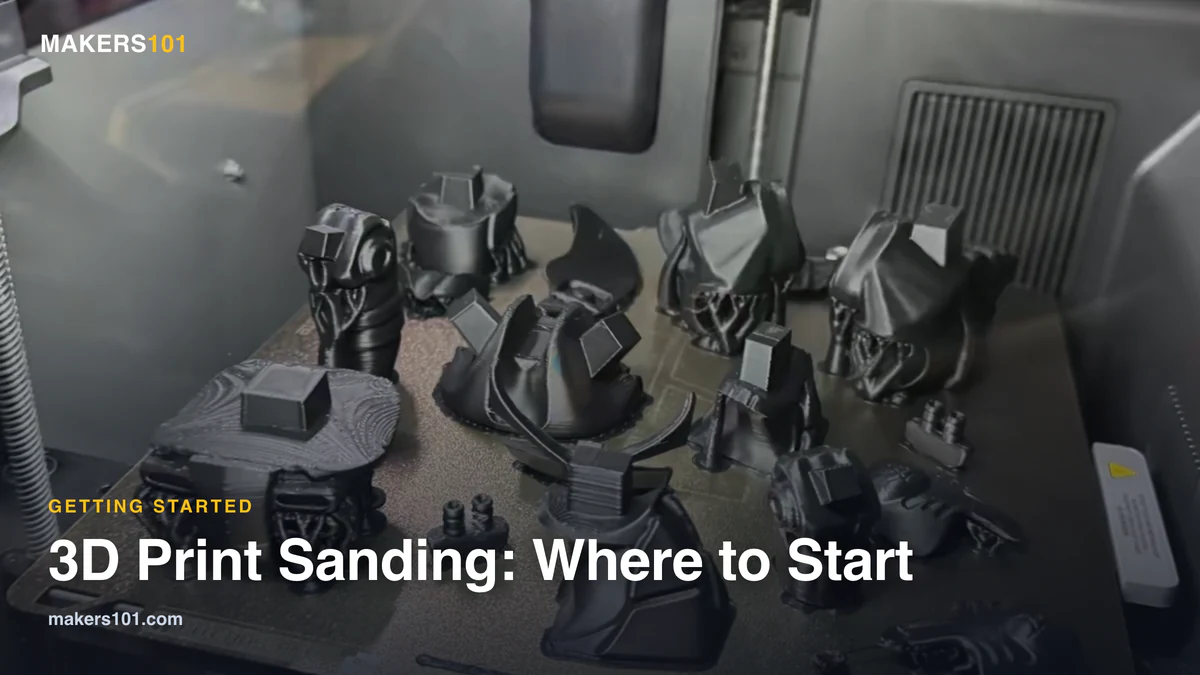
3D print sanding without the guesswork: which grit to open at, why PLA clogs your paper, how long a helmet really takes, and when to skip…
9 times out of 10 it's your filament settings — not your printer. Get the exact temps + 10 quick fixes for PLA, PETG, TPU & ABS — 13 pages, free.
