Introduction
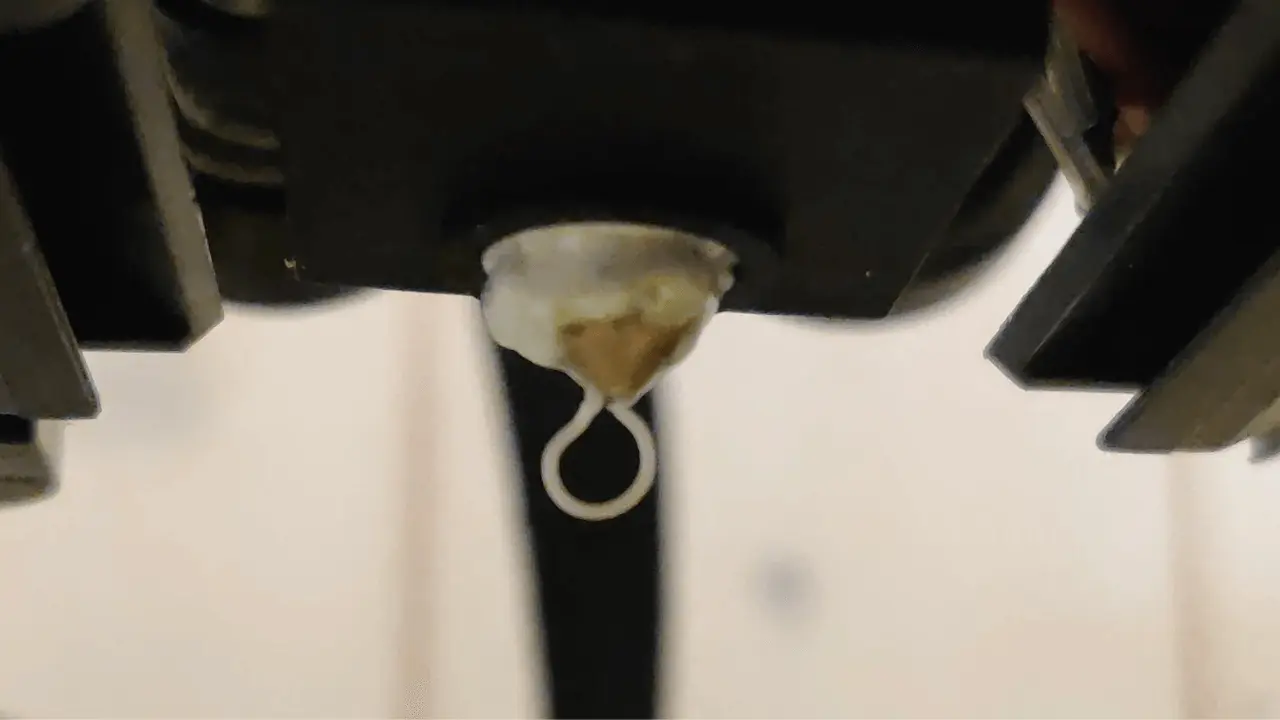
Filament leakage on a Creality Hi 3D printer can be frustrating, especially for beginners. This issue not only disrupts your prints but can also cause long-term damage to your machine if left unresolved.
In this guide, we’ll explore what filament leakage is, why it happens, and how you can fix it step by step.
Whether you’re dealing with a clogged nozzle or calibration issues, this comprehensive guide ensures your printer stays in optimal condition.
What Is Filament Leakage?
Filament leakage occurs when molten filament overflows from the hot end, creating unsightly blobs or damaging your prints.
Addressing this issue promptly helps maintain smooth and consistent printing results on your Creality Hi printer.
Why Does Filament Leakage Happen?
Understanding the root causes of filament leakage on your Creality Hi printer is key to troubleshooting effectively. Here’s a quick breakdown:
| Problem | Possible Causes | Solutions |
| Filament buildup causing leakage | Hot bed or nozzle not properly cleaned | Follow the steps to clean the nozzle and hot bed, ensuring no residues are left |
| Nozzle cools too slowly | Fan is stuck or not functioning properly | Check if the fan operates smoothly, clean or replace it if necessary |
| Incorrect printing settings | Temperature or speed mismatch in slicing software | Adjust settings to match the filament type, ensuring temperatures are within the recommended range |
| Severe blockage or damage | Long-term lack of maintenance, severe clogs | Disassemble the hot end assembly for cleaning; replace parts if heavily damaged |
No products found.
Step-by-Step Troubleshooting for Creality Hi
Step 1: Prepare Your Printer
Unlock the motor through the interface. Lower the platform gently and reposition the hot end for maximum accessibility.
Step 2: Remove the Hot End Cover
Carefully unscrew and detach the cover. If filament is severely wrapped around, you may need to cut or damage the cover to access the problematic areas.
Step 3: Heat the Nozzle
Set the nozzle temperature slightly higher than the recommended range for your filament. For PLA, increase it to 250°C.
Allow the heat to soften the filament for 5–8 minutes.
Step 4: Remove Excess Filament
With gloves on, use tweezers or pliers to gently remove the filament. Wiggle it side-to-side to avoid damaging the nozzle.
Step 5: Cool Down the Nozzle
Lower the temperature to 30°C. If cooling is sluggish, use a hairdryer on cool air mode for faster results.
Step 6: Clean the Hot End Assembly
Disassemble the hot end using a hex wrench. Remove leftover filament and debris. Pay special attention to the pipe fan and PCB board to ensure they are clean.
Step 7: Reassemble and Calibrate
Reinstall the cleaned components. Tighten connections securely. Perform auto-leveling and input shaping to recalibrate your Creality Hi printer.
Cleaning Impact: Before vs. After
1. Frequency of Issues (Before vs. After Cleaning)
Before cleaning, you might face up to 10 issues/month, including blockages and filament buildup. After cleaning, this reduces dramatically to just 2 issues/month.
2. Print Success Rate Comparison
- Before Cleaning: 60% success rate
- After Cleaning: 95% success rate
Safety Tips
📌 Important Notes:
- Always wear heat-resistant gloves to protect your hands from burns.
- Handle components gently to avoid breakage.
- Double-check all reassembled parts to ensure they are securely fitted.
Conclusion
Filament leakage on your Creality Hi 3D printer doesn’t have to derail your printing projects. By understanding the causes and following these troubleshooting steps, you can maintain a clean and efficient printer.
Regular maintenance, precise calibration, and proper filament handling ensure your printer continues to deliver high-quality prints.
For persistent issues, don’t hesitate to contact Creality support for assistance. With patience and practice, your printer will soon be running like new!