Filament Grinding: Why Your Extruder Chews Through Filament (and How to Fix It)
Extruder grinding filament? Cut back to clean filament first, then diagnose by when it started. Retraction, heat creep, PTFE and tension, fixed fast.

Something’s wrong with your print — or you want to make sure it never goes wrong in the first place. This section covers practical troubleshooting and maintenance for the most common 3D printers on the market: Bambu Lab, Creality, Anycubic, and more. From first-layer adhesion failures and filament jams to hardware maintenance, calibration, and upgrade guides, each article is written to help you diagnose the actual problem and fix it fast — without wading through forum threads. We cover both quick fixes and root-cause solutions, so you’re not just patching the same issue every week.
Extruder grinding filament? Cut back to clean filament first, then diagnose by when it started. Retraction, heat creep, PTFE and tension, fixed fast.
Wet filament does not mean you have to buy a dryer first. Here are the safest ways to rescue a spool with a heated bed, your…
Hairspray can help prints stick on glass or removable beds, but it won’t fix a dirty bed, bad leveling or a wrong Z-offset. Glue stick and…
Prints slipping off the bed? Diagnose the real cause first, then fix it in order: cleaning, Z-offset, temperature, and the material gotchas guides skip.
New to 3D printing and your prints keep failing? Here are the 7 most common beginner 3D printing mistakes — and the simple, free fix for…

Bambu AMS generates more filament poo than most users realize. Here are 5 actual options — ranked by waste volume — for what to do with…
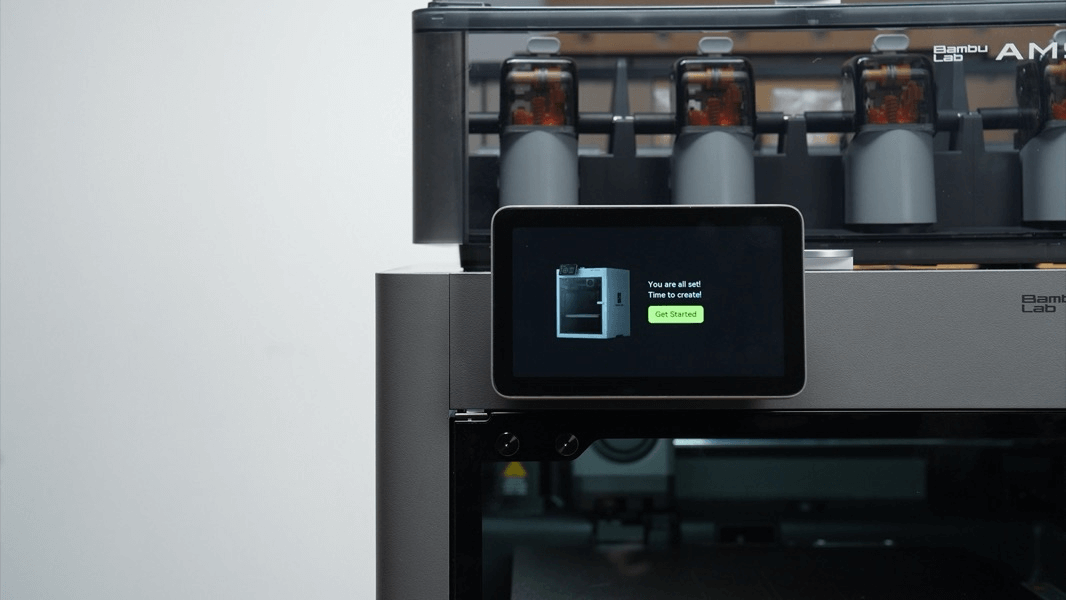
P2S First Layer Not Sticking When your Bambu Lab P2S first layer won’t stick, it’s tempting to start tweaking settings. That’s usually the mistake. Most adhesion…
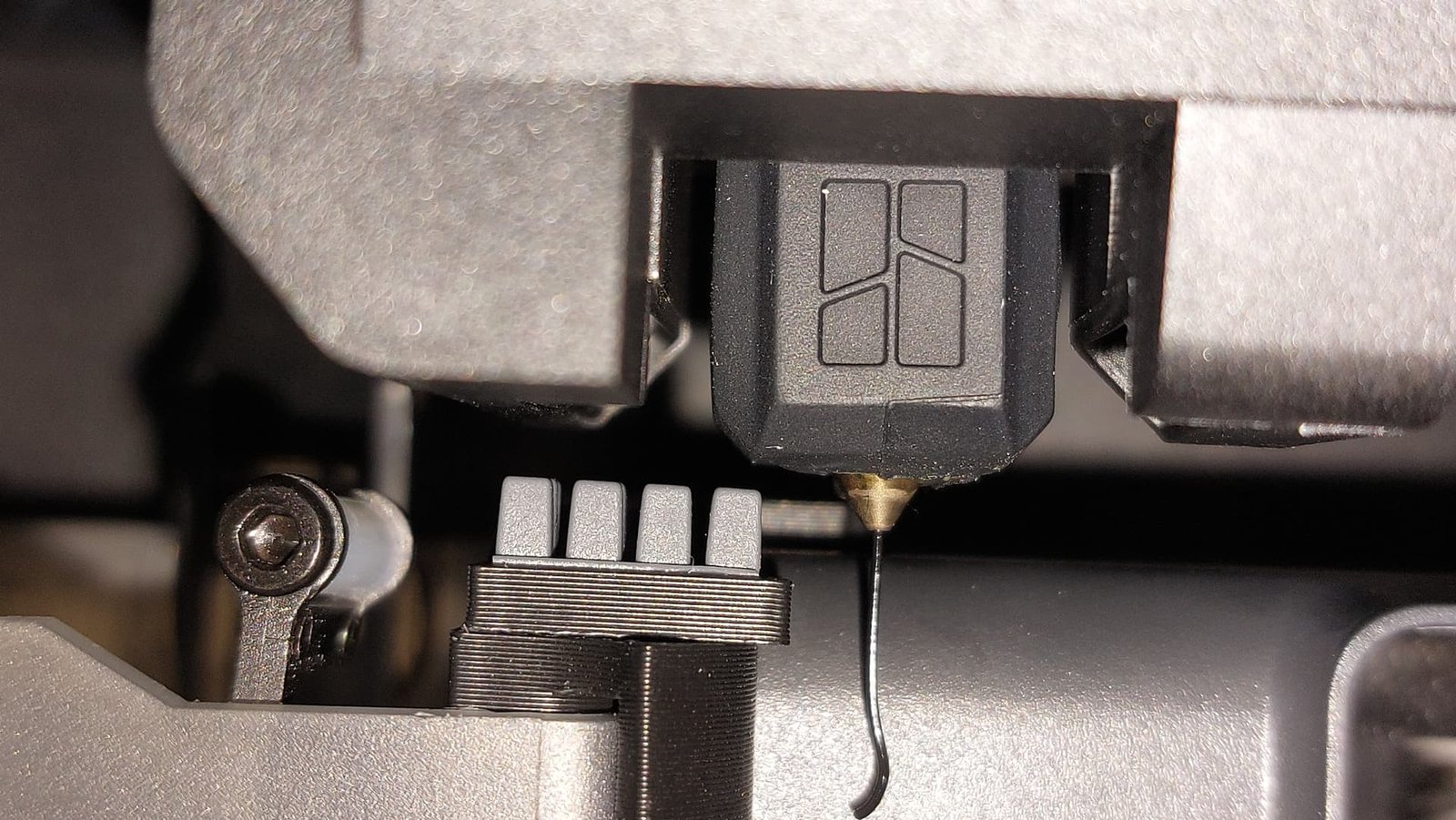
Learn how the BambuLab wiping system works, why it matters for clean prints, and how to tune or upgrade yours for smoother, more consistent results. Includes…
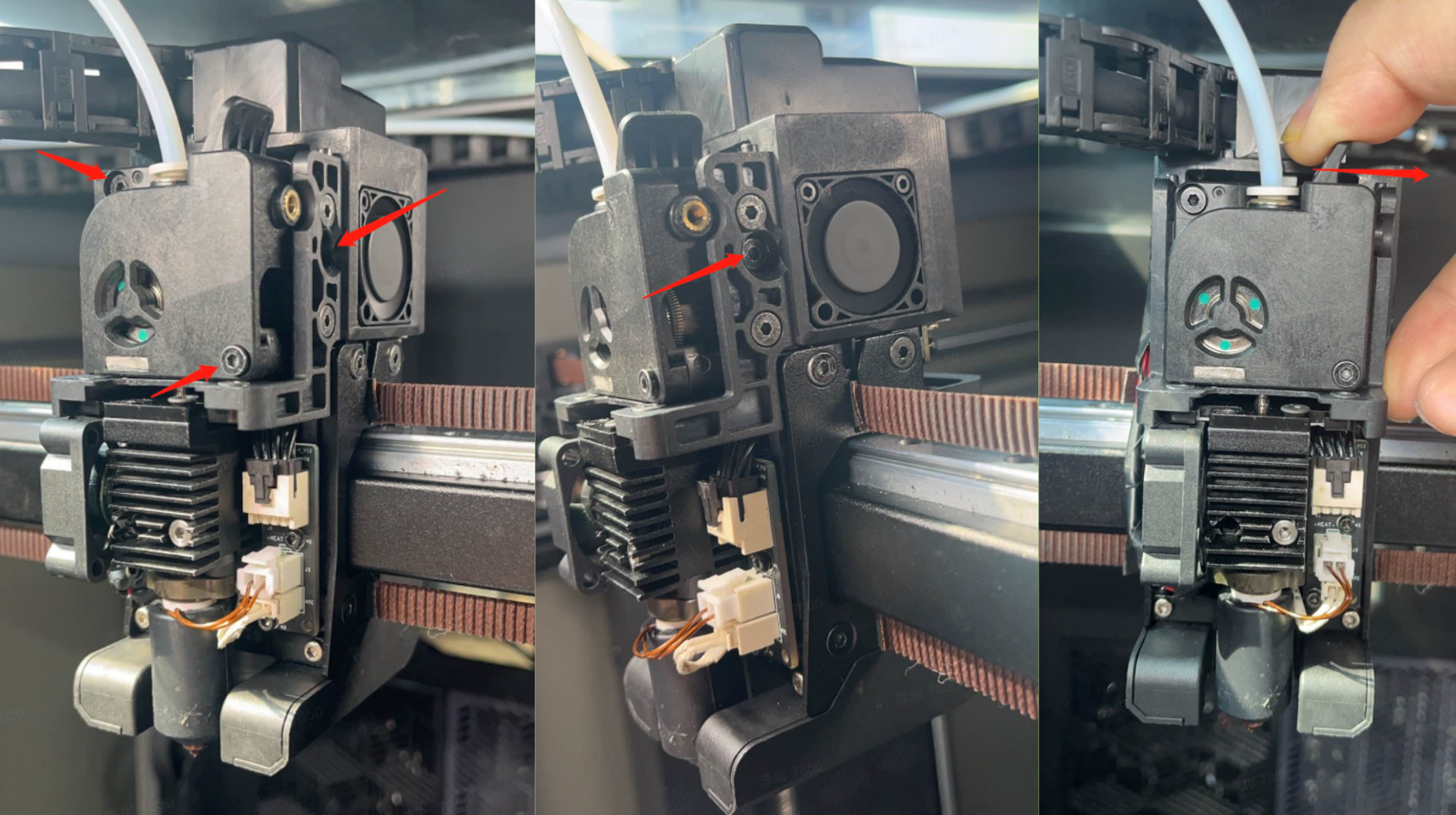
Introduction If your Creality K2 Plus or K2 Pro suddenly stops extruding filament halfway through a print, you’re not alone. Filament jams — also called clogs…
Fix filament jams on your Creality K2, K2 Plus, or K2 Pro — with step-by-step methods, real community insights, and prevention tips.
9 times out of 10 it's your filament settings — not your printer. Get the exact temps + 10 quick fixes for PLA, PETG, TPU & ABS — 13 pages, free.
