
I earn a commission if you buy through links on this page, at no extra cost to you. As an Amazon Associate, I earn from qualifying purchases.
Creality Falcon’s newest machine is trying to solve a specific problem: most beginner laser engravers still ask you to manually set focus distance before every job, which is exactly the kind of step that gets skipped, done wrong, and blamed on the machine.
The A1C bets that automating that one step, plus enclosing the whole thing for safety, is what actually gets new buyers past their first project instead of their first support ticket.
Creality Falcon A1C: What It Actually Is
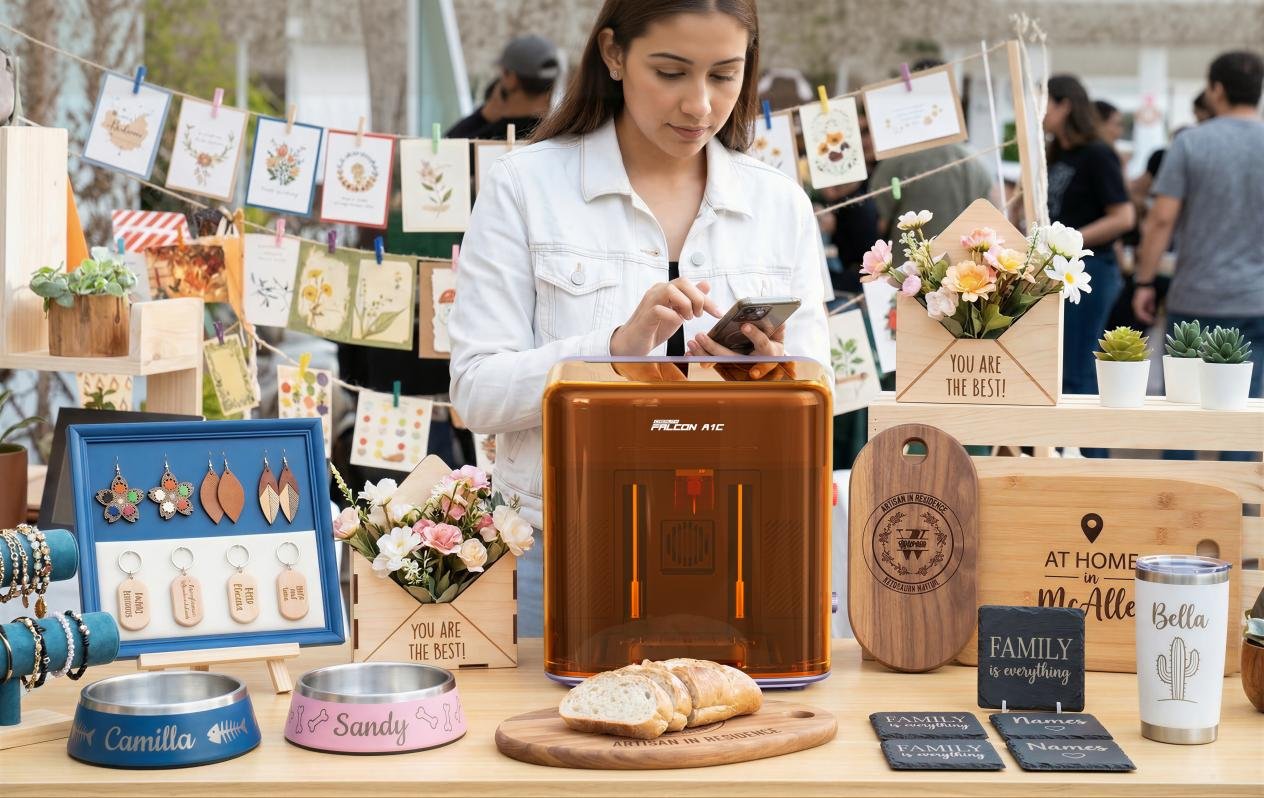
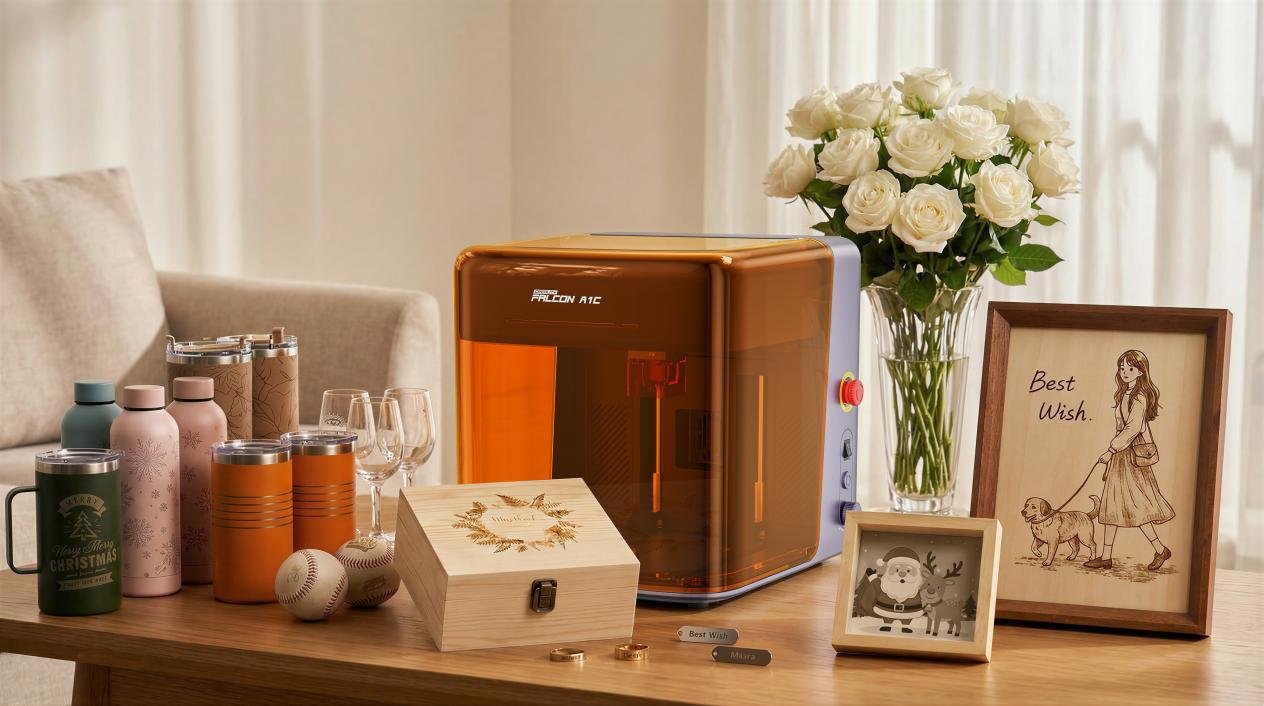
The A1C is a compact, fully enclosed desktop laser engraver rated Class 1, which means the laser is contained enough that you don’t need separate goggles or a dedicated room to run it safely, at least on paper. It ships in two configurations, Standard and AI Camera, and runs on Creality’s Falcon Design Space software.
The pitch is squarely at people who haven’t touched a laser before: small footprint, enclosed housing, and a setup flow built around removing decisions rather than adding them.
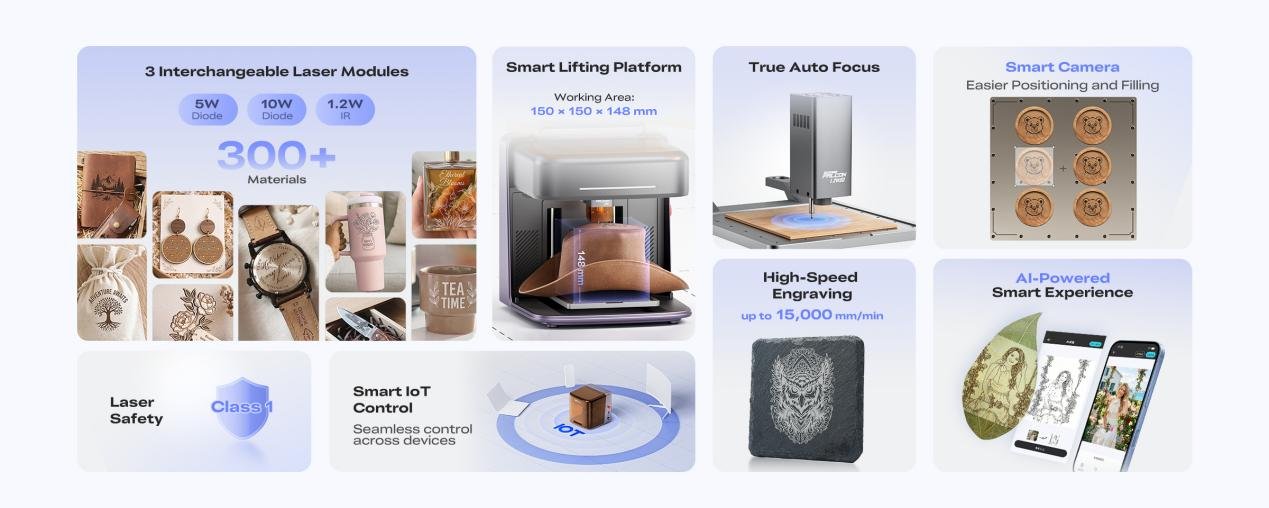
Working area is 150 x 150 x 148mm, which is small-desk territory rather than a machine you need to clear a corner of the garage for.
True Autofocus: The Feature That Actually Matters Here
On most budget laser engravers, focus is still a manual step.
You slide a focus tool under the laser head, adjust height until it touches, then remove the tool and hope you didn’t bump anything. Skip it or rush it and you get a burn instead of an engrave, or a cut that doesn’t go all the way through.
Creality says the A1C’s lifting platform raises and lowers itself to the correct focal distance automatically, so that step disappears entirely. If it works as described, it removes the single most common way first-time users mess up their first few projects.
That’s a bigger deal for actual beginners than any spec-sheet number.
Module Options: 5W and 10W Diode, Plus an Infrared Add-On
Instead of locking you into one laser, the A1C uses interchangeable, tool-free modules:
- 5W diode — the lighter option, aimed at engraving and thinner cuts
- 10W diode — more power for faster cuts and thicker material
- 1.2W infrared (optional) — a different wavelength aimed at metal marking, which diode lasers generally can’t touch
Creality’s numbers put material compatibility above 300 types across the module lineup, with engraving speeds up to 15,000 mm/min. Those are vendor figures, not something we’ve clocked ourselves yet, treating them as ceiling numbers until proven otherwise.
AI Camera Edition: Auto-Alignment and Photo-to-Design
The step up from Standard to AI Camera isn’t just a camera bolted on for positioning.
Creality is billing it as a design shortcut: point it at a photo and the software handles alignment, pulls out contours, strips the background, and lays out the result as an engraving-ready file.
For anyone whose actual goal is “turn this photo into an engraved gift” rather than “learn vector design software first,” that’s the more relevant upgrade over the base model, even more than the camera’s positioning accuracy on its own.
Price and Where to Buy the Falcon A1C
The Falcon A1C starts at $199 and is available now through the Creality Falcon official store, Amazon, and TikTok Shop, with exact configurations and pricing varying by region and edition.
We’re putting the 10W AI Camera edition through a full hands-on review, testing autofocus accuracy and the AI camera’s alignment claims against real projects rather than the press photos.
Until then, if you’re comparing it against other beginner-friendly options, our laser engraver buying guide covers where enclosed, beginner-oriented machines like this one fit against open-frame and higher-power alternatives.
If price is the deciding factor, we broke down which machine fits which budget, from under $300 to $2,000-plus, in a separate guide.