
I earn a commission if you buy through links on this page, at no extra cost to you. As an Amazon Associate, I earn from qualifying purchases.
Key takeaways :
- Most people should buy the P2S. It’s the most reliable, lowest-fuss daily driver in the lineup.
- First printer or tight budget? The A1 gets you in cheap, and it stays useful even after you upgrade.
- Want dual-nozzle without flagship money? The X2D is the cheapest way in.
- Printing professionally, big, or in many colors? Look at the H series (H2S, H2D, H2C). Cross-shopping the H2D with a toolchanger? We compared it with the Snapmaker U1.
- Get the AMS Combo, not the bare printer. The standalone box limits you to a single spool out of the gate.
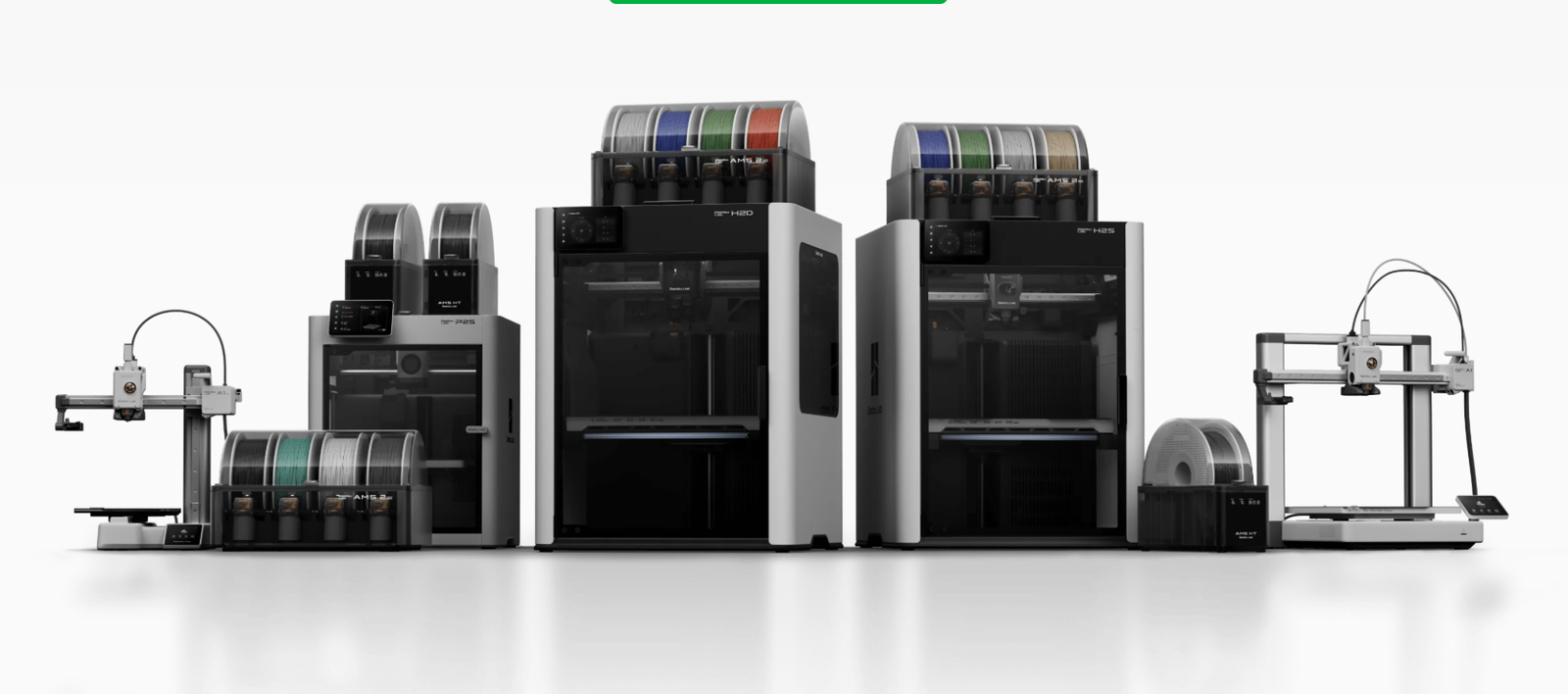
A year ago, choosing a Bambu Lab printer was easy. There were maybe three machines that mattered. Now there are nearly ten across four families, and the names blur together fast. A1, P2S, X2D, H2C: it reads like a license plate, not a buying decision.
Here’s the uncomfortable truth: Bambu’s own website lists them in an order (X, P, A, H) that does almost nothing to help you decide. More models doesn’t have to mean a harder choice. The only question that matters is who you are and what you actually print.
I’ve set up and lived with machines from every one of these families. The pattern is always the same. People overthink the choice and overspend on capability they never end up using. The fix isn’t more research. It’s matching the machine to how you’ll actually print. If you’re new to the hobby entirely, start with which printer actually fits you.
So this guide skips the spec-sheet overload. We’ll sort the whole lineup by buyer type, give you three quick questions that settle most decisions, then walk each family in plain language. By the end you’ll know exactly which machine to buy, and why. Let’s start with the short answer.
Best Bambu Lab 3D Printer by Buyer Type
If you only read one section, read this one. Here’s the right pick for each kind of buyer, with the reason in a single line.
| You are… | Buy this | Why |
|---|---|---|
| A curious starter / buying a gift | A1 | Cheapest reliable way in, stays useful later |
| Most people (reliable daily driver) | P2S | The best all-around balance of price, quality, and zero fuss |
| Multi-material on a budget | X2D | Dual-nozzle printing for the least money |
| Pro / large parts / least color waste | H2S, H2D, or H2C | Big build volume and near-industrial reliability |
That table answers it for most people. The rest of this guide explains the “why” behind each pick, so you can buy with confidence instead of second-guessing yourself a week later.
How Bambu’s Lineup Actually Breaks Down (A → P → X → H)
Forget the order on Bambu’s store page. The cleanest way to think about the lineup is as four tiers, stacked by who they’re for. (That ranking is one reviewer’s framing, not an official one, but it maps to real-world use far better than the marketing order.)
- A series is the entry tier. Open-frame, affordable, made to get you started.
- P series is the mainstream tier. It’s the right answer for roughly 95% of buyers.
- X series is the technical step up. This is where dual-nozzle printing arrives.
- H series is the professional tier. Big, fast, near-industrial, and priced to match.
Before you lock onto a tier, three questions settle most of the decision:
1. How big do you print? Most models share a 256 mm build area. Only the H series goes bigger.
2. What materials do you want? PLA only? An open A-series machine is fine. Want ABS, nylon, or carbon-fiber blends? You need an enclosure, which means P, X, or H.
3. Do you care about multiple colors or materials at once? If yes, that points you toward dual-nozzle (X2D, H2D) or hot-end swapping (H2C).
There’s one more thing to settle that cuts across every tier: the AMS.
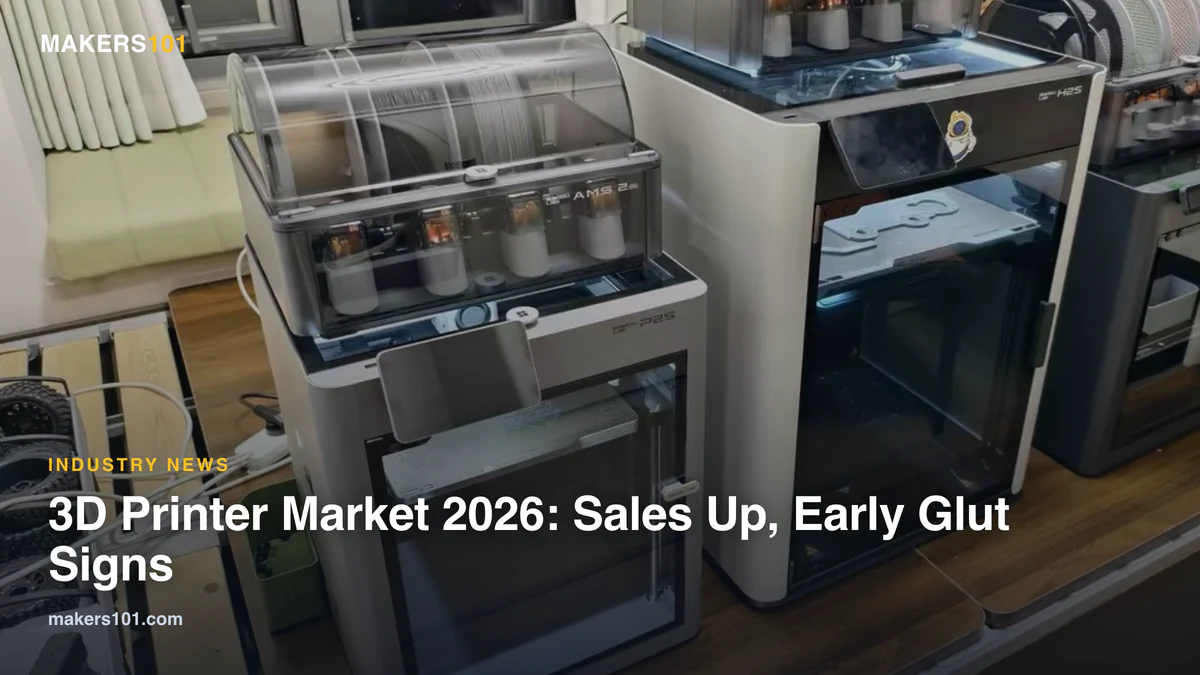
The AMS (Automatic Material System) is the unit that feeds multiple filament spools into your printer. It enables multi-color printing, keeps spools dry and organized, and even on a single-nozzle machine it lets you pre-load four spools for automatic switching.
My standing advice: buy the Combo version of whatever model you choose. The standalone box usually only lets you run a single spool right away, and most people regret skipping the AMS within a month. If you’re still unsure what you’ll actually print, the filament picker tool is a quick way to think it through before you commit.
Before You Buy: Running Costs and the Bambu Ecosystem
The sticker price is only part of what you’ll spend. Two things tend to surprise first-time buyers, and both are worth thinking about before you pick a model.
First, the ongoing costs. Filament adds up, especially if you print a lot or run multi-color jobs that purge material at every color change. Spare nozzles, build plates, and the occasional replacement part are part of the deal too. None of it is dramatic, but it’s real, and it nudges the math toward buying once and buying right.
Second, the ecosystem. Every Bambu printer runs through the same software stack: Bambu Studio on the desktop and the Handy app on your phone, with cloud features layered on top. The upside is that it mostly just works, which is a big part of why these machines are so beginner-friendly. The trade-off is that you’re buying into a fairly closed system. For most people that’s a fair deal. If you value fully open, offline-first hardware, it’s worth knowing going in.
A Series: The Best Budget Bambu Lab 3D Printer
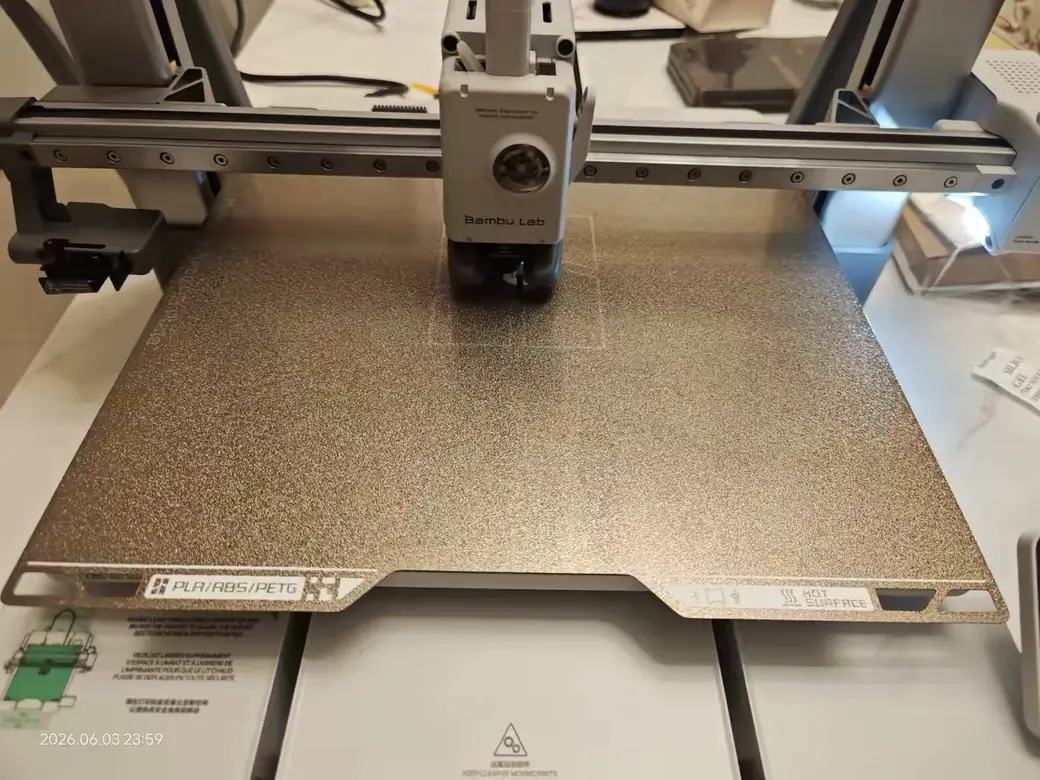
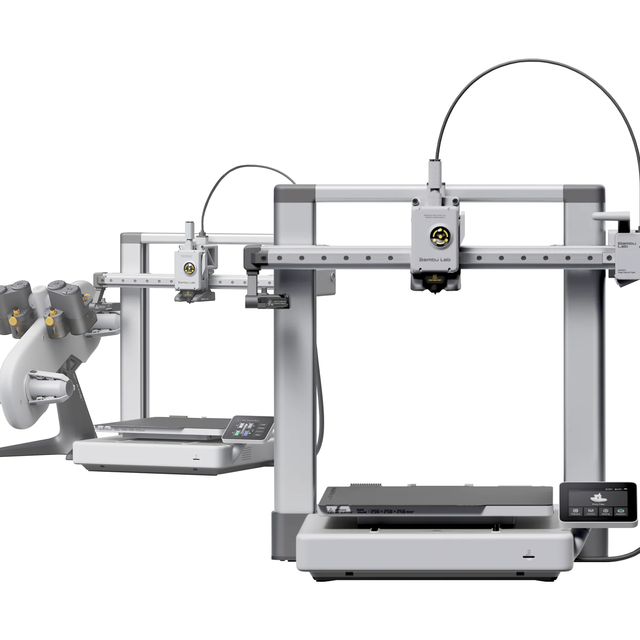
The A series exists to get you started for as little as possible. If this is your first machine, start here.
These are open-frame bedslingers, and that design choice shapes everything. On an enclosed CoreXY machine, the nozzle handles X and Y while the bed only moves up and down. On a bedslinger, the bed physically throws itself back and forth on the Y axis. Picture shaking a tray while balancing a tall, skinny tower on it. That’s why bedslingers struggle with tall, thin prints: the constant motion can tip or knock them loose.
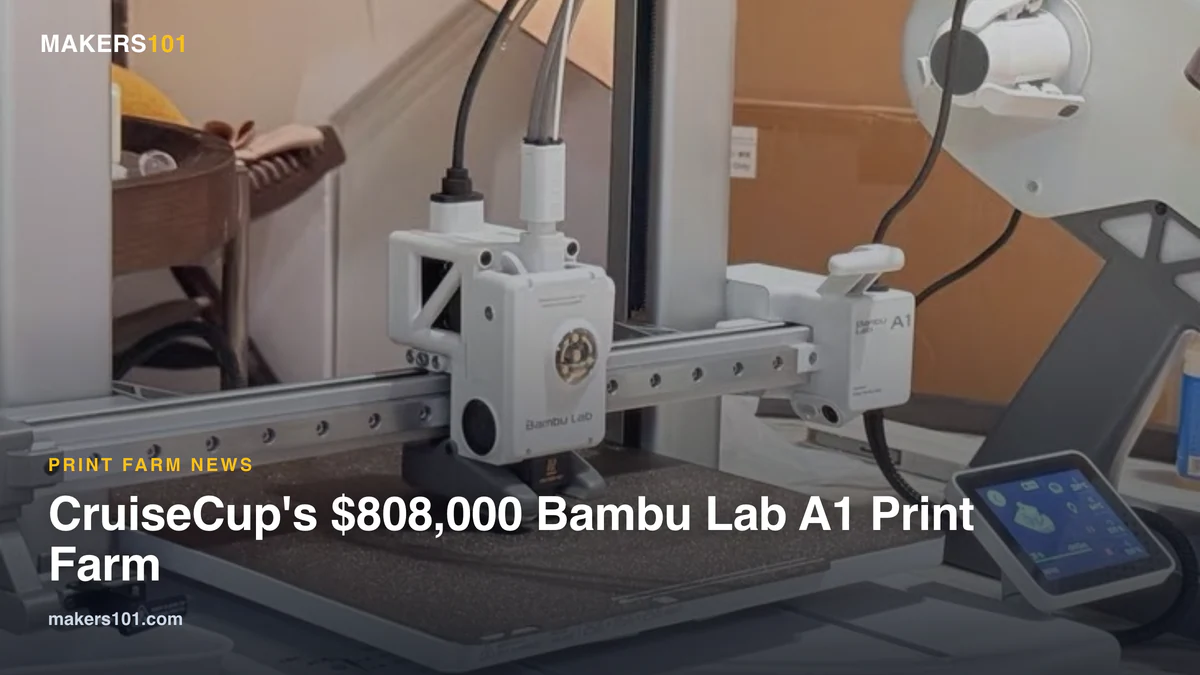
There are two main choices. The A1 Mini is the most affordable door into the brand, with a small 180 mm build area. If you’re tempted to skip straight to the biggest A-series, here’s the A1 Mini vs A2L call. The full-size A1 costs a little more and matches the larger build volume of the P series. I’d take the A1 over the Mini almost every time, simply because the extra build space is more useful than the savings. (Prices on this line shift often with sales, so check current numbers before you buy.) Want more room than the A1 gives? Here’s how it matches up against the bigger A2L.
Two honest caveats. First, the open frame can’t control chamber temperature, so you’re mostly limited to easy materials like PLA. That’s fine for most beginners, but ABS and other high-temp filaments aren’t really in scope here. Second, there’s been ongoing community discussion about an NTC thermistor fire-safety concern on the A1, with no formal recall to date.
It’s worth reading up on before you buy, and it’s a fair reason some people step up to an enclosed machine. If you want the latest, the newer A2 and A2L push the bedslinger format further with a larger bed and even a cutting module. Here’s our full take on the A2L if that’s the way you’re leaning. If you’re torn between that big open bed and the enclosed P2S, here’s how they compare. Against the older P1S, the A2L vs P1S call mostly comes down to size versus an enclosure.
So who’s the A series actually for? People who aren’t sure they’ll stick with the hobby. Anyone buying a gift for a kid or family member. And experienced users who want a cheap second printer to run alongside their main one. An A-series machine rarely goes to waste, even after you upgrade to something bigger.
If you want the deeper dive, we broke down whether the A1 Mini is worth it for a first printer, and you can see what the newer A2 brings to the table.
P Series: The Right Bambu Lab 3D Printer for Most People
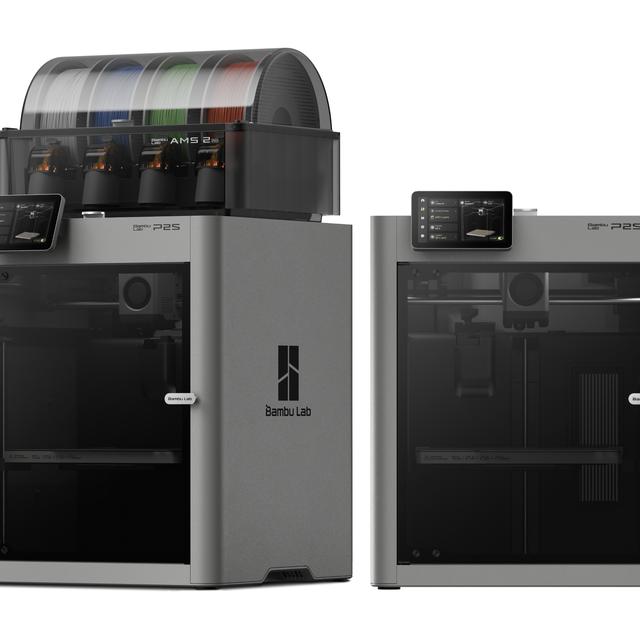
If you want one answer and you’re done reading, it’s the P2S. For roughly 95% of buyers, the P series is simply the correct choice.
The reason is the design. These are enclosed CoreXY machines, which means high reliability and far better material compatibility than a bedslinger. The enclosure holds heat, so you can print more than just PLA without fighting warping and failed layers.
There are two models in play. The older P1S starts at $399 (a bit more with the AMS). The P2S, released in late 2025, runs $549 bare, and $799 for the Combo. So what does the extra money buy on the P2S? Higher-grade internal components, a proper touchscreen (a genuine quality-of-life jump from the old display), an improved camera with better lighting and stronger AI monitoring, and better cooling. In short, the P2S bakes in all the popular P1S mods people used to add by hand. That gap of roughly $150 to $200 is worth it for almost anyone printing regularly.
I think of the P2S as a boring but brilliant workhorse. It doesn’t chase headline specs. It just prints, reliably, day after day. For most people, that’s exactly the right thing to optimize for.
Best for: anyone who wants one machine that lasts, without tinkering to keep it happy.
Still deciding within the P line? We covered whether the P2S upgrade is worth it over the P1S, and how the P2S stacks up against the dual-nozzle X2D.
X Series (X2D): The Cheapest Way Into Dual-Nozzle
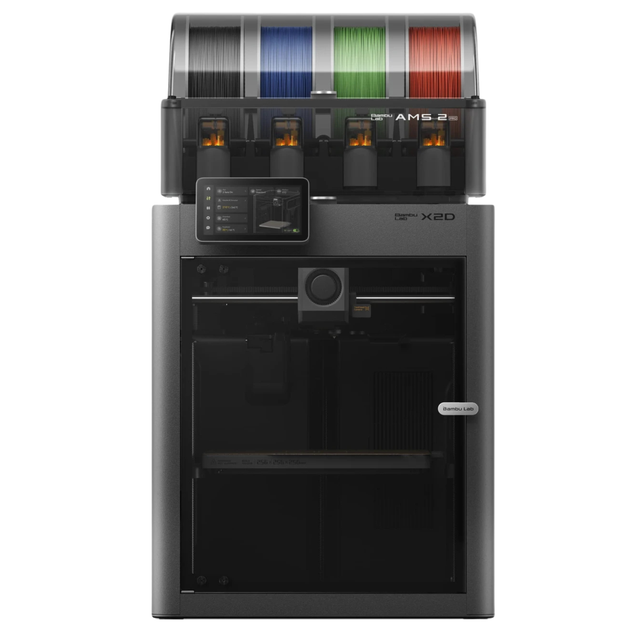
The X2D’s whole pitch is simple: it’s the most affordable way to get true dual-nozzle printing. The base price is $649, and the AMS Combo brings it to $899. That’s only $100 over the matching P2S. Coming from a P1S, the gap is bigger. We worked out what that extra money actually buys.
That extra hundred dollars buys two real advantages. With two nozzles, color and material switches happen fast and waste very little filament. And you can dedicate one nozzle to a support material that doesn’t bond to your model, so supports peel off clean without scarring the surface. The X2D also actively heats its chamber, where the P2S only traps heat passively. For engineering materials, that active control matters.
Now the honest part. To fit dual nozzles into a P2S-sized body, Bambu made compromises. The back of the machine is busier, and the second nozzle feeds through a manual rear feeder rather than a clean automatic path. It’s less elegant, and the learning curve is steeper than the P2S’s plug-and-play feel. The X2D rewards people who like to tinker and tune. If that’s not you, the P2S is the calmer pick.
A quick word on the older X models you’ll still see for sale. The X1 Carbon (X1C) was the machine that first put Bambu on the map, and the enterprise-focused X1E is still around for businesses with security requirements. Both remain capable printers. But for a new buyer in 2026, the X2D or a P2S usually makes more sense at the price. Only chase a legacy X model if you spot a genuine discount.
Best for: makers who genuinely need multi-material or clean supports, but don’t want to jump to H-series money.
For the details, here are the full X2D specs and what we found testing it, plus a look at whether X1 Carbon owners should upgrade to the X2D.
H Series: The Professional and Large-Format Flagships
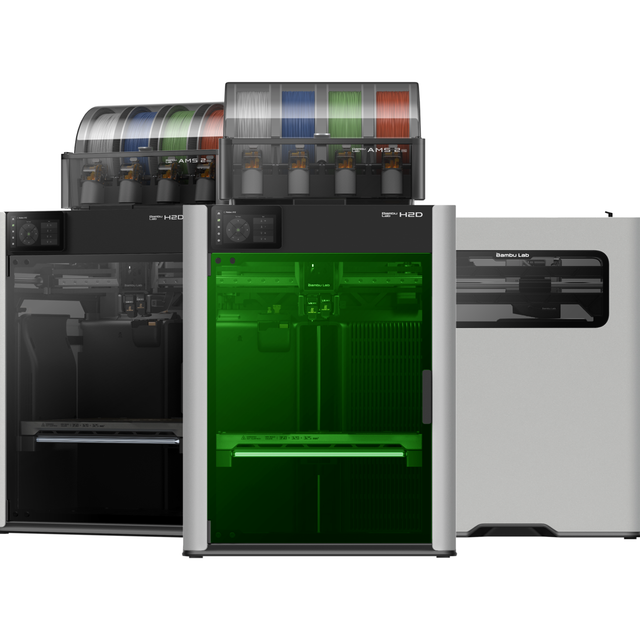
The H series is where Bambu goes near-industrial. Big build volumes, top performance, and the highest prices in the lineup. Most hobbyists don’t need one. If you run a print farm or print large engineering parts, you might. Print big regularly? We rounded up the printers built for big jobs.
There are three flagships, and the differences are clear once you know what to look for. The H2S, at $1499 with the AMS, is essentially a supersized P2S: single nozzle, a much larger build volume, extremely reliable. The H2D, at $1999, adds a true dual-nozzle setup where both heads are identical and interchangeable, and it can run two AMS units, one per nozzle.
The H2C, at $2399, is the efficiency king. Its Vortek system physically swaps the hot end itself, so multi-color prints generate almost no waste. Run a seven-color print and you might end up with seven purge blocks total, where a P2S would spit out hundreds. That same purge-tower design is now the subject of Bambu Lab’s patent fight with Stratasys — a Texas jury just ordered $27.6 million in damages, and Bambu Lab is appealing.
All three also accept laser cutting and engraving modules, though that conversion takes more setup (different glass, dedicated ventilation). The H2C’s swap mechanism does eat some internal space, so its build plate is slightly smaller than the H2D’s. Bambu has since launched a separate R1 laser, so treat the H-series modules as one route rather than the whole laser story.
Best for: print farms, frequent multi-color work, large parts, or anyone who values the lowest possible color-change waste.
We go deeper in our full breakdown of the H2C and its Vortek system.
The Bambu Lab Lineup at a Glance
Here’s the whole lineup in one view. Prices shown are the Combo (with AMS) where noted, in USD, and current as of June 2026 (€ pricing may vary).
On build size: the A1 Mini gives you a compact 180 mm bed, the A1 and the whole P and X range share a 256 mm bed, and the H series jumps to a large 340 mm (the H2C is a touch smaller because of its swap mechanism).
| Model | Price (Combo) | Frame Type | Best For |
|---|---|---|---|
| A1 Mini | ~$219 | Open bedslinger | Gifts, tightest budgets |
| A1 | ~$300s | Open bedslinger | First printer, second machine |
| A2 / A2L | newest | Open bedslinger | Latest A-series features |
| P1S | $549 | Enclosed CoreXY | Reliable budget all-rounder |
| P2S | $799 | Enclosed CoreXY | Best for most people |
| X2D | $899 | Dual-nozzle enclosed | Cheapest dual-nozzle |
| H2S | $1499 | Enclosed, single nozzle | Large single-color parts |
| H2D | $1999 | Dual identical nozzles | Pro dual-material |
| H2C | $2399 | Vortek hot-end swap | Lowest multi-color waste |
Real-World Picks: What I’d Buy for Common Situations
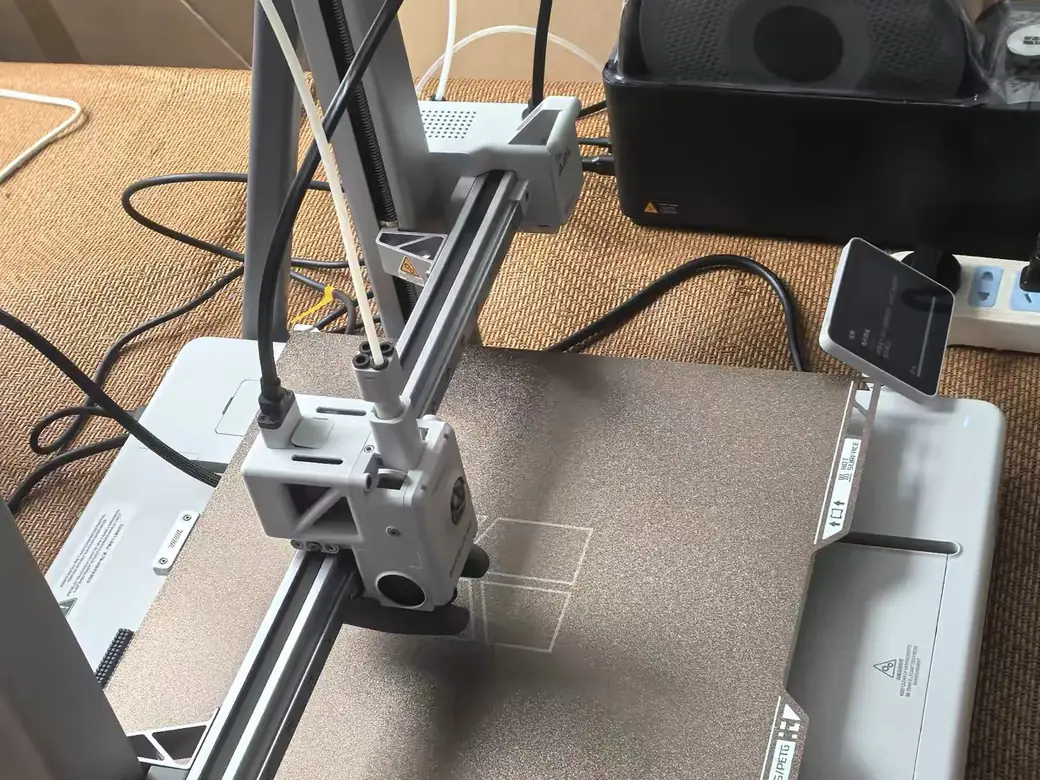
Buyer types are useful, but most people arrive with a specific project in mind. Here’s what I’d reach for in a few of the situations that come up most often.
A first printer for a kid or a total beginner. Go with the A1. It’s affordable, simple to run, and forgiving of mistakes. If it gathers dust after a month, you haven’t sunk much into it. If the hobby sticks, it stays useful as a second machine.
Selling prints on Etsy or running a small shop. The P2S is the workhorse here, and as orders grow, two P2S machines often beat one flagship. Parallel printers mean a jammed nozzle doesn’t halt your whole operation. Reliability and uptime matter more than raw size.
Cosplay armor, props, or anything large. This is where build volume earns its keep. The H2S handles big single pieces, while the rest of the lineup means slicing a prop into parts and gluing them. If you only do this occasionally, a P2S and some patience still works.
Lots of colorful models, minis, or gifts. Multi-color is the deciding factor. The X2D is the affordable entry, while the H2C pays for itself if you print color-heavy jobs at volume and hate wasted filament. We dug into where the H2C starts paying for itself over the X2D.
Functional parts in tough materials. Engineering filaments need a heated, enclosed chamber. That rules out the A series and points you at the X2D or an H-series machine with active temperature control.


So, Which Bambu Lab Printer Should You Buy?
Here’s how the decision actually shakes out once you weigh the trade-offs, not just the specs.
If you’re new or unsure, buy the A1 and don’t overthink it. If you want one machine for years of dependable printing, the P2S is the safe, smart default. If you keep coming back to multi-material or clean supports, the X2D earns its small premium. And if you’re printing for income, at scale, or at size, the H series is built for that load.
If you forced me to name one machine for a friend with no special needs, it’s the P2S Combo, every time. It’s the printer I’ve recommended most often, and the one I’ve seen the fewest people regret six months later. The A1 is the right call when budget is the deciding factor. Everything above the P2S is something you buy for a specific reason, not a hunch.
A few things not to do:
- Don’t pay for dual-nozzle you won’t use. If you print single-color most of the time, the X2D’s complexity is a cost, not a feature.
- Don’t buy the standalone and regret it. The AMS is the part people miss most. Get the Combo.
- Don’t buy the newest just because it’s newest. The P2S beats a pricier H-series machine for most home users, every time.
One honest aside before you buy. Bambu isn’t the only game in town, and not everyone stays. Plenty of makers eventually move to brands like Prusa or Creality, and those are real alternatives worth a look depending on what you value. Bambu’s edge is simply that things tend to work out of the box. For a first or second printer, that reliability is usually what matters most.
Want to sanity-check the real cost of ownership before you commit? The print cost calculator factors in filament and running costs, not just the sticker price.
Frequently Asked Questions
Which Bambu Lab printer is best for beginners?
The A1 is the best starting point for most beginners. It’s affordable, easy to set up, and good enough that you won’t outgrow it immediately. If you can stretch the budget and want to print more than PLA, the enclosed P2S is the natural next step up.
Is the P2S worth it over the P1S?
For most people printing regularly, yes. The P2S adds a touchscreen, better cooling, improved AI monitoring, and higher-grade internals for roughly $150 to $200 more. It builds in the very upgrades P1S owners used to add themselves.
Should I buy the Combo (with AMS) or the standalone printer?
Get the Combo in almost every case. The AMS enables multi-color printing and keeps your spools fed and dry, while the bare printer typically starts you off with just one spool. It’s the upgrade people regret skipping most.
What’s the cheapest Bambu Lab 3D printer?
The A1 Mini is the cheapest entry point at around $219. The full-size A1 runs a bit higher but hands you a much larger build area, which is usually the better value for the money.
Is the X2D better than the P2S?
Only if you need what it does. The X2D adds dual-nozzle printing and an actively heated chamber for $100 more, which is great for multi-material work and clean supports. For single-color printing, the P2S is simpler and every bit as capable.
Can Bambu Lab printers run offline, without the cloud?
Yes. Every current model supports a LAN-only mode, so you can send prints over your local network without routing through Bambu’s cloud. You give up some remote-monitoring convenience, but if privacy or a closed network is a priority, the option is there.
Are Bambu Lab printers worth it in 2026?
For most people, yes. The lineup’s strength is consistency: reliable hardware, a setup that mostly just works, and strong multi-color support through the AMS. If you want fully open, offline-first hardware or rock-bottom pricing, other brands compete harder. For a printer you’ll actually use instead of tinker with, Bambu remains the easy recommendation.
CERTAIN CONTENT THAT APPEARS ON THIS SITE COMES FROM AMAZON. THIS CONTENT IS PROVIDED ‘AS IS’ AND IS SUBJECT TO CHANGE OR REMOVAL AT ANY TIME.
Price details
Product prices and availability are accurate as of the date/time indicated and are subject to change. Any price and availability information displayed on Amazon.com at the time of purchase will apply to the purchase of this product.