
Originally published April 11, 2026. Updated April 15, 2026 with official specs, confirmed pricing, and early review findings.
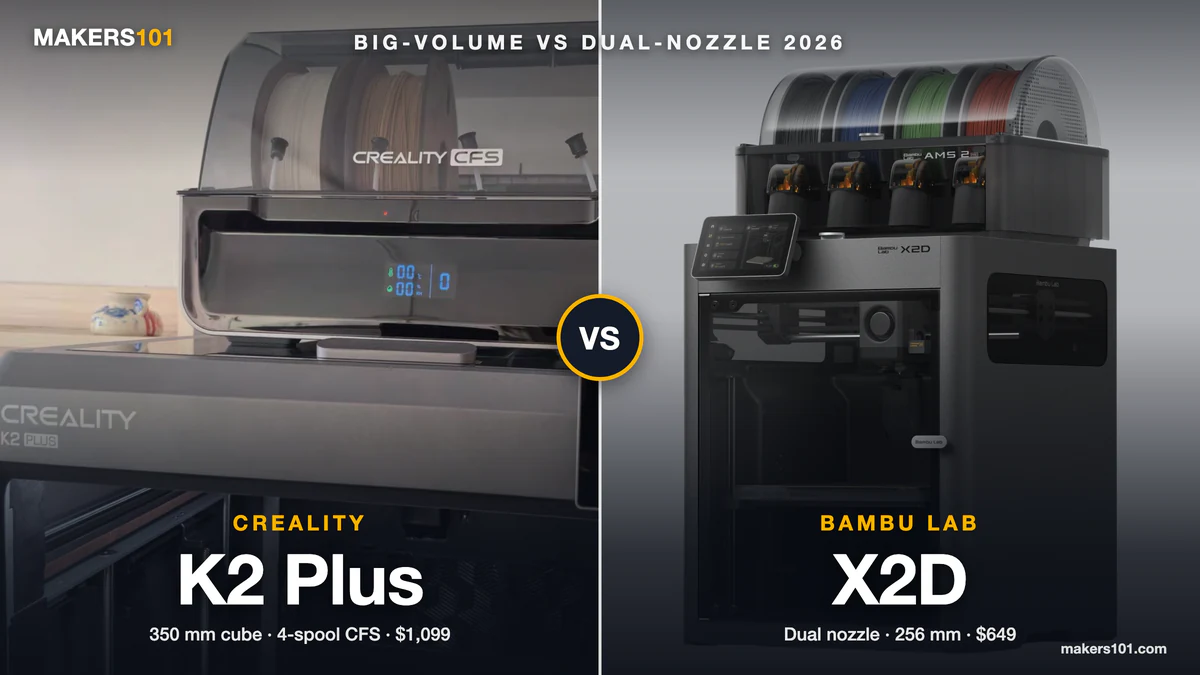
Quick verdict: The X2D launched April 14 at $649 (base) / $899 (Combo with AMS) — significantly lower than community estimates predicted. It delivers dual-nozzle printing in a compact X1-class body, with clean support removal and strong multi-material performance. The one catch: the auxiliary right nozzle uses a Bowden setup capped at 200mm/s, which means standard TPU should run through the left direct-drive nozzle, not the right. For most users this is a non-issue — but it’s worth knowing upfront. Cross-shopping the rest of the range? See where the X2D fits among the other Bambu models.
Why the X2D matters
The X1 Carbon wasn’t just a printer — it was the benchmark. For years, it was the answer to “what should I buy if I’m serious about 3D printing?” Fast, enclosed, and reliable enough for demanding materials. When Bambu Lab discontinued it on March 31, 2026, they left a real gap in their lineup.
The P2S fills part of that gap — it’s an excellent machine at a competitive price. But it’s single-nozzle. The H2D, launched in early 2025, brought dual extrusion to Bambu Lab’s lineup but at a large footprint and a premium price point starting at $1,899. Here’s how the X2D compares to the pricier H2D.
The X2D fills that space exactly: dual extrusion in a compact, X1-sized body, aimed at makers who want H2D-level material capability without the H2D’s size and cost. And it came in $400 cheaper than the community expected.
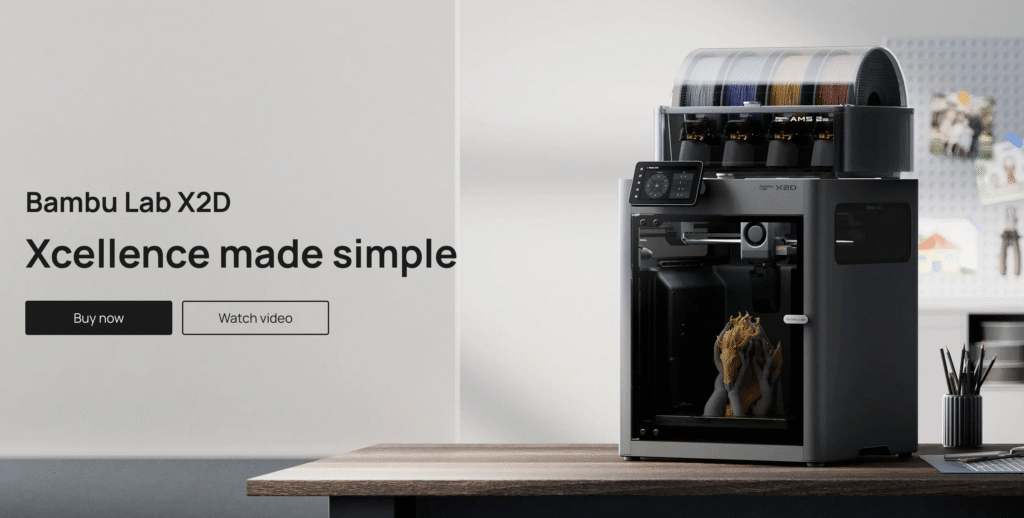
Official specs (confirmed April 14, 2026)
| Spec | X2D |
|---|---|
| Build volume (single nozzle) | 256 × 256 × 260mm |
| Build volume (dual nozzle) | 235.5 × 256 × 256mm |
| Left extruder | Direct drive (PMSM servo, 8.5kg max force) |
| Right extruder | Bowden (standard stepper motor, rear-mounted) |
| Nozzle switching | Mechanical lift, no extra motor |
| Max nozzle temp | 300°C |
| Chamber heating | 65°C active |
| Build plate temp | 120°C max |
| Toolhead speed | 1,000mm/s (left) / 200mm/s (right Bowden) |
| Sensors | 31 total |
| Micro LiDAR | No |
| Cameras | 1080p Liveview + Toolhead Camera (no BirdsEye, no Nozzle Camera) |
| Multi-color support | Up to 25 colors (with multiple AMS units) |
| Filtration | 3-stage: G3 pre-filter + H12 HEPA + activated carbon |
| Noise | Below 50 dB |
| Weight | 16.25kg |
| Dimensions | 392 × 406 × 478mm |
| Price (US) | $649 base / $899 Combo |
| Price (EU) | €629 / €849 |
| Price (UK) | £569 / £769 |
The dual-nozzle system explained
This is the most important thing to understand about the X2D, because it works differently from what most people expected.
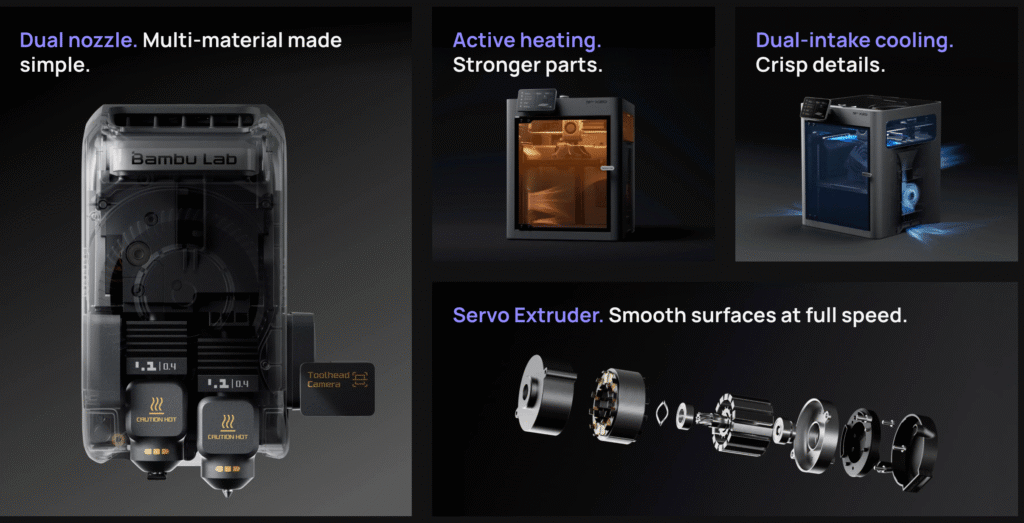
The X2D does not use IDEX (independent carriages like the H2D). Instead, both nozzles sit on a single shared toolhead. The left nozzle uses direct drive extrusion — motor at the toolhead, short filament path, great for TPU and precision materials. The right nozzle uses a Bowden setup, with its motor mounted on the rear panel of the printer and filament fed through a PTFE tube.
Switching between them is handled by a purely mechanical gear-and-trigger mechanism — no additional motor on the toolhead. This keeps the head light, which helps maintain speed and accuracy. Bambu says the mechanism completed over one million switching cycles in testing without degradation.
The practical trade-off: the Bowden right nozzle is capped at 200mm/s versus 1,000mm/s for the left. For support material printing (the primary use case), this is barely noticeable — TechRadar found that on a typical two-hour print, the real-world slowdown was about ten minutes. For high-speed dual-material work, the H2D is faster.
One more thing Bambu acknowledges openly: print quality from the auxiliary (right) nozzle is slightly lower than the main nozzle, and they recommend using official Bambu filaments on the right nozzle for best results.
In real-world testing, Tom’s Hardware observed a subtle waviness on side walls printed by the aux nozzle — visible under magnification, not in normal use. For support material this is entirely irrelevant. For cosmetic dual-color printing, it’s worth being aware of.
On the multi-color front: with AMS units connected, the X2D supports up to 25 colors in a single print — 24 slots from multiple AMS 2 Pro units feeding both nozzles, plus one external spool. This is more than enough for the vast majority of multi-color work.
→ Should You Upgrade from the X1C to the Bambu Lab X2D?
The TPU story — what’s actually true
Before launch, we highlighted the X2D’s dedicated TPU feeding system as the headline upgrade. Now that we have the full picture, the reality is slightly different — and worth understanding precisely.
The good news: TPU works well on the X2D. The left direct-drive nozzle handles flexible filaments reliably, and TechRadar ran TPU through the system with excellent results across 250 hours of testing.
The important nuance: Standard TPU should be routed through the left direct-drive nozzle — not the right Bowden nozzle. The Bowden setup is not well-suited to flexible filaments due to the longer filament path and compression that causes feeding issues. For TPU + PLA combinations (a common pairing), the workflow is: TPU on the left direct-drive nozzle, PLA through the right Bowden or AMS.
Pre-launch framing suggested the X2D would make TPU printing effortless through the AMS. The direct-drive left nozzle absolutely handles it well — but the right Bowden nozzle does not. If your primary use case is AMS-fed TPU in multi-color setups, that’s a limitation to factor in. For the TPU + rigid material combination, though, the X2D delivers exactly what was promised.
What early reviewers are saying
TechRadar ran 250 hours of testing before launch and gave the X2D strong marks overall:
- Print quality “exceptional” — 29 out of 30 on their quality benchmark
- Dual-material support removal was clean and easy, with no surface scarring
- Zero print failures across the full test period
- Bowden speed limit added roughly 10 minutes to a two-hour dual-material print
- Bambu Studio’s filament assignment for dual-nozzle workflows “still needs work” and has a learning curve for new users
Tom’s Hardware called the dual-nozzle setup “incredibly effective at saving time, filament, and frustration” but flagged the Bowden limitation as the machine’s main controversy — noting it caps speed and restricts standard TPU on the auxiliary nozzle. Both reviewers agreed: at $649, the value proposition is hard to argue with.
How it fits the current Bambu lineup
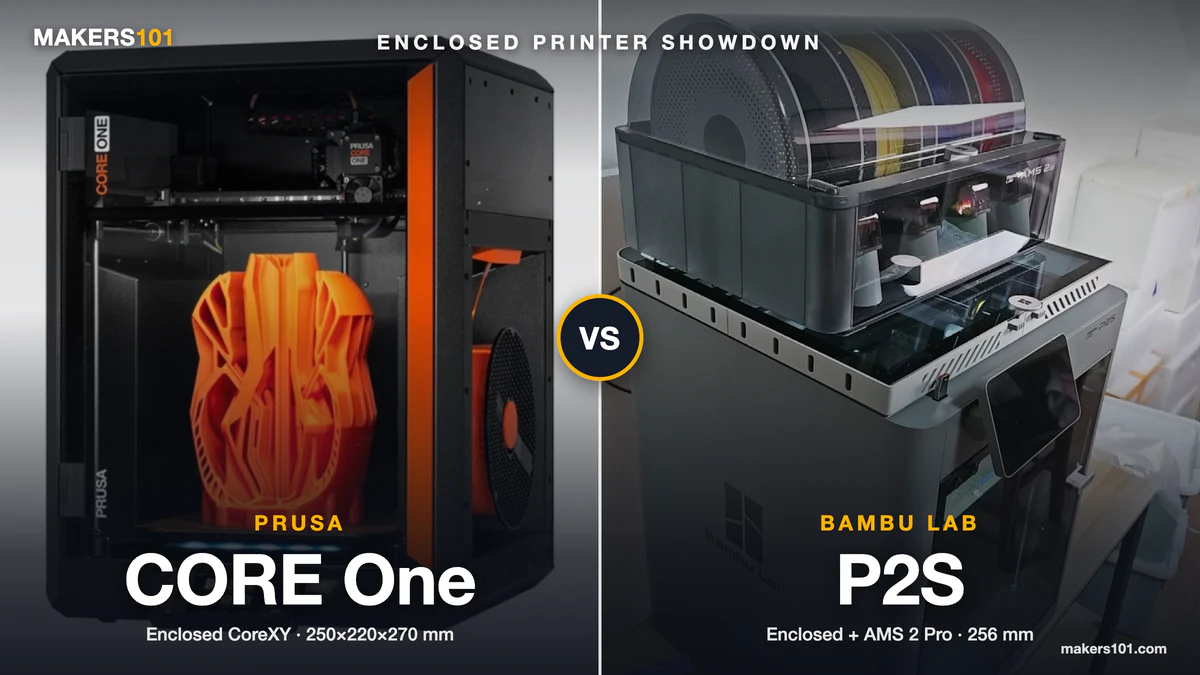
X2D vs P2S ($549) The P2S is a superb single-nozzle printer. If you don’t need dual-material capability, it’s the smarter buy — lower price, simpler workflow. The X2D adds the second nozzle, 65°C active chamber heating, three-stage HEPA filtration, and a Toolhead Camera for AI print monitoring. For multi-material printing, clean support removal, or engineering-grade materials, that $100 gap is well spent. Note: neither the X2D nor the P2S includes Bambu’s Micro LiDAR — that was exclusive to the X1 series and H2 series.
→ Bambu Lab P2S vs X2D Which One Should You Buy? (2026)
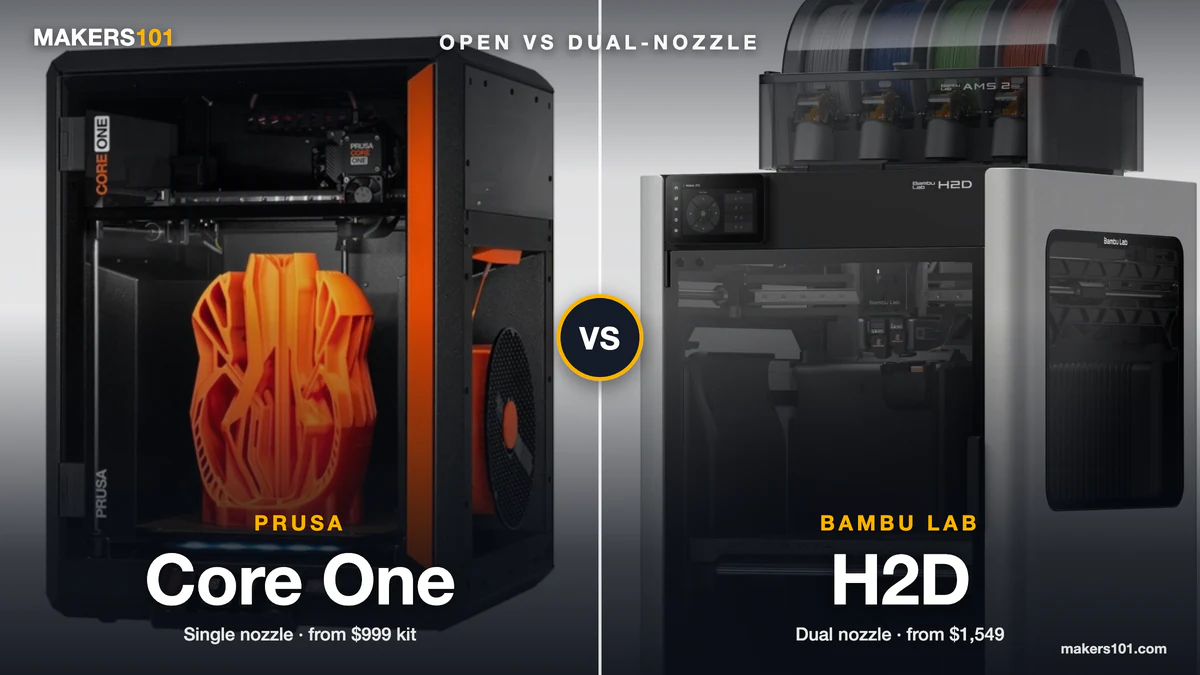
X2D vs H2D (from $1,899) The H2D is significantly larger, more capable, and more expensive. It uses true IDEX (genuinely independent carriages) so both nozzles can run at full speed, and it supports optional laser modules. The X2D is the right machine for users who want dual-extrusion results without the H2D’s footprint and price. For most desktop studios, the X2D’s 256mm cube is plenty.
X2D vs H2C (Vortek system) The X2D supports up to 25 colors with multiple AMS units — so multi-color printing is absolutely possible. The key difference is waste: the H2C’s Vortek hotend-swapping system achieves zero purge waste for up to 7 materials, while the X2D still generates AMS purge waste when switching colors beyond the two nozzles. If minimal filament waste across many colors is your priority, the H2C is the cleaner solution. For two-material work — structural + support, rigid + flexible — the X2D is more than capable and significantly cheaper.
Who should buy the X2D
The X2D is a strong fit for:
- X1 Carbon owners upgrading — familiar footprint, meaningful new capabilities, price that doesn’t sting
- Engineers and product designers who need clean support removal and multi-material parts — this is the machine’s core strength
- Makers who regularly combine rigid and flexible materials (TPU + PLA, PLA + PVA supports) — the direct-drive left nozzle handles flexible filaments reliably
- Anyone priced out of the H2D who still needs dual-extrusion capability
It’s probably not the right fit for:
- Those who want waste-free printing across 6+ colors — the H2C’s Vortek system eliminates purge waste for up to 7 materials; the X2D still generates some purge waste when switching colors via AMS
- Those who need maximum print speeds in dual-material mode — the Bowden right nozzle caps at 200mm/s; the H2D is faster here
- Beginners who want the simplest possible experience — Bambu Studio’s dual-nozzle filament assignment has a real learning curve; the P2S is more approachable
- Budget buyers — the P2S or A1 series covers PLA/PETG printing at lower cost
What we still don’t know
- Long-term Bowden reliability — Bowden setups can wear PTFE tubes over time; no real-world data yet on replacement frequency
- Third-party filament compatibility through the Bowden nozzle, especially engineering materials
- Whether Bambu adds Vortek upgrade compatibility down the line for the X2D
Where to buy
Available now through:
- Bambu Lab official store (bambulab.com) — $649 base / $899 Combo
- Best Buy (US) — $899.99 for the Combo
- Microcenter (US) — stock was pre-seeded ahead of launch
- Authorized resellers in EU, UK, AU, and other regions
The optional Vision Encoder for 50-micron motion accuracy is sold separately.
Frequently asked questions
Is the Bambu Lab X2D worth it?
For most users, yes — especially at $649 for the base model. The X2D adds a heated chamber (65°C), dual-nozzle extrusion, HEPA filtration, and significantly cleaner support removal compared to a single-nozzle printer. If you regularly print engineering materials or need multi-material capability, the upgrade over the P2S is meaningful. If you primarily print PLA and PETG for hobby use, the P2S at $549 is the smarter buy.
Bambu Lab X2D vs P2S — which should I buy?
The X2D costs $100 more than the P2S base model ($649 vs $549). For that $100 you get a second nozzle, a 65°C active heated chamber, HEPA filtration, and 31 sensors. If you ever print ABS, ASA, Nylon, or want clean support removal using two materials, the X2D is worth the extra $100. If you stick to PLA and PETG and don’t need dual extrusion, save the money and buy the P2S.
Can the Bambu Lab X2D print TPU?
Yes — but with an important nuance. The left (direct drive) nozzle handles TPU reliably. The right (Bowden) nozzle is not recommended for flexible filaments like TPU, because the longer filament path causes feeding compression and slipping issues. For TPU + PLA combinations, route the TPU through the left direct-drive nozzle and PLA through the right Bowden nozzle or AMS. This setup works well and is exactly how Bambu Lab intends the machine to be used.
What is the Bambu Lab X2D Bowden extruder, and is it a problem?
The right nozzle uses a Bowden setup — the extruder motor sits on the rear panel, not on the toolhead, and pushes filament through a PTFE tube to the nozzle. This keeps the toolhead lightweight, which improves speed and accuracy for the primary (left) nozzle. The trade-off: the Bowden nozzle is capped at 200mm/s vs 1,000mm/s for the direct-drive left nozzle, and it can’t reliably handle flexible filaments like TPU. In real-world testing, TechRadar found this added about 10 minutes to a typical two-hour dual-material print — a manageable slowdown for most users.
How is the X2D different from the X1 Carbon?
The X1C used a single direct-drive nozzle with AMS for multi-color printing. The X2D adds a second nozzle (Bowden-fed), a 65°C active heated chamber (the X1C had passive chamber warming only), three-stage HEPA filtration, 31 sensors, and mechanical nozzle switching without extra motor weight. The build volume is slightly larger in single-nozzle mode (256 × 256 × 260mm vs X1C’s 256 × 256 × 256mm). The X2D also upgrades from the X1C’s carbon fiber X-axis rods to steel rods — more durable and easier to maintain. The quick-release nozzle system from the H2/P2 series is also standard, making swaps tool-free. Print speed ceiling is the same at 1,000mm/s, with a slightly faster acceleration rate.
One notable trade-off: the X2D does not include Bambu’s Micro LiDAR, which was a signature feature of the X1 series. The X1C used LiDAR for first-layer scanning and flow calibration; the X2D handles flow calibration via an Eddy Current Sensor and print monitoring via an AI Toolhead Camera. In practice, the results are comparable — but it’s worth knowing if LiDAR was a reason you chose the X1C.
Does the Bambu Lab X2D have a heated chamber?
Yes. The X2D features active chamber heating up to 65°C via a dedicated Heat Mode. This is a significant upgrade over the X1C (which relied on passive chamber warming) and enables reliable printing of ABS, ASA, Nylon, and other warping-prone materials. The printer also has a Cool Mode that draws fresh external air into the chamber for PLA and PETG — you don’t need to prop the door open or modify airflow manually.
Is the X2D a true IDEX printer?
No. IDEX (Independent Dual Extrusion) means two carriages that move independently — like the Bambu H2D. The X2D uses a single shared toolhead with both nozzles on it, switching via a mechanical lift mechanism. This is lighter and mechanically simpler than IDEX, but it means the X2D cannot do mirror printing or duplication mode. For support removal and two-material printing, the single-toolhead approach works just as well.
Where can I buy the Bambu Lab X2D?
The X2D is available now from Bambu Lab’s official store (bambulab.com) at $649 base / $899 Combo (with AMS 2 Pro). It’s also available at Best Buy ($899.99 for the Combo) and Microcenter (US). EU pricing is €629 / €849; UK pricing is £569 / £769. The optional Vision Encoder for 50-micron motion accuracy is sold separately.
Originally published April 11, 2026 as a pre-launch spec roundup. Updated April 15, 2026 with official pricing, confirmed specifications, and findings from early hands-on reviews by TechRadar and Tom’s Hardware.
If you’re cross-shopping against alternatives from other brands, see our head-to-head comparisons: X2D vs Creality K2 Pro and X2D vs Snapmaker U1, and X2D vs Flashforge Creator 5.