
Heads up — some of the links below are affiliate links. If you buy through them, I earn a small commission (at no extra cost to you), which helps cover the gear I test. Thanks!
You looked at the price of an AMS, did the math, and paused. Fair enough.
Here’s what most guides won’t tell you: “AMS alternative” is not one question. People type it for four completely different reasons, and the right answer changes for each one. Buy the wrong thing and you’ll either overspend or end up with hardware that doesn’t do what you wanted.
So this guide sorts the best Bambu Lab AMS alternatives by what you’re actually trying to replace. Multicolor printing. Continuous printing. Filament drying. Or just a cheaper way to do the same job. Find your reason, jump to that section, and skip the rest.
- The best AMS alternative depends on which job you want it to do: multicolor, non-stop printing, drying, or simply spending less.
- Want cheap multicolor on a Bambu? A third-party clone like the BIQU BMCU-370 adds color for a fraction of an AMS, with some risk attached.
- Want multicolor on any printer, even an old one? The 3D Chameleon bolts onto almost anything.
- Don’t need color, just want non-stop printing for days on end? The Infinity Flow S1 feeds spool after spool without pausing.
- Run Klipper and like tinkering? Open-source MMUs (ERCF V2, Box Turtle) are the most capable path.
- Only really want the drying? A DIY drybox or a dedicated dryer beats the AMS on cost.
Table of Contents
- First, Decide What You’re Actually Replacing
- AMS Alternatives at a Glance
- Third-Party AMS for Bambu Owners (BMCU, BMU & Open AMS)
- The Universal Multicolor Add-On: 3D Chameleon
- Best for Continuous Printing: Infinity Flow S1
- Open-Source MMUs for Klipper Tinkerers (ERCF V2 & Box Turtle)
- The Turnkey Route: Printers With Their Own Multicolor System
- If You Only Want the Drying: Cheaper Ways to Keep Filament Dry
- The Free Route: Multicolor Without Any AMS
- Which AMS Alternative Is Right for You?
- FAQ
First, Decide What You’re Actually Replacing
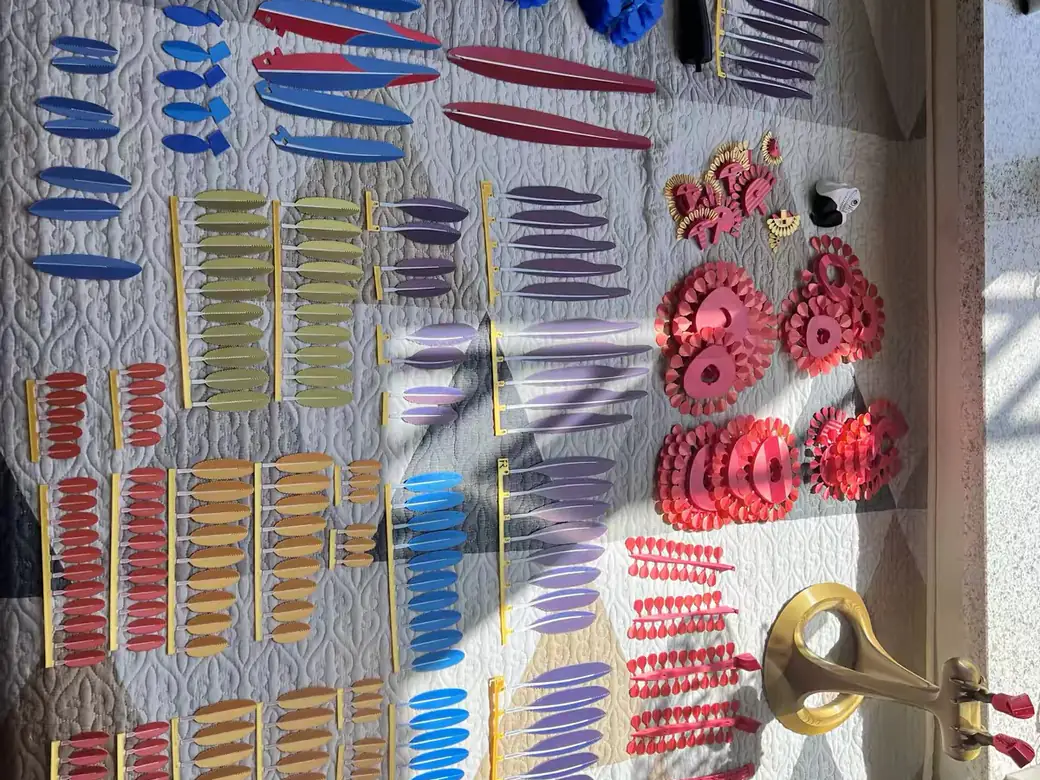
Before you buy anything, get clear on the job. A Bambu Lab AMS alternative usually means one of four things: multicolor and multi-material printing, continuous printing without spool swaps, filament drying and storage, or the same features for less money. These are not the same purchase. The cheapest multicolor add-on does nothing for drying, and the best dryer prints exactly one color.
So picture your last frustration with single-color printing. That tells you which section below is yours.
The official AMS, in one minute
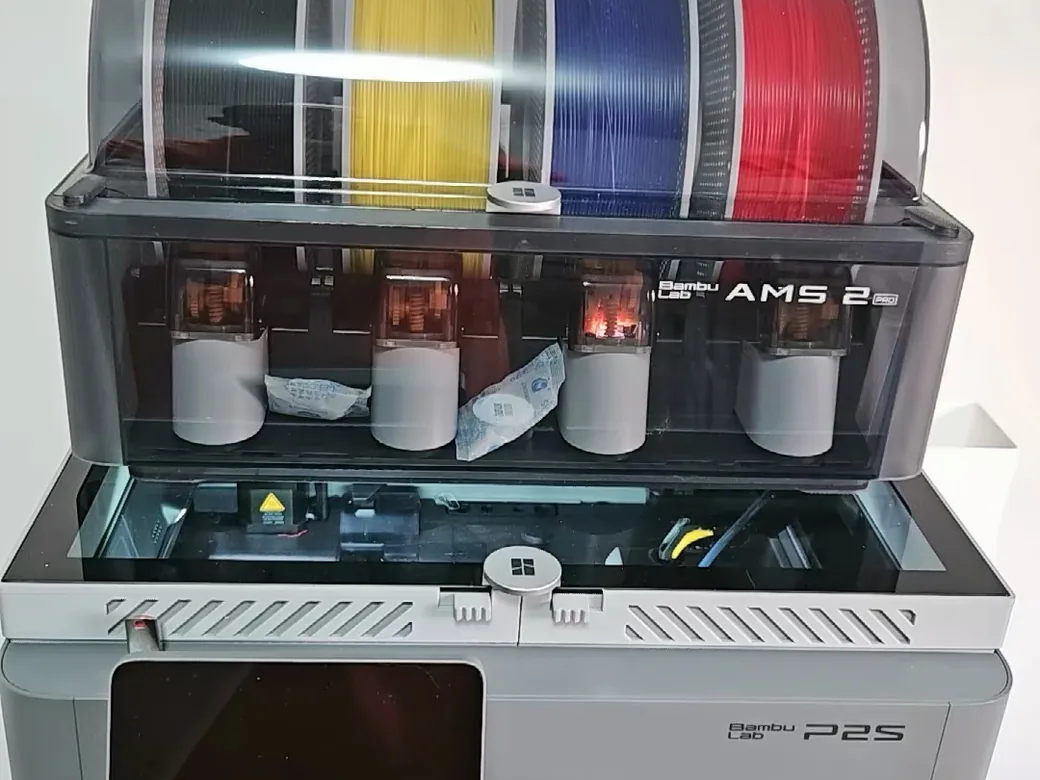
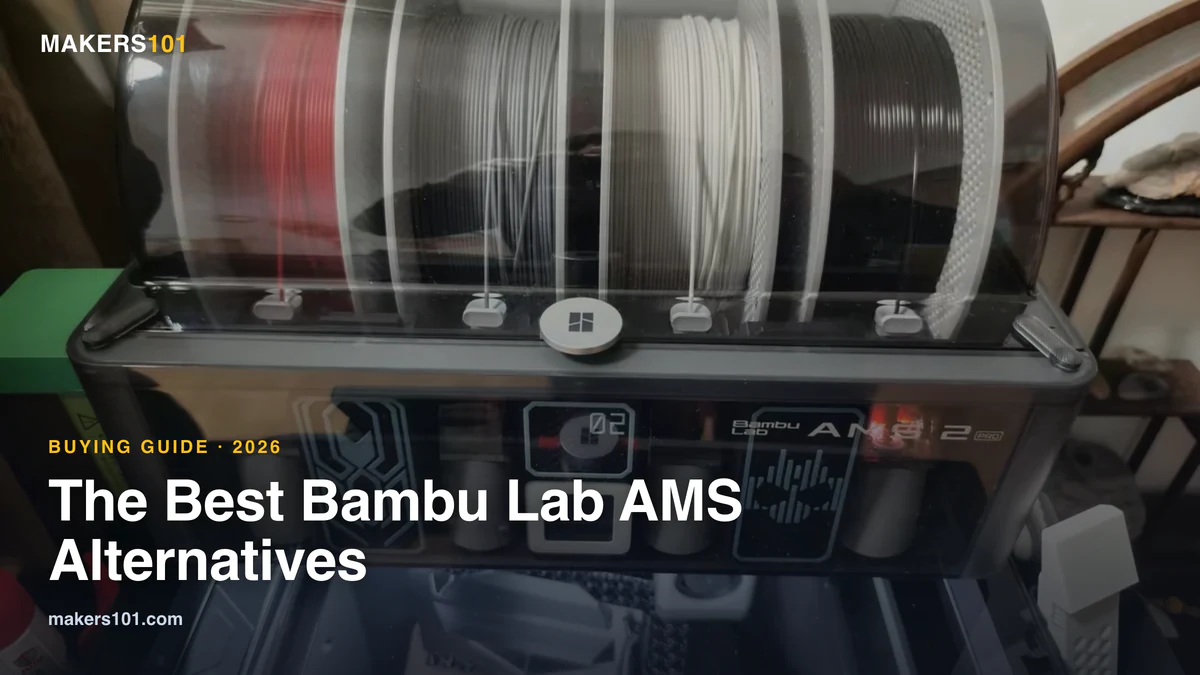
You can’t pick a replacement without knowing the thing you’re replacing. Bambu sells a small family of them.
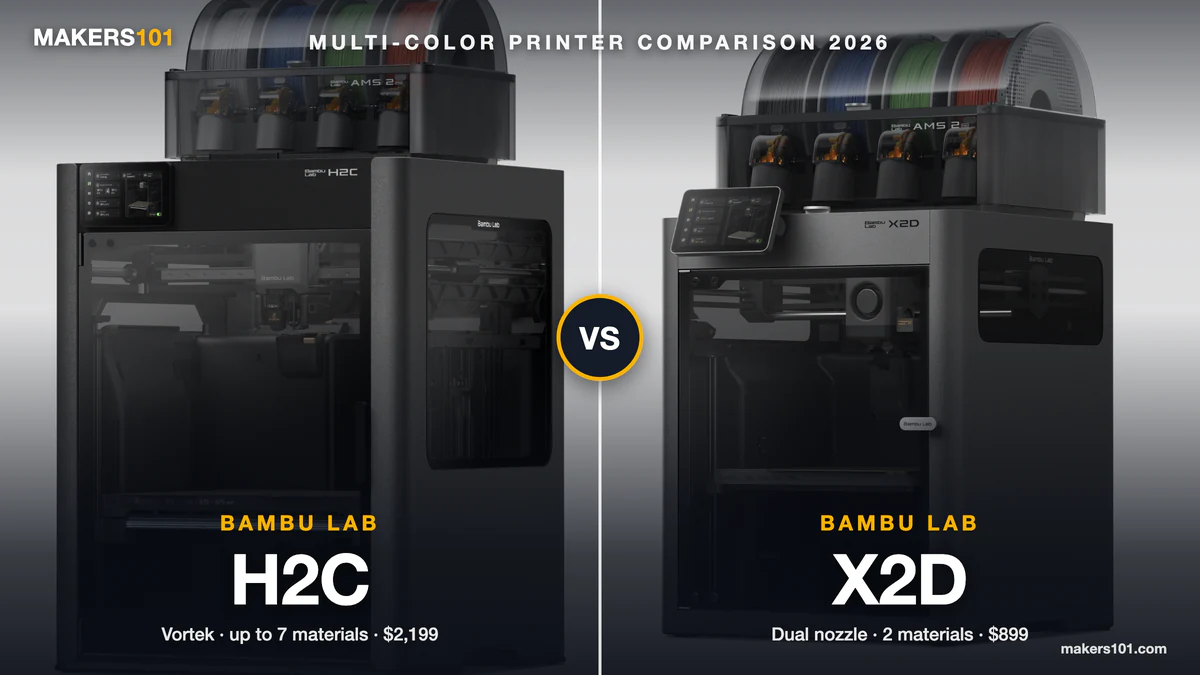
The AMS 2 Pro is the current all-rounder. It adds active drying at around 65°C, a faster brushless servo motor, RFID auto-detection, and an external port that makes maintenance far less painful. The original AMS still sells, but it only does passive desiccant drying and is a chore to service. The AMS HT is a single-spool unit that heats higher (about 85°C) for engineering filaments like PVA, nylon, and carbon fiber. The AMS Lite ships with the budget A-series machines.
Two limits matter for this whole guide. Neither the AMS 2 Pro nor the HT can dry filament while a print is running. And every official AMS is locked to Bambu printers. I’ve run filament through my own AMS long enough to feel both gaps, and they’re exactly where the alternatives below earn their place. Still choosing the printer itself? Our Bambu lineup guide is the place to start, and P1S owners can check whether the P2S is worth the jump.
What makes a good alternative
When I weigh these systems, six things decide it. Compatibility, first: does it fit your printer, or does it lock you in too? Then multicolor versus continuous, because they solve opposite problems. Plug-and-play versus tinkering. Whether it dries filament at all. How much purge waste it makes. And the real, all-in cost once you add printed parts and your own time.
Keep those six in mind and the noise clears fast.
AMS Alternatives at a Glance
Here’s the whole field on one screen. Each row stands on its own, so you can read just the one that fits.
| Alternative | Type | Works With | Best For | Price Tier |
|---|---|---|---|---|
| BIQU BMCU-370 / BMU | Bambu-compatible clone | Bambu A1, P1 | Cheap multicolor on a Bambu | $ |
| 3D Chameleon | Universal multicolor add-on | Almost any 1.75mm printer | Adding color to an old printer | $$ |
| Infinity Flow S1 | Continuous filament loader | Most FDM printers | Long, non-stop single-color jobs | $$ |
| ERCF V2 / Box Turtle | Open-source MMU | Klipper machines | Tinkerers who want max capability | $$–$$$ |
| Turnkey machine (CFS, ACE Pro) | New printer with its own system | Its own ecosystem | Just buy a multicolor printer | $$$ |
| DIY drybox / dedicated dryer | Drying only | Any printer | You only want dry filament | $ |
| Manual filament change | Software only | Bambu A1 / A1 Mini | Occasional color on zero budget | Free |
Third-Party AMS for Bambu Owners (BMCU, BMU & Open AMS)
If your only complaint is the price, the cheapest Bambu AMS alternative isn’t a rival brand at all. A small group of open-source units add multicolor to Bambu printers for a fraction of the official cost, with no ecosystem switch required.
The BIQU BMCU-370 is the cleanest example. It’s an open-source multicolor unit built for the Bambu A1 and P1 series, designed specifically as a low-cost stand-in for the AMS Lite. The BMU is a similar reverse-engineered clone, sold as a DIY kit or pre-assembled, with print quality that testers put on par with the real AMS Lite. For both, the savings are dramatic: a fraction of what the official unit costs, in some cases as little as a fifth.
There’s a second, nerdier route. The Open AMS project lets you take a real Bambu AMS and run it on any Klipper printer using a new mainboard and a pressure sensor. As one maker put it, you can hack apart an AMS and get it to work with any printer you please.
Be honest with yourself before you buy this. These clones drop the RFID auto-detection, and they’re not as reliable as the official unit. Firmware updates from Bambu can break compatibility, though you can usually roll back. One tester even killed an AMS Lite mainboard by hot-plugging both systems at once. If you treat it as a tinkering project, it’s a bargain. If you expect it to just work out of the box, it won’t.
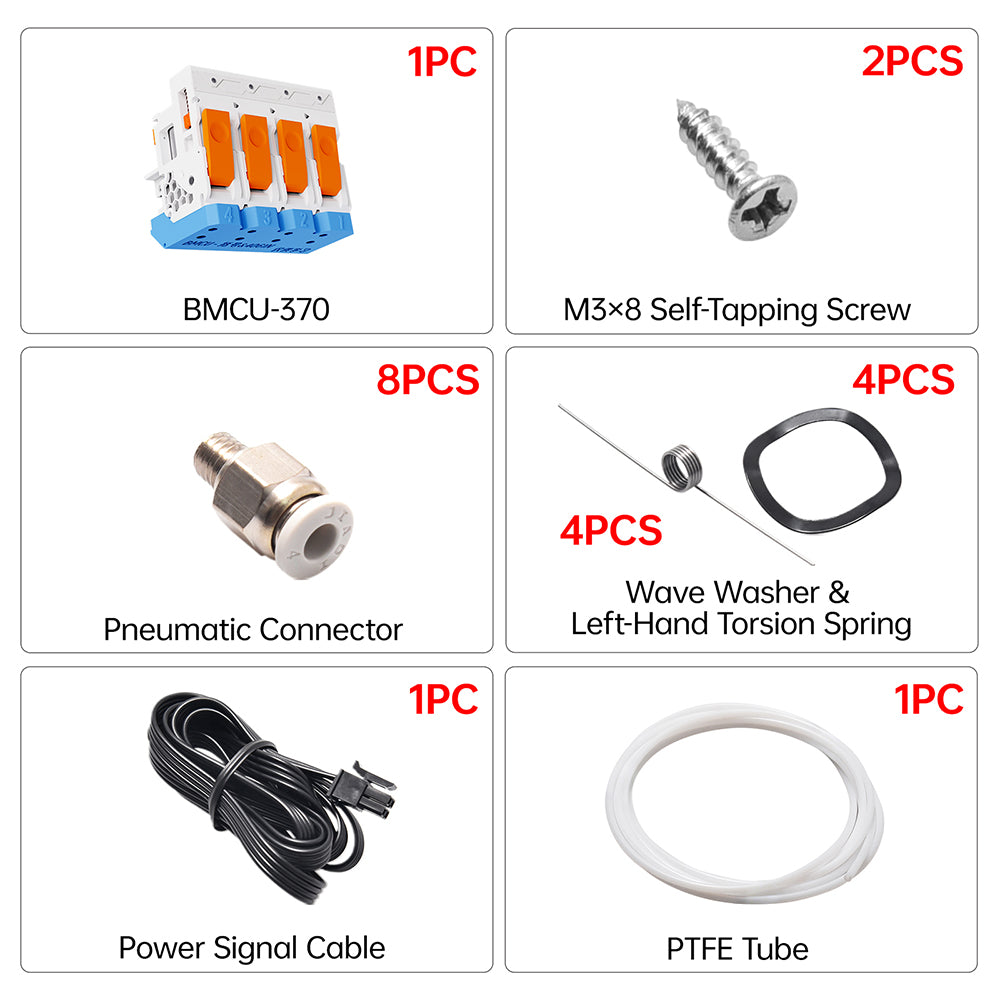
- Up to 4 colors/materials with automatic filament switching
- 370 motor with Hall sensor for smoother, quieter feeding
- Open-source, fits Bambu A1, A1 Mini, P1P and P1S
- Low-cost alternative to the official AMS Lite
The Universal Multicolor Add-On: 3D Chameleon
The 3D Chameleon answers a question the AMS can’t: what if you don’t own a Bambu printer? It bolts onto almost any machine that runs 1.75mm filament, using standard G-code and no firmware changes. The latest Mk4 is a four-color changer.
It’s also fast. In a live demo on an X1C, it swapped colors in about ten seconds, using a mechanical button-press mechanism instead of the long retract-and-reload path the AMS takes. In that same window, the AMS would still be finishing its first change. You can mount it inside or outside the printer, and it’ll happily upgrade an aging Ender clone you already own.
The catch is setup. This is not plug-and-play. There’s assembly, calibration, and a 40-minute install routine on some machines, plus slicer settings you’ll need to sort out yourself. For a hobbyist who likes the build, that’s part of the fun. For everyone else, it’s friction.
Best for Continuous Printing: Infinity Flow S1
If you don’t need color at all, and you just want your printer to run for days, the Infinity Flow S1 is the one to look at. It’s not a multicolor system. It’s a continuous feeder.
Here’s how it differs from an AMS. The S1 holds two spools and pushes the new filament in behind the old one, fusing them at the hot end for a seamless, zero-downtime switch. The AMS only loads the next spool after the runout sensor trips, which causes a brief pause that can leave pock marks on an outer wall. For long, unattended jobs, that gap matters. If you want the full picture on the official behavior, see how the AMS handles filament runout.
It’s also broadly compatible and built for big spools. The S1 works with most FDM printers and only needs a printed Bowden adapter, no G-code edits. Its Plus variant takes spools up to 5kg, so a single machine can run close to 10kg of parts with nobody watching. The AMS, by contrast, runs four 1kg spools.
What you give up is the safety net. The S1 has no enclosure, no RFID, no humidity control, and no runout alert. For a print farm grinding out single-color parts, that’s a fine trade. For finicky filament, it isn’t.
Open-Source MMUs for Klipper Tinkerers (ERCF V2 & Box Turtle)
If you run Klipper and you enjoy building things, this is the most capable multicolor path there is. It’s also the deepest rabbit hole. Go in with open eyes.
Multiplexer vs toolchanger
Two families exist here, and they solve the waste problem differently. A multiplexer feeds many filaments through one nozzle, cutting and purging between colors. It’s affordable, but it produces “poop,” the little purged blobs every color change leaves behind. A toolchanger swaps the entire toolhead instead, which means zero purge waste but a much higher cost and complexity, since you need a complete hotend and extruder for each tool. Machines like the toolchanger Prusa XL take that idea to its logical end.
The kits worth knowing
The famous one is the ERCF V2, the Enraged Rabbit Carrot Feeder, which scales to 8 or 12 colors. It’s powerful and inexpensive on paper. In practice, it can take 60-plus hours to build and calibrate, and even then reliability isn’t guaranteed. The Box Turtle from LDO Motors is the friendlier option: fewer colors, but an easier build and better consistency. For a cheap toe in the water, the two-color NightOwl and the four-color MMX kits cost very little.
The honest read: many of these projects live in alpha or beta and lean hard on community support. The Reddit consensus is blunt. The one worth looking at is the ERCF, but you need Klipper. That’s the price of admission.
The Turnkey Route: Printers With Their Own Multicolor System
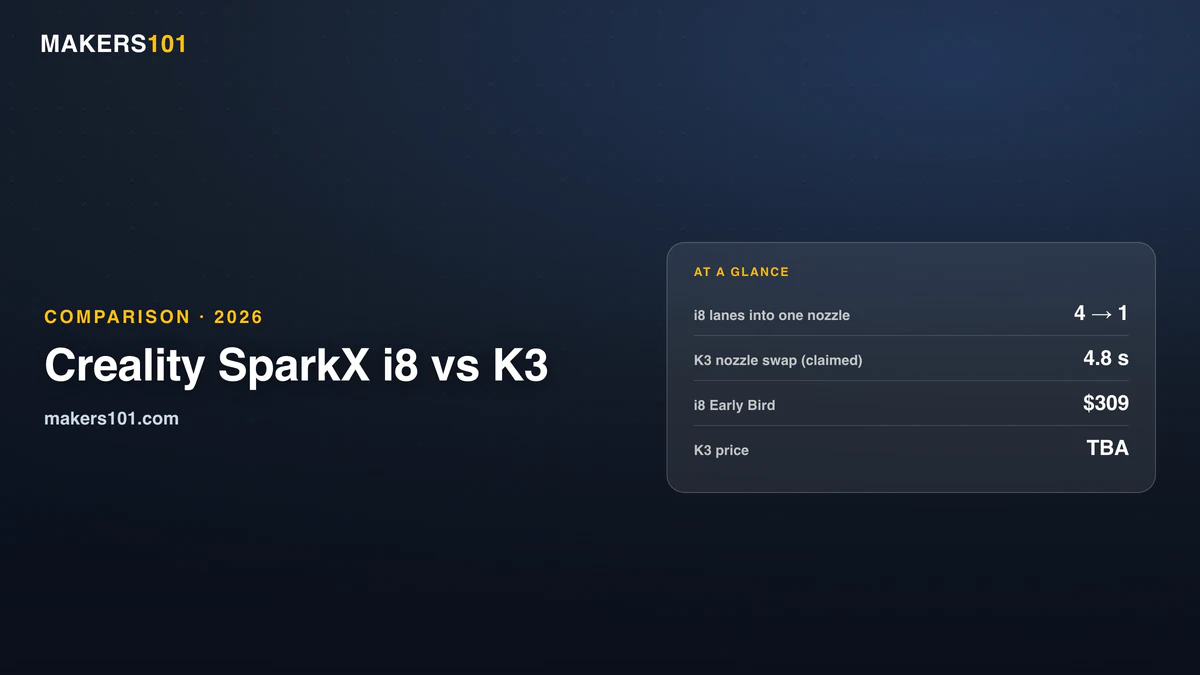
Sometimes the smartest AMS alternative isn’t an add-on at all. It’s a different printer that already ships with its own color system. If you were going to upgrade your machine anyway, this is the least fiddly path to multicolor. Creality’s next one goes a step further and builds all four channels into the toolhead, no external unit at all. See the SPARKX i8 spec sheet.
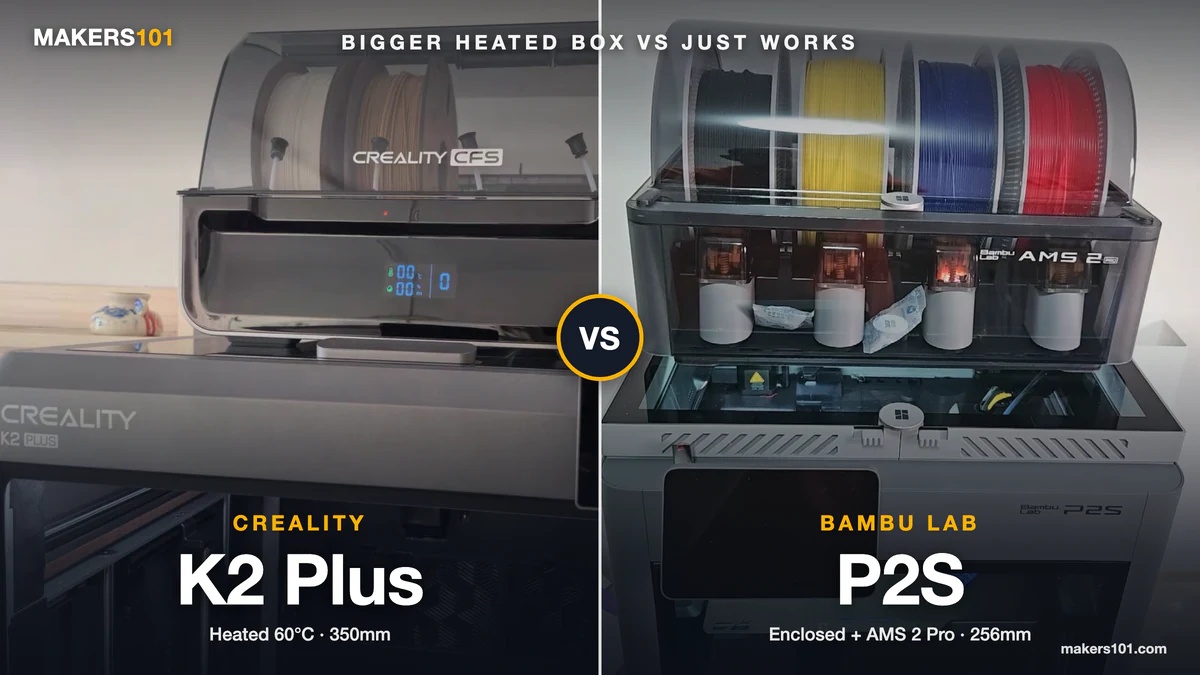
Creality’s K2 line uses the CFS, its own four-spool unit, and you can read what’s worth pairing with it in our guide to Creality’s CFS multicolor system. Anycubic sells the ACE Pro alongside its Kobra machines. Elegoo’s newer printers bundle a CANVAS module, and Flashforge’s AD5X undercuts the A1 Combo while doing the same basic job. Each one keeps you inside that brand’s ecosystem, which is the trade you’re making. Creality’s cheapest option breaks that pattern. The K2 SE 4C holds its four spools on an open rack, with no sealed box at all.
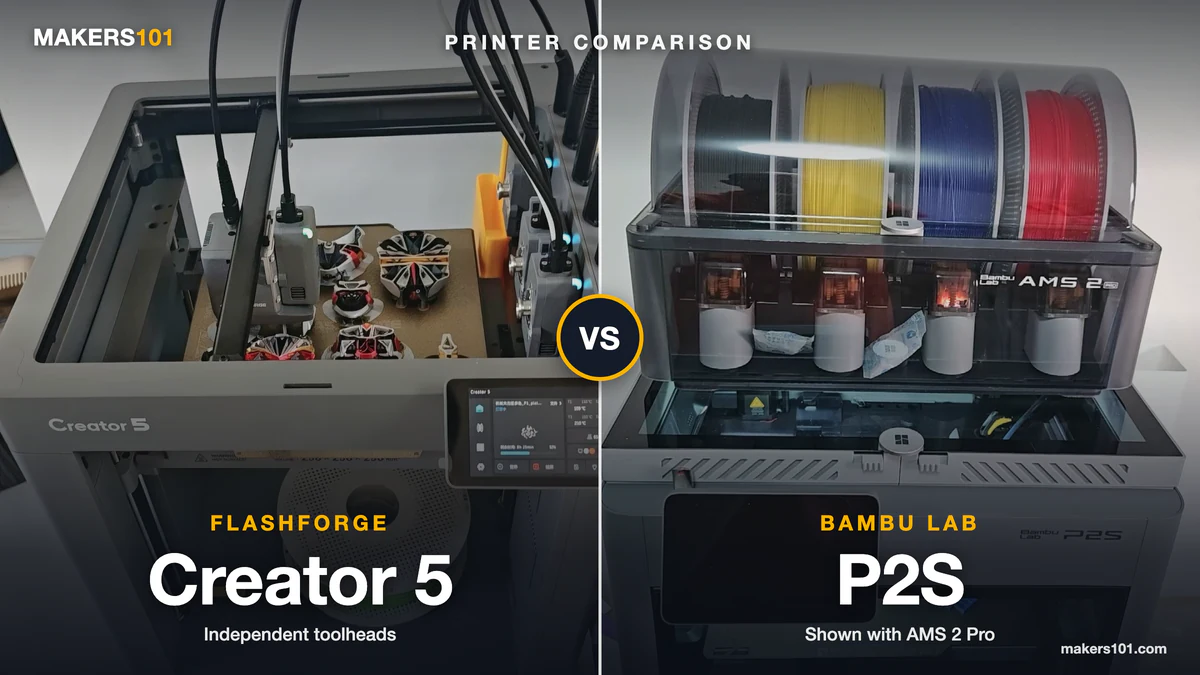
This route costs the most up front. But you get one supported system, one slicer, and no printed parts to fail. Four-toolhead printers are the newest version of this route, and the U1 and the Creator 5 are the two cheap ones.

- Enjoy Printing in Multiple Colors: By hooking up as many as four CFS units together, you are able to print in the splendor of 16 colors. Saves the…
- High Speed Printing: Step-servo Motor System 30000mm/s² accelaration, 40mm³/s High-flow and quiet. For a large-format machine, 600mm/s is pretty…
- Multi Material Capability: K2 Plus Combo equipped with Actively Heated Chamber & High-temp Nozzle with Hardened Steel Tip.Unlocks a wider selection of…
- Dual AI Cameras: K2 Plus uses an Al camera on the chamber side to watch over spaghetti failure, foreign objects, idling, etc. It will alert you when…
- Ingenious Anti-tilt Auto Leveling: K2 Plus features dual independently motorized Z-axes for automatic tilt reduction, strain gauge-based auto-leveling…
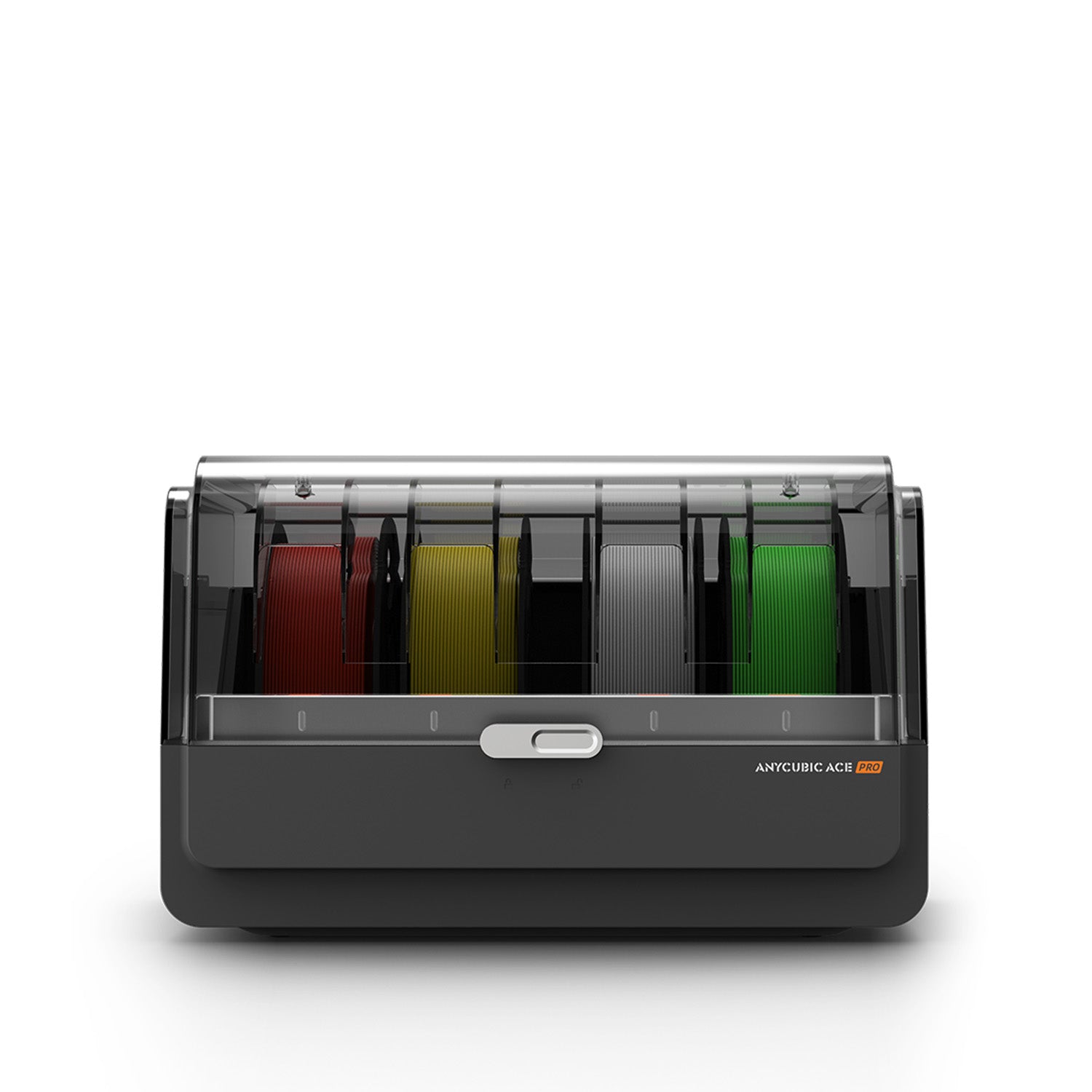
- Print in 4 to 8 colors with intelligent filament ID
- Up to 24h drying while printing
- Nozzle clog + filament tangle detection
- Automatic filament backup/refill
If You Only Want the Drying: Cheaper Ways to Keep Filament Dry
Here’s a quiet truth. A lot of people buy an AMS mostly for the dry box, not the colors. If that’s you, there are better, cheaper ways to do it. The EIBOS Tetras is our favorite fix, covered alongside standalone units in our filament dryer picks.
A DIY drybox is the budget champion. One maker built one from an Amazon shipping box, 3D-printed parts, and silica gel, and dropped the internal humidity to 10% in about 20 minutes. Add bearings for smooth spool rotation, a silica tray, and a PTFE adapter sealed with hot glue, and you have a sealed feeder for almost nothing. The one thing it lacks is active heat, which a commercial unit gives you.
That’s where a dedicated filament dryer earns its place. These actively heat filament, and unlike the AMS, a standalone dryer can run while you print, which is exactly what moisture-sensitive materials need. Match the temperature to the material and you’ll see the difference fast. Our filament drying temperature guide has the numbers per filament. There are also bolt-on heaters made to sit under a real AMS if you want to keep the official unit and just add active drying.

- 4 Spool Capacity: SUNLU 3D printer filament dryer S4 can dry up to four 1kg 3D printer filaments, enhancing drying efficiency and printing quality…
- Large Dimensions: SUNLU filament dryer S4 is notably large in size with external dimensions of 460(L) * 220(W) * 310(H)mm, internal dimensions of…
- 8 Filament Exit Holes: SUNLU filament dryer S4 features eight filament outlets for multiple printers and various filament loading angles, ensuring…
- 350W PTC Heater: SUNLU filament dryer S4 is equipped with a 350W PTC heater, offering safety and higher heating efficiency (50% higher than the…
- 3 Circulation Fans: Three high-quality fans circulate air inside, ensuring consistent temperature across the entire area for more even drying with…
The Free Route: Multicolor Without Any AMS
You can print multiple colors on a Bambu with no extra hardware at all. The trick is swapping filament by hand, and telling the slicer to pause for you.
In the slicer, open the printer settings and turn on “Single Extruder Multimaterial” and “Manual Filament Change.” Then copy the pause G-code into the change-filament G-code section. A few quality tweaks help too: shrink the prime tower to about 15 wide and 15 volume, and set a 2mm brim to cut wait time. Now the printer stops at each color change and waits for you.
This is genuinely useful for the occasional two-color logo or sign. Just know the limits. Each swap takes roughly 45 seconds to a minute, you have to be standing there for every one, and this particular method works on Bambu machines like the A1 and A1 Mini. It costs nothing but your attention.
Which AMS Alternative Is Right for You?
Let’s bring it home. Match your reason to the pick.
- Cheap color on a Bambu: the BIQU BMCU-370 or a BMU clone.
- Multicolor on an old or non-Bambu printer: the 3D Chameleon.
- Long, non-stop single-color jobs: the Infinity Flow S1.
- Maximum capability and you run Klipper: an open-source MMU like the ERCF V2 or Box Turtle.
- You want zero hassle: buy a printer with a built-in system like the Creality CFS.
- You only care about dry filament: a homemade drybox, or a standalone dryer if you want active heat.
- Zero budget, occasional color: manual filament change.
Pick the job first. The hardware gets obvious after that.
FAQ
How do you print multicolor without an AMS on a Bambu Lab? You swap filament by hand. In Bambu Studio or Orca Slicer, switch the printer to manual filament change and route the change-filament step to a pause. The print then stops at each color so you can load the next spool, then resume. Expect about 45 seconds to a minute per swap on an A1 or A1 Mini.
Is there a cheap third-party AMS for Bambu printers? Yes. The BIQU BMCU-370 is an open-source multicolor unit for the A1 and P1, sold as a low-cost alternative to the AMS Lite, with the BMU as a comparable reverse-engineered option. Both come in well under the official unit’s price, sometimes around a fifth of it. The trade-off is no RFID, lower reliability, and the chance a firmware update breaks compatibility.
Can you use a non-Bambu AMS or a different brand’s system? For multicolor on any printer, the 3D Chameleon is the universal pick, since it works through standard G-code with no firmware edits. For continuous printing, the Infinity Flow S1 works with most FDM machines. You can also bridge a real Bambu AMS to a Klipper printer with the Open AMS project.
What’s the cheapest way to do multicolor 3D printing? Manual filament change is free if you already own a Bambu A1 or A1 Mini, since it needs no hardware. If you want it automated, the budget clones like the BMCU-370 and the cheapest open-source kits (NightOwl, MMX) are the lowest-cost path into hands-off color.
Is there a good AMS HT alternative for drying high-temp filament? A dedicated filament dryer is the best AMS HT alternative, and many models hit the temperatures engineering filaments need. Unlike the AMS HT, it keeps drying even mid-print. A well-sealed DIY drybox with fresh desiccant also fights moisture, though it won’t actively heat. One more thing: the spool has to fit your feeder too. Cardboard reels of third-party PETG for the AMS can snag the rollers, so check our guide to third-party filament that fits the AMS.
Last updated June 2026.