Heads up — some of the links below are affiliate links. If you buy through them, I earn a small commission (at no extra cost to you), which helps cover the gear I test. Thanks!
- The Bambu Lab R1 is a 55W CO2 laser cutter and engraver, Bambu’s first standalone laser. Pre-orders opened September 22, 2026.
- It costs $2,499. The Long Material Bundle is $3,289 and the Long Material & Rotary Bundle is $3,499.
- The included short-focus lens cuts 15 mm black walnut plywood. The advertised 18 mm needs a $31 medium or long lens.
- Early reviews praise the automatic mirror alignment and camera placement. Bambu Suite and fan noise draw the complaints.
- It undercuts the xTool P2S by $500 but ships with a 30 kPa air pump against the P2S’s 200 kPa.
The Bambu Lab R1 is Bambu Lab’s first standalone laser: a 55W CO2 cutter and engraver with a 600 × 300 mm bed, priced at $2,499. Pre-orders opened on September 22, 2026. As of September 23, the US store estimates early November for the first shipments.
If you read the August teaser and have been waiting for real numbers, they’re here. Some early guesses held up. A few didn’t. The spec sheet also has fine print that changes what you’ll actually pay, so the real price with accessories comes first, then early review verdicts and a straight call on R1 versus the xTool P2S.
Table of Contents
- What Bambu Lab Actually Launched With the R1
- Bambu Lab R1 Specs: Full Spec Sheet and Open Questions
- Bambu Lab R1 Price and the Real Cost With Accessories
- What the Bambu Lab R1 Can and Can’t Cut
- Bambu Lab R1 Review Roundup: What Early Testers Say
- Bambu Lab R1 vs xTool P2S: Which 55W CO2 Laser?
- Why the Bambu Lab R1 Isn’t Just the H2D Laser in a New Box
- Bambu Lab R1 Leaks and Predictions: What the Teaser Got Right
- The Market the Bambu Lab R1 Is Walking Into
- My Take: The Prediction Buried in a 2025 Buying Guide
- Bambu Lab R1 Setup Requirements: Space and Ventilation
- Should You Buy the Bambu Lab R1?
- Bambu Lab R1 FAQ
What Bambu Lab Actually Launched With the R1
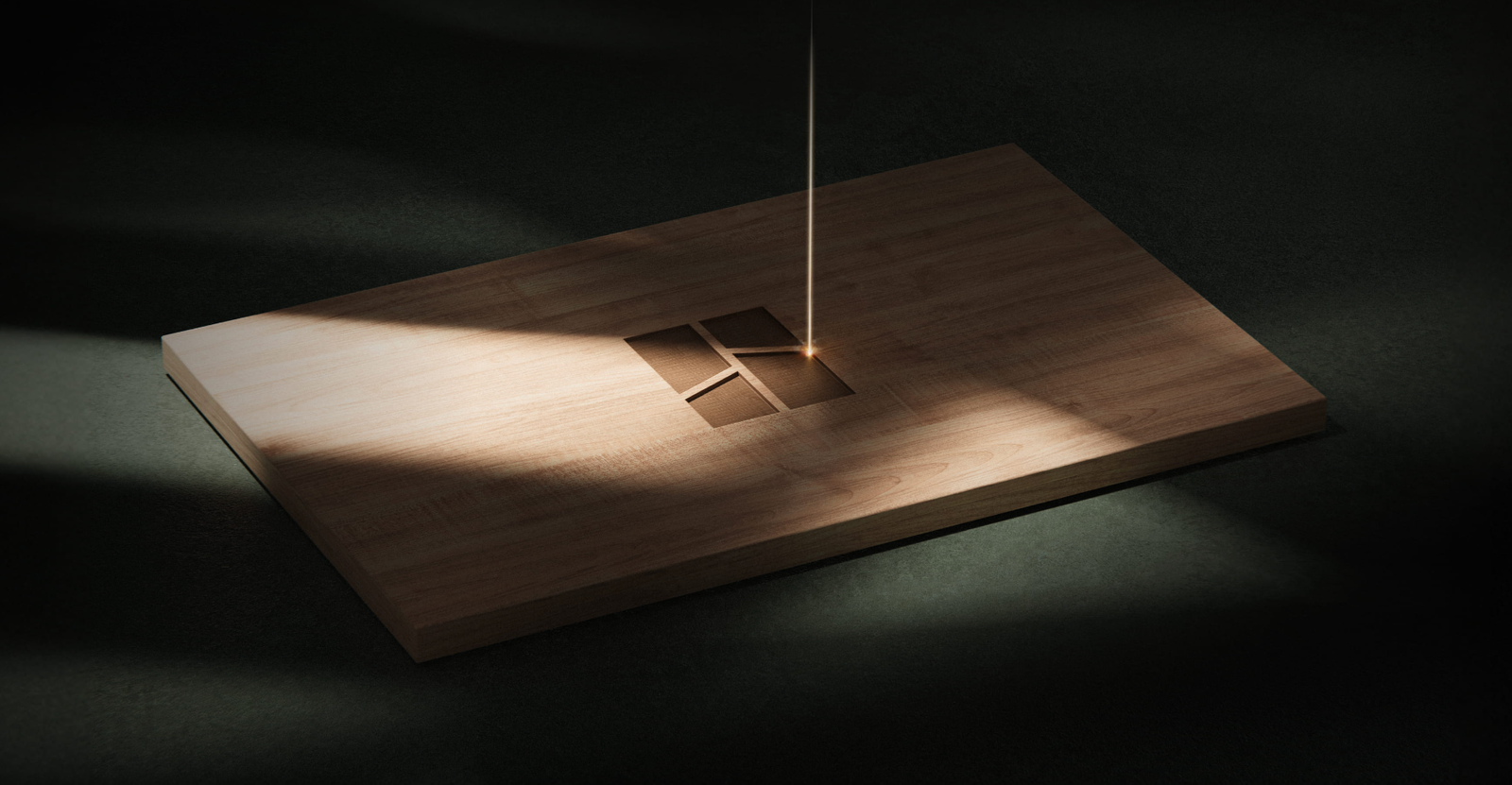
Bambu Lab opened R1 pre-orders on September 22. It’s a dedicated 55W CO2 laser that sits on its own bench, separate from any 3D printer, and it comes in three packages.
| Package | US price | What’s added | Store’s estimated ship date |
|---|---|---|---|
| R1 | $2,499 | Base machine | Early November |
| R1 Long Material Bundle | $3,289 | Riser Base and Automatic Conveyor Feeder | Early November |
| R1 Long Material & Rotary Bundle | $3,499 | Riser Base, Conveyor, Rotary Attachment and bracket | Mid-December |
Those pre-order estimates date from September 23, 2026. They can move. If you need a laser running this month, R1 isn’t that machine yet.
The launch followed a five-week teaser. Bambu posted it on August 13 with three lines: “Bambu Lab R1,” “A new Ray of making,” and “Coming September.” The only hard clue sat in the page code, where the meta description called R1 “the first laser engraver and cutter from Bambu Lab.”
“First” mattered because Bambu’s previous laser option was an H2D module attached to a printer. Apple’s iPhone Duo hinge got the same treatment: the exact material only showed up in writing, not on stage.
Bambu Lab R1 Specs: Full Spec Sheet and Open Questions
These are the lines from Bambu’s official spec sheet that affect what you can make.
| Spec | Bambu Lab R1 |
|---|---|
| Laser | 55W CO2 |
| Work area | 600 × 300 mm; 600 × 3,000 mm with the Conveyor |
| Max cut, short-focus lens (included) | 15 mm black walnut plywood, 20 mm acrylic |
| Max cut, medium or long lens (optional) | 18 mm black walnut plywood, 20 mm acrylic |
| Max speed and acceleration | 1,000 mm/s, 20,000 mm/s² |
| Spot size | 0.11 mm short, 0.17 mm medium, 0.19 mm long |
| Positioning | Dual cameras, dual lasers and dual encoders; accuracy under 0.2 mm |
| Motion accuracy | Under 0.1 mm over 600 mm with the optional Vision Encoder |
| Air assist | 30 L/min at 30 kPa |
| Focus and alignment | Automatic laser ranging and automatic mirror alignment |
| Safety | Class 1 when enclosed; lid-open stop, flame detection, emergency stop, safety key |
| Size and weight | 940 × 560 × 200 mm, 33.5 kg |
| Power | 780 W max, 100 to 240 VAC |
| Software | Bambu Suite (Windows, macOS) |
| Connectivity | Dual-band Wi-Fi, USB |
The 18 mm headline assumes a lens that isn’t in the box. “Wood” in Bambu’s footnotes also means plywood, which cuts more easily than solid hardwood.
| Still unannounced or easy to miss | Why it decides your purchase |
|---|---|
| Maximum stock width through the Conveyor | Bambu lists 3,000 mm of length but no width limit for full sheets |
| Replacement CO2 tube price | Tubes wear out, so running cost stays unknown until Bambu lists one |
| LightBurn support | Launch materials name only Bambu Suite |
| Class 4 with the Riser Base or Conveyor | The enclosure opens up, so you need CO2 laser-safety glasses |
| Revolve shape engraving | Bambu says it arrives in a later firmware update; cylinders work at launch |
| Pricing outside the US | Check your regional Bambu store before you budget |
Two market claims sit in a separate bucket.
| Reported, not confirmed by Bambu | Standing |
|---|---|
| Bambu is entering consumer lasers as a formal product line | Single source speaking to makers101; Bambu has made no such statement |
| The move targets demand from collectibles and personalised merchandise | Same source, same caveat |
Bambu Lab R1 Price and the Real Cost With Accessories
$2,499 buys the machine. It doesn’t buy the thick-cut lens or the fire system. Long boards cost extra too.
| Accessory | US price | What it’s for |
|---|---|---|
| Medium-focus lens | $30.99 | Balanced cutting and engraving; needed for 18 mm cuts |
| Long-focus lens | $31.99 | Thickest cuts, and faster than medium at the same thickness |
| Riser Base | $389 | Taller objects; required for the Conveyor and Rotary |
| Automatic Conveyor Feeder | $499 | Stock up to 3 m long |
| Rotary Attachment and bracket | $275.99 + $6.99 | 360° engraving on cups and bottles |
| Vision Encoder | $99.99 | Keeps motion accuracy under 0.1 mm across the bed |
| Auto Fire Extinguishing System | $199 | Automatic suppression; spare gas cylinder $49.99 |
| Purifier E1 Pro | $899 | Filters smoke when you can’t vent outside |
Prices come from Bambu’s US store as of September 23, 2026. Most accessories were listed as pre-order or out of stock that day.
The bundles do save money. The Long Material Bundle costs $98 less than buying the Riser Base and Conveyor separately. The Rotary Bundle saves about $171.
| Your setup | What you buy | Total |
|---|---|---|
| Vent out a window, cut thick wood | R1 + long-focus lens | $2,530.99 |
| Indoor room with no outside vent | R1 + long-focus lens + E1 Pro + fire system | $3,628.99 |
| Long boards and furniture parts | Long Material Bundle + long-focus lens | $3,320.99 |
The indoor setup is the one people underestimate. If your laser can’t vent outside, budget closer to $3,600 than $2,500.
What the Bambu Lab R1 Can and Can’t Cut
| Job | Materials |
|---|---|
| Cut and engrave | Wood, acrylic (clear included), leather, fabric, paper, EVA foam, shell |
| Engrave only | Coated metal such as anodized aluminum, glass, ceramic, slate |
| Can’t do | Bare metal marking |
Clear acrylic and glass are where CO2 earns its price. Diode lasers, including the modules on Bambu’s H2D, pass straight through clear material or barely mark it.
Thickness depends on the lens. The included short-focus lens is rated for 15 mm black walnut plywood, and the medium and long lenses push that to 18 mm.
Real boards take more work than the spec line suggests. Tom’s Hardware cut 19.5 mm pine with the long lens at 80% power and 10 mm/s, and it took four passes. One forum user who had an R1 before launch cut 19.1 mm poplar in a single slow pass.
Keep PVC and vinyl out of the machine entirely. Burning them releases corrosive chlorine compounds that damage the optics and your lungs.
For your first test cuts, 3 mm basswood and cast acrylic are the usual starting stock. R1’s automatic material recognition only reads Bambu’s own sheets, so with third-party stock you’ll dial in settings yourself.


Bambu Lab R1 Review Roundup: What Early Testers Say
The first reviews landed on launch day. They mostly agree.
| Reviewer | Verdict | Best part | Main complaint |
|---|---|---|---|
| Tom’s Hardware | Editor’s Choice | Easy setup, camera accuracy, compact footprint, price | Optional lens for thick stock, few material presets, loud fans |
| How-To Geek | 9/10 | Self-aligning mirrors, sub-millimeter camera placement | Multi-step Bambu Suite workflow |
Both testers singled out the automatic mirror alignment. On most CO2 lasers, lining up three mirrors takes test shots and patience. R1 clips a sensor to the toolhead and corrects itself in about a minute.
Presets are another story. Tom’s Hardware found no defaults for glass or PETG. Wood thicker than 3 mm had none either. How-To Geek called the cutting library solid but still tweaked its engraving settings.
Two gripes repeat. First, swapping lenses means removing six screws, two of them tiny 1.5 mm ones, and then running a five-minute vision calibration. Second, it’s loud. Tom’s Hardware called it the loudest laser it had reviewed.
On Bambu’s own forum, the reaction splits on price. Some Bambu printer owners called $2,499 steep, while laser users called it cheap for a 55W CO2. The recurring worry is the 30 kPa air pump, since stronger air assist usually means cleaner, deeper cuts. We haven’t seen a side-by-side cut test on that yet.
Bambu Lab R1 vs xTool P2S: Which 55W CO2 Laser?
The xTool P2S is the obvious rival: same laser power, a near-identical bed, and $500 between them.
| Bambu Lab R1 | xTool P2S | |
|---|---|---|
| Standalone price | $2,499 | $2,999 |
| Laser | 55W CO2 | 55W CO2 |
| Work area | 600 × 300 mm | 600 × 305 mm |
| Max engraving speed | 1,000 mm/s | 600 mm/s |
| Rated single-pass cut | 18 mm black walnut, 20 mm acrylic (optional lens) | 18 mm black walnut, 20 mm acrylic |
| Air assist | 30 kPa | 200 kPa |
| Software | Bambu Suite | xTool Creative Space; LightBurn supported |
| Availability | Pre-order, early November | In stock |
Prices come from each brand’s US store on the same day. P2S pricing has moved a lot this year, so check it again before you buy.
One number is getting mangled online. Bambu says R1 finishes engraving jobs “nearly 3× as fast,” but that claim compares it with a typical CO2 laser at max settings. Against the P2S, the raw gap is 1,000 versus 600 mm/s.
Choose the R1 if you already run Bambu printers and mostly cut 3 to 6 mm stock. The auto alignment and the lower price are real advantages.
Go with the P2S if you rely on LightBurn, cut thick hardwood often, or need a machine this month. Its 200 kPa air assist and in-stock status count for more in those cases. Shopping xTool anyway? Our xTool X1 breakdown covers the platform coming next.
Why the Bambu Lab R1 Isn’t Just the H2D Laser in a New Box
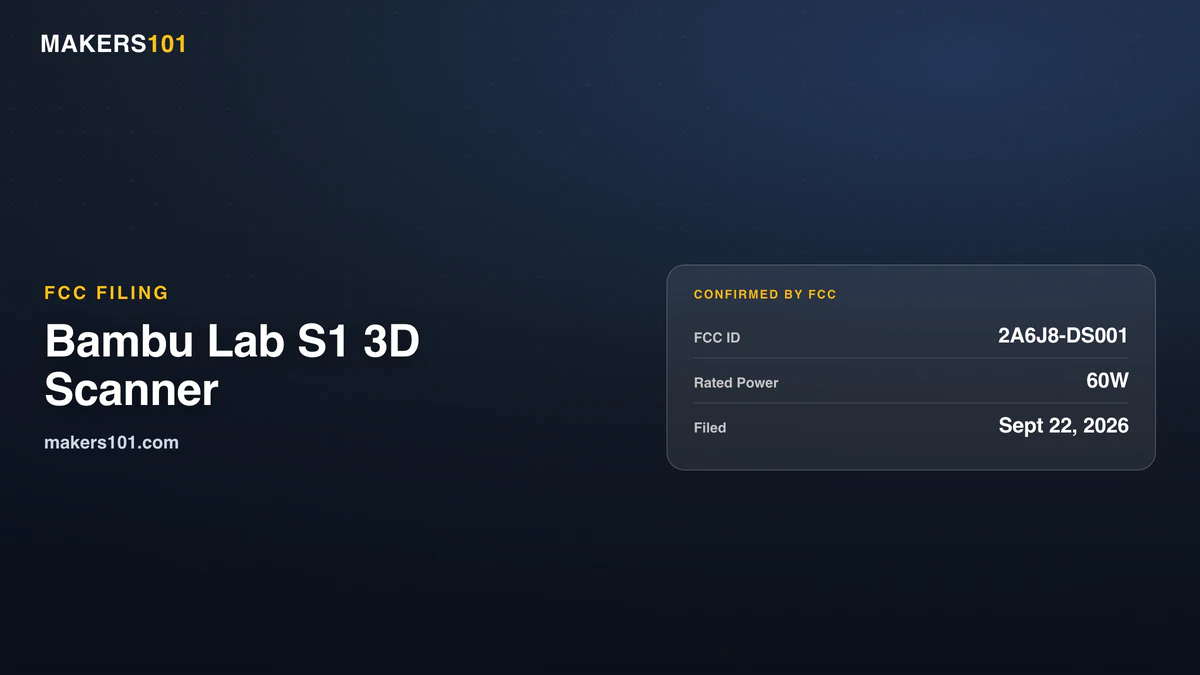
Before R1, every Bambu laser lived inside the H2D. Scanning looks like the next stop. A Bambu S1 3D scanner hit the FCC the day R1 launched.
As of September 23, 2026, the H2D Laser Full Combo costs $2,149 with the 10W module or $2,699 with the 40W module, while the base H2D is $1,549. So the laser adds $600 to $1,150 and stays tied to a 3D printer.
That’s what Reddit wanted back in August: a Bambu laser that doesn’t live inside a 3D printer. R1 is exactly that.
There are practical reasons. Cutting creates fumes that need outdoor ventilation. Residue lands in the same chamber where you print. Every engraving job also blocks the printer itself.
The laser type changed too. H2D modules are diode lasers. R1’s CO2 source cuts clear acrylic and engraves glass.
The software layer carried over. Bambu Suite already handled laser cutting, blade cutting and pen drawing for the H2D’s laser and cutting modules, and version 1.5 arrived alongside R1.
Bambu Lab R1 Leaks and Predictions: What the Teaser Got Right
Bambu kept R1 under wraps until launch day. Most “leaks” were really guesses built from the teaser and the H2D’s history. Ours included.
| Pre-launch call | Who made it | What happened |
|---|---|---|
| A pure metal-marking fiber machine looks unlikely | This article, August | Right. R1 is CO2 and can’t mark bare metal |
| CO2 fits wood and acrylic, but glass tubes are awkward in a consumer machine | This article, August | Half right. R1 uses a CO2 tube, and auto mirror alignment removes most of the awkwardness |
| “A new Ray of making” hints at a UV laser | YouTube speculation | Wrong |
| Budget under $500? Don’t wait for R1 | This article, August | Right. R1 costs about five times that |
| Budget above $1,000? You can wait | This article, August | Too low. The base machine costs 2.5 times that, before lenses or ventilation |
| Software and ecosystem decide the winner | This article and FauxHammer | Holding up. Bambu Suite is the main sticking point in reviews |
Price was the biggest miss. Even How-To Geek’s reviewer expected a mid-range diode before seeing the machine.
The glass-tube call deserves a closer look. CO2 tubes felt awkward because their mirrors drift and need manual alignment. Bambu attacked that exact problem, and every early reviewer noticed. The trade-offs moved elsewhere. There’s liquid cooling to maintain now. The tube will need replacing someday.
The material rules held. Diodes are good on wood and dark stock, weak on clear acrylic. CO2 covers wood and leather. It cuts acrylic cleanly too. Fiber is for metal. We cover the trade-offs in the diode vs CO2 vs IR laser guide.
The Market the Bambu Lab R1 Is Walking Into
Bambu is treating consumer laser processing as its own product line, according to our source. That reaches beyond the H2D accessory range.
Demand comes from small-batch production: collectibles, doll clothing, custom gifts, branded objects. These are practical laser jobs for individual creators and small sellers.
The market is growing, but it is still small. CIC-cited reports put global consumer laser engravers at about $800 million in 2024 and about $1.8 billion by 2027. On the same consumer-only basis, 3D printing was about $4.1 to $4.2 billion in 2024, with a 2027 projection of $8.3 billion.
So Bambu is leaving a large market to enter a much smaller one. It has to take share while expanding the category.
The tougher problem is commoditization. Many brands now ship similar 20W to 60W diode machines, similar enclosures, similar honeycombs and similar accessories, mostly between $500 and $1,500. When the hardware starts looking interchangeable, software and ecosystem decide the winner.
| Player | Position | Basis |
|---|---|---|
| xTool | Current leader | Roughly 47% of global consumer laser engraver sales by GMV, first nine months of 2025 |
| LaserPecker | Portable first, then cutters | Founder Xie Qingpeng on record about market growth |
| Ortur | Price anchor | Entry model quoted at $399 |
| AtomStack and Longer | Named survivors | Steady iteration and loyal users |
| Bambu Lab | New entrant | 55W CO2 R1 launched September 2026 at $2,499 |
Wattage alone will not be enough.
My Take: The Prediction Buried in a 2025 Buying Guide
FauxHammer predicted this nine months early.
In a November 2025 laser buying guide, FauxHammer called Bambu’s H2 laser module impressive but not a dedicated laser machine. He also argued that Bambu’s software came closest to xTool’s and speculated that a dedicated Bambu laser would give xTool real competition.
The first half has landed. R1 is priced $500 under xTool’s P2S, and reviewers praise the hardware almost without reservation. The fight moved exactly where FauxHammer said it would: software and experience.
A consumer hardware investor made the same point to us: laser pain points now look like 3D printing pain points a few years ago. Setup is hard, entry barriers are high, and tuning still takes too much time.
The sceptical case is simple. 3D printing turns nothing into something, which makes it visually surprising. Laser work turns something into something better. It is useful, but less viral.
xTool already ran the Bambu playbook in lasers. Its software is integrated. The accessory ecosystem is tight. Reviewers already recommend the lineup by default. FauxHammer’s xTool M2 verdict came down to two escape hatches: buy something else if you need LightBurn or hate walled gardens. That describes a moat. xTool’s newly revealed X1 platform shows where that ecosystem may be heading.
Bambu is bringing the same strategy to a company that got there first.
Bambu Lab R1 Setup Requirements: Space and Ventilation
R1 is a bench machine. Plan the room before you order.
| Requirement | Detail |
|---|---|
| Footprint with the lid open | 940 × 660 × 650 mm; 1,140 × 860 × 750 mm with 100 mm clearance |
| With the Riser Base | 850 mm tall with the lid open, 950 mm with clearance |
| Weight | 33.5 kg; Tom’s Hardware says it takes two people to move |
| Power | 780 W max, 100 to 240 VAC |
| Room temperature | 10 to 30°C |
| Cooling | Liquid-cooled; antifreeze is in the box and you add about 1,500 ml of distilled water |
| Exhaust | Included hose and fan to vent outside, or the $899 E1 Pro purifier |
The Class 1 rating only holds with the enclosure intact. Add the Riser Base or Conveyor and R1 becomes a Class 4 laser. Bambu then requires CO2 laser-safety eyewear, and none comes in the box.
If you plan to add the Riser Base or Conveyor, get glasses rated for CO2’s 10,600 nm wavelength. Glasses made for blue diode lasers won’t protect you here.

Expect noise, too. Tom’s Hardware found the cooling fans never stop, and it compared the laser firing to a jet engine spooling up. A room next to where people sleep is a poor fit.
Should You Buy the Bambu Lab R1?
Buy the R1 if you already own a Bambu printer, want CO2 capability without learning mirror alignment, and have a room that can vent outside. It’s also the cheaper of the two 55W machines compared here.
Pick the xTool P2S if you need LightBurn or a laser before November. Heavy hardwood work favors it too.
Go cheaper if your budget stops near $1,000 or you mostly engrave. A good diode laser covers most wood and leather jobs for far less. Start with the laser engravers worth buying right now.
Two we’d start with: the enclosed Creality Falcon A1 Pro, and the cheaper open-frame AtomStack A20 Pro V2, which needs its own glasses and ventilation.

Skip it if you need to mark bare metal. CO2 can’t do that job, so look at a fiber laser instead.
Bambu Lab R1 FAQ
What is the Bambu Lab R1?
The R1 is Bambu Lab’s first standalone laser: a 55W CO2 cutter and engraver with a 600 × 300 mm work area, priced at $2,499. The laser isn’t the only new line either. Bambu has also started hiring for a consumer UV printer.
When does the Bambu Lab R1 ship?
Pre-orders opened September 22, 2026. As of September 23, Bambu’s US store estimates early November for the R1 and the Long Material Bundle, and mid-December for the Long Material & Rotary Bundle.
Is the Bambu Lab R1 a 3D printer or a laser?
It is a laser cutter and engraver with no printing function, so it has nothing to do with an AMS or AMS lite. It runs on Bambu Suite, the same software that drives the H2D’s laser modules.
How much does the Bambu Lab R1 cost?
$2,499 for the machine, $3,289 for the Long Material Bundle and $3,499 for the Long Material & Rotary Bundle. Add about $32 for the long-focus lens, and $899 for the E1 Pro purifier if you can’t vent outside.
What kind of laser does the Bambu Lab R1 use?
A 55W CO2 laser tube with liquid cooling. That lets it cut clear acrylic and engrave glass, two jobs diode lasers struggle with.
Does the Bambu Lab R1 work with LightBurn?
Bambu hasn’t announced LightBurn support. At launch, the official spec sheet lists Bambu Suite for Windows and macOS as its software.
Can the Bambu Lab R1 engrave metal?
Only coated metal, such as anodized aluminum. Bambu’s spec sheet states that bare metal can’t be engraved.
Can the Bambu Lab R1 cut clear acrylic?
Yes. Bambu rates it for 20 mm acrylic in a single pass, clear acrylic included.
Does the Bambu Lab R1 need water cooling?
Yes. The CO2 tube is liquid-cooled. Antifreeze and a funnel come in the box, and you add distilled water during setup.
Does the Bambu Lab R1 need ventilation?
Yes. Vent it outside with the included hose and fan, or connect Bambu’s $899 E1 Pro purifier if you have no window or wall vent.
Should I buy the H2D laser combo or the Bambu Lab R1?
Buy the H2D combo if you want 3D printing and diode laser work in one machine. Buy the R1 if you want a dedicated CO2 laser that cuts thicker stock and clear acrylic without tying up your printer.
Is the Bambu Lab R1 available outside the US?
Bambu runs regional stores, and the EU store has its own R1 listing. Prices and ship dates can differ by region, so check your local Bambu store before you budget.
Is the Bambu Lab R1 the same as the Creality R1?
No. Creality’s R1 is a filament shredder, covered in our Creality R1 filament shredder breakdown. Bambu’s R1 is a laser engraver and cutter.