
Prusa Research released PrusaSlicer 2.9.7 on Nov. 2, 2026, with security fixes for 3MF project loading, placeholder functions and binary G-code loading. The free maintenance release also fixes several Printables downloader issues.
If you use PrusaSlicer to open shared projects or inspect print files, check that the application on your computer is updated to 2.9.7. This is separate from the Prusa firmware 7.0.0 security update: updating your printer does not update your slicer.
What PrusaSlicer 2.9.7 Fixes
The security fixes cover three areas:
- 3MF project loading: a negative bed index in a project could cause the program to write outside its intended memory boundaries.
- Placeholder functions:
digits()andzdigits(), which format numbers in custom G-code expressions, had a stack-buffer overflow. - Binary G-code loading: malformed input could trigger potentially exploitable vulnerabilities in
libbgcode, the library used to handle the binary format.
The release also repairs several issues in the Printables downloader. Prusa does not detail those issues or identify them individually as security vulnerabilities.
Because PrusaSlicer uses 3MF for saved projects, this fix concerns opening the project on your computer, before you send a print job to the printer.
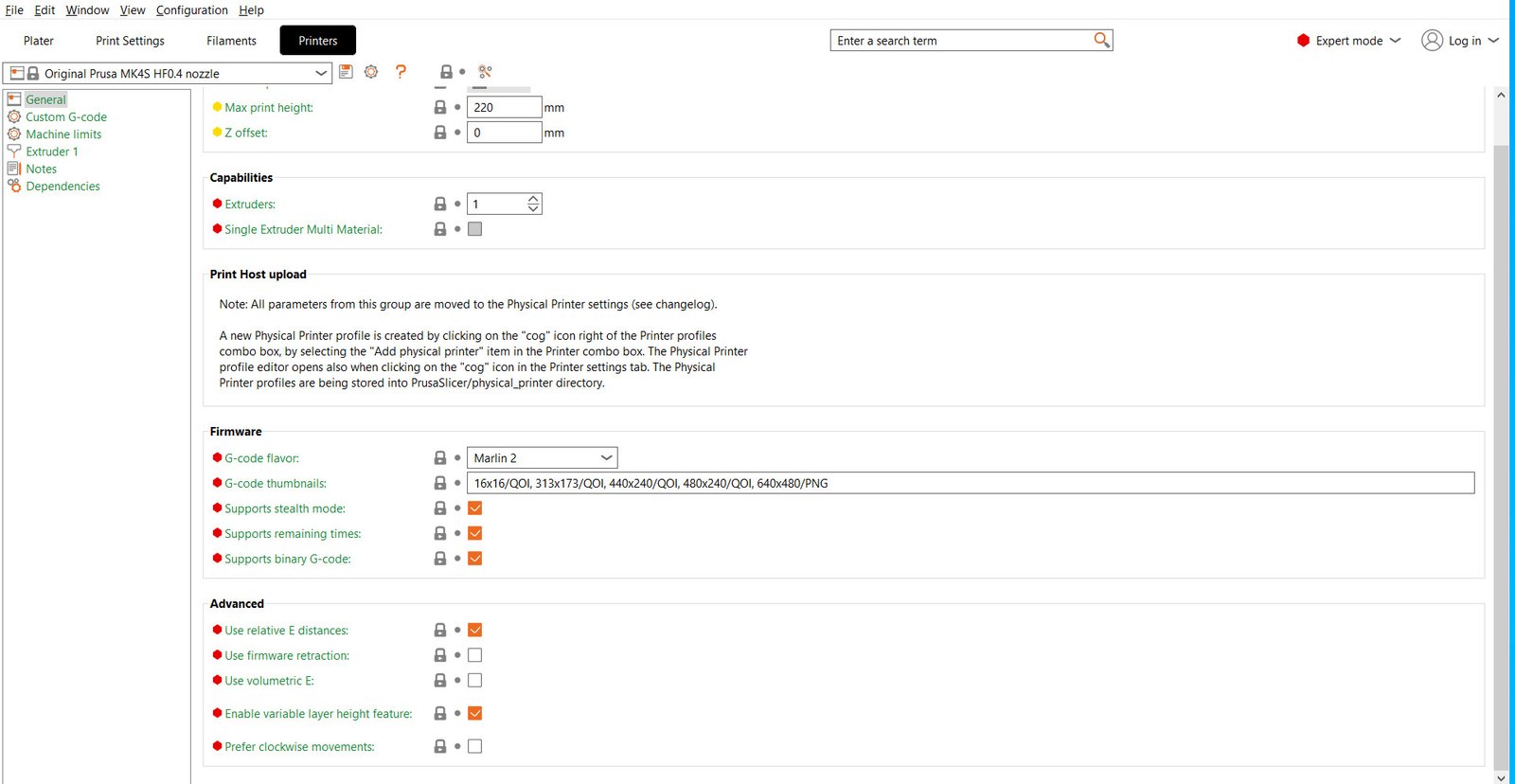
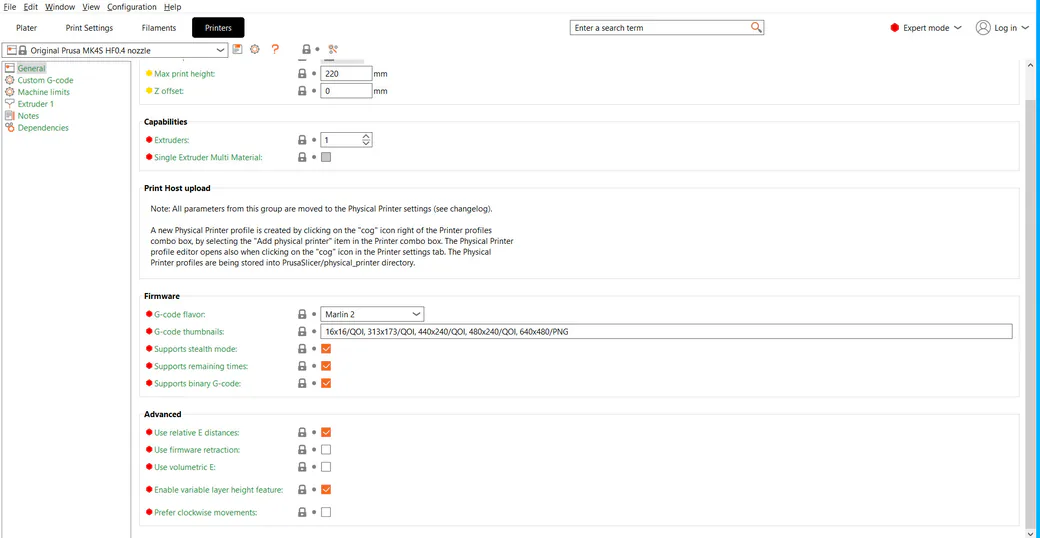
Binary G-code, identified by the .bgcode extension, stores print instructions in an encoded, compressed format. PrusaSlicer can export these files, read their configuration and preview them. Turning off binary export changes the files you generate; it does not repair the software that reads them. The update addresses that separate file-loading problem.
Who Should Update PrusaSlicer and Where to Download It
Check the application you actually use to open projects, whichever printer it prepares jobs for. Owning a model outside a particular printer-firmware update’s scope does not establish that your desktop software is patched.
Get the free stable release from the official PrusaSlicer download page and select your desktop operating system: Windows, macOS or Linux. Reopen the installed application and check its version before returning to shared files. Printer profiles and firmware are separate from this application update.
What Remains Unclear About These Security Fixes
The 2.9.7 release notes do not provide severity scores, a complete affected-version range or a statement about exploitation in the wild. They also do not establish whether other slicers are affected. Those gaps do not support claims that competing applications are vulnerable or that ordinary downloaded files have already compromised users’ computers.
If you keep several slicers installed, check which application opens your shared files by default before returning to your next project.