
I earn a commission if you buy through links on this page, at no extra cost to you. As an Amazon Associate, I earn from qualifying purchases.
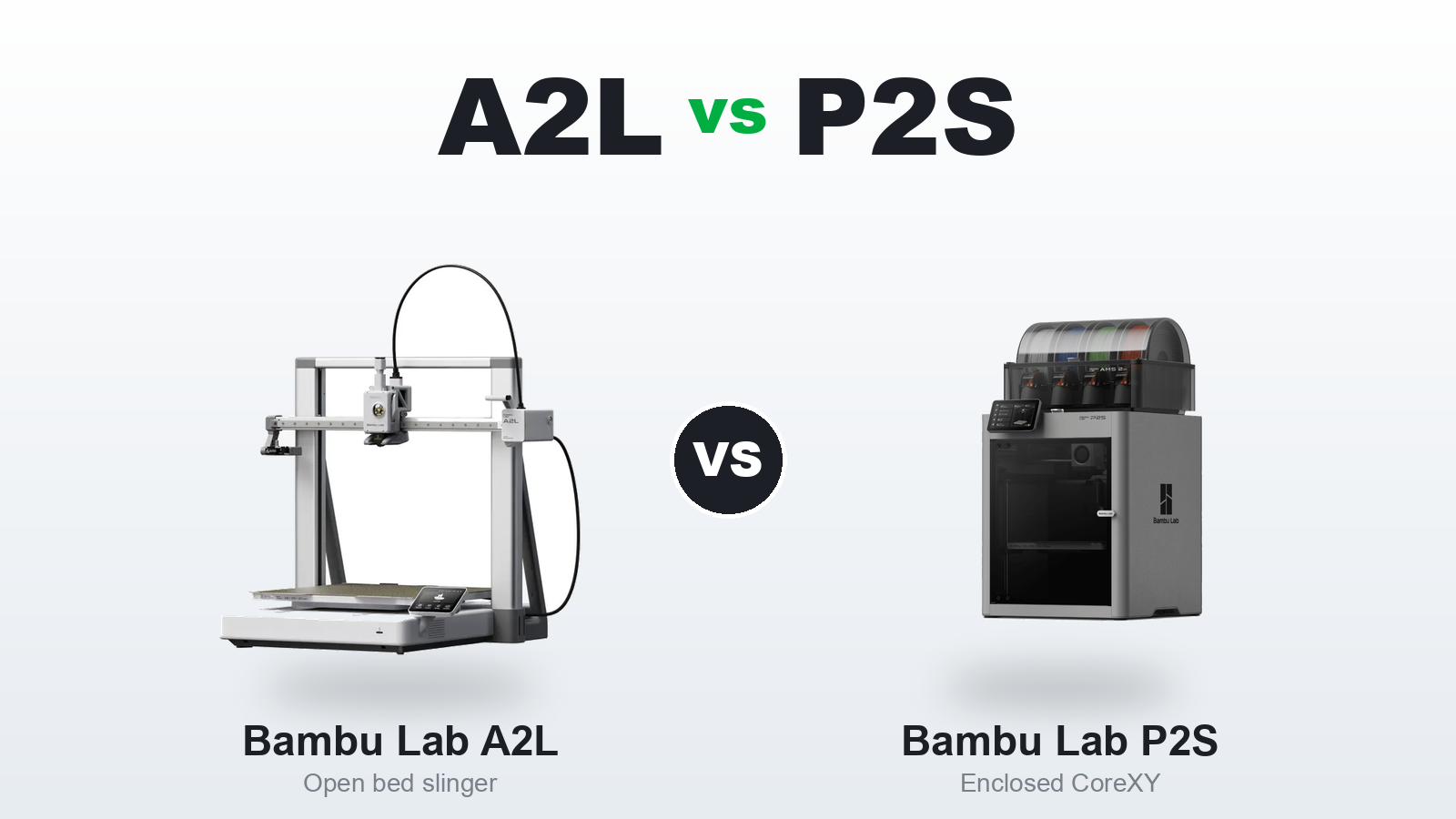
Bambu Lab A2L vs P2S at a Glance
| Feature | Bambu Lab A2L | Bambu Lab P2S |
|---|---|---|
| Frame type | Open-frame bed slinger | Enclosed CoreXY |
| Build volume | 330 × 320 × 325 mm | 256 × 256 × 256 mm |
| Nozzle | Single | Single |
| Top materials | PLA, PETG, dry TPU | + ABS, ASA, PC, nylon |
| Multicolor | AMS, up to 19 colors | AMS, 4 colors per unit |
| Motion / vibration | Adaptive compensation + dampers | CoreXY (steady on tall parts) |
| Modules | Cutting + pen | None |
| Enclosure / odor | Open, no filtering | Enclosed, carbon filter |
| Camera | Low-res (carryover) | Upgraded, better lighting |
| Launch | June 2026 | Late 2025 |
| Price | $469 / $569 w/ AMS Lite | $549 / $799 Combo |
Introduction
The A2L and the P2S land around the same price, both wear the Bambu badge, and both print beautifully. So the choice feels harder than it should. Leaning toward the A2L? See what the first setup involves.
Here’s the thing: they barely compete. One is built for size and creativity. The other is built for materials and reliability. Pick by price alone and you’ll likely buy the wrong one.
So let’s skip the spec-sheet noise. This is the honest, scenario-by-scenario breakdown of the Bambu Lab A2L vs P2S, and which one fits how you actually print. Curious about the A2L by itself? We reviewed it in full here.

The Core Difference: Open Bed Slinger vs Enclosed CoreXY
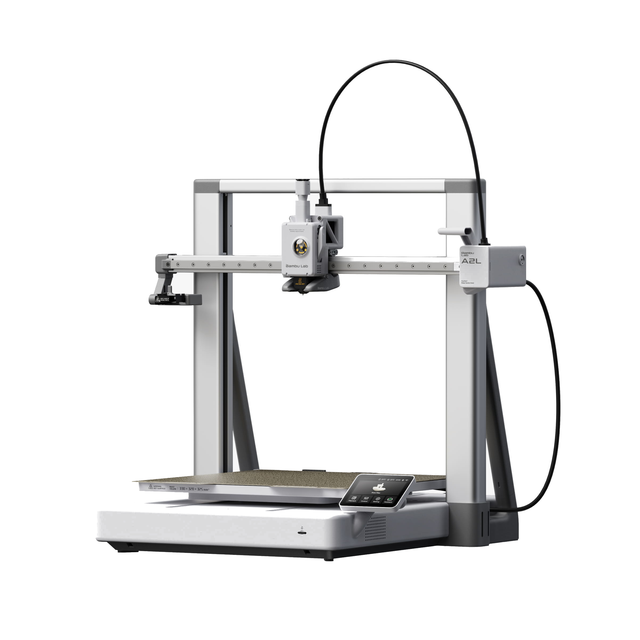
Everything starts with the frame. The A2L runs an open bed-slinger design, while the P2S is a sealed CoreXY box. That one split drives every other difference between them.
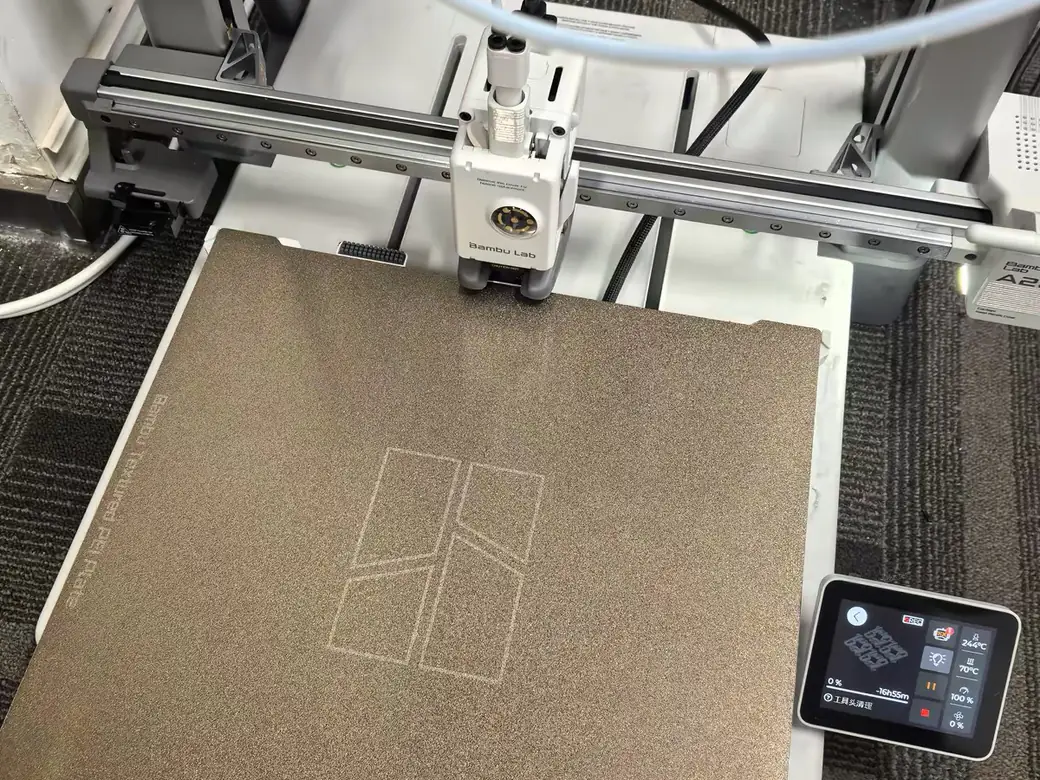
And yes, to answer the question people keep asking: the P2S is not a bed slinger. On the A2L, the heated plate shuttles forward and back during the print, carrying your model with it. On the P2S, the plate only descends as the model grows taller, and the toolhead does all the horizontal work.
Why does that matter so much? An enclosure traps heat, and trapped heat is what lets a printer run tougher materials without warping. An open frame can’t hold that heat, but it’s cheaper to build and easier to scale up in size. So the A2L goes big and affordable, while the P2S goes contained and capable. If you want the smaller open-frame option too, here’s how the A2L compares to the smaller A1.
Build Volume vs Material Range: The Real Trade-Off
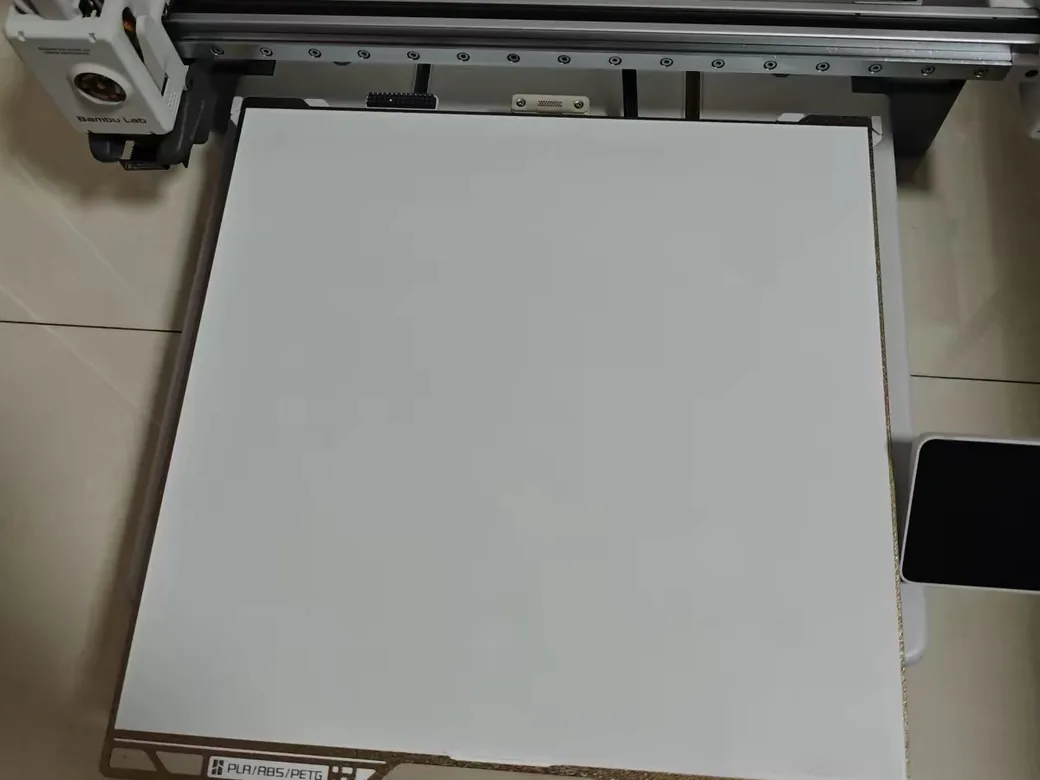
This is the heart of the decision. The A2L hands you roughly twice the build volume. The P2S hands you a heated enclosure for tougher materials. You’re trading size for material range, and most buyers lean clearly one way.
The numbers are stark. The A2L gives you 330 by 320 by 325 mm, around 34 liters of space. The P2S gives you a 256 mm cube, closer to 17 liters. If you print helmets, props, or large single-piece parts, that extra room removes a lot of cutting and gluing.
But the P2S spends its smaller footprint well. The sealed chamber lets it run engineering plastics like ABS and nylon, which the open A2L simply cannot. So the question isn’t “which is bigger.” It’s “do you need size or do you need materials.” If size is your goal, it’s worth scanning other large-format printers worth a look before you commit.
What Each One Can Actually Print
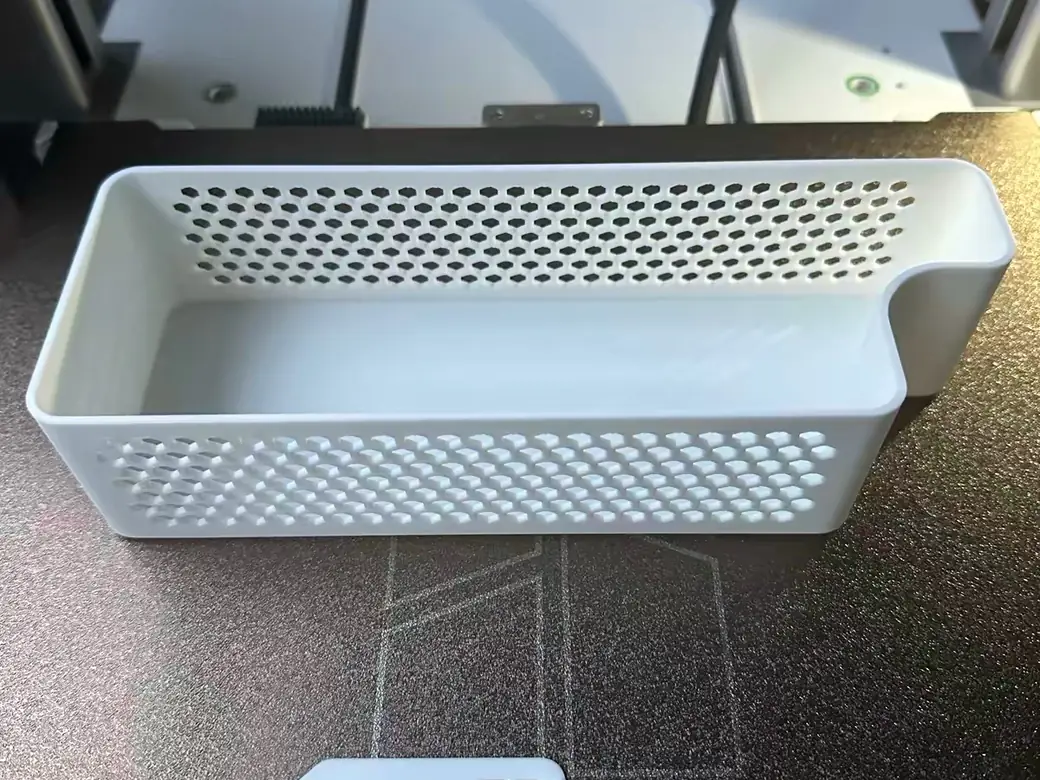
Materials are the fastest way to settle this. The A2L runs the easy stuff: PLA, PETG, dry TPU. That’s the whole list. Its open frame and 80°C bed can’t reach the conditions that engineering plastics need.
The P2S runs all of that, plus the hard stuff the A2L can’t: ABS, ASA, polycarbonate, nylon. Most need a brim, but they print. The enclosure holds heat steady, which stops the warping and layer separation that ruin high-temp prints on an open machine.
There’s a quality-of-life angle too. The P2S includes a carbon filter, so running PETG or ABS in a bedroom or office doesn’t fill the room with fumes. The A2L is open, so those fumes aren’t contained. That’s fine in a garage or a spare room. It’s less fine on the desk next to you. If tough materials are your reason to buy, compare it against other enclosed printers built for ABS and nylon first.
Print Quality, Speed, and Multicolor
Both machines print beautifully. At normal sizes you won’t see a meaningful quality gap. The differences show up at the extremes, in tall parts and in multicolor work.
The P2S has a built-in edge on tall, skinny prints. Picture shaking a tray while balancing a thin tower on it. That’s a bed slinger on a tall model, and it’s why the A2L can leave faint ringing on the steepest parts. Its CoreXY rival keeps the bed still, so the tower isn’t getting shaken layer after layer. The A2L answers with adaptive vibration compensation, a first for a desktop printer, plus twin internal dampers that soak up resonance. It closes most of the gap. Physics still leans toward the CoreXY here.
Multicolor flips the script. Both machines use Bambu’s AMS, but the A2L scales further, to 19 colors, and runs color changes faster and with less waste than the older A-series. One honest cost: the A2L draws a lot more power at peak, north of 1000 watts, so heavy printers will see it on the bill.
The A2L’s Trick: Cutting and Pen Modules
The A2L does one thing the P2S can’t touch. Swap in the optional accessories and it becomes a vinyl and cardstock cutter, or a pen plotter. The P2S has no equivalent.
The cutting kit is a separate add-on, priced under $100, and it handles material up to 0.5 mm thick. Stickers, cardstock, thin leather: all in range. Drop in the pen module instead and the machine draws cards and line art. It turns one desk footprint into a small maker station.
Worth a caveat. Because the A2L is open-frame, it does not support a laser module, for safety reasons. Bambu reserves laser cutting for the enclosed H series. So the A2L’s expansion path is cut-and-plot, not lasers. The P2S, for its part, sticks to printing only.
Price and What You Actually Get
Here’s the surprise. The A2L costs less than the P2S, not more. It undercuts the P2S at every tier, both on its own and in the AMS bundle. The exact figures sit in the comparison table above.
So the P2S premium doesn’t buy you more size. It buys the enclosure and the material range that comes with it. That reframes the whole decision. You’re not paying up for a “better” printer. You’re paying for a different capability.
Prices move with promotions, so treat the table as a June 2026 snapshot and check current listings before you buy. But the pattern holds: bigger and cheaper on one side, pricier and more material-capable on the other. Want to spend even less? See what you give up dropping to the A1 Mini.
Reliability and the Bambu Ecosystem
Both machines run the exact same Bambu ecosystem. MakerWorld for models, the Handy app for your phone, one-click printing, and the same slicer. Whichever you pick, the day-to-day software experience is identical.
The difference is track record. The P2S has earned a reputation as a boring but brilliant workhorse, the kind of machine you set up once and forget about. The A2L is brand new, which means its long-term reliability is still being written. If buying on day one makes you nervous, that’s a fair point in the P2S’s favor.
Early A2L owners are also flagging the small stuff that spec sheets miss. The carryover camera is low-resolution, so remote monitoring looks grainy, and the bundled AMS Lite stays open to humidity unless you store filament carefully. None of it is a dealbreaker, but it’s the kind of detail worth knowing before launch-day money leaves your account. If you’re weighing the P2S against its own family instead, we covered whether the P2S is worth it over the P1S separately. And if the older P1S is on your list too, we lined it up against the A2L as well.
Which Should You Buy?
Most people don’t need to agonize over this. Match the machine to your materials and your projects, and the answer falls out.
In practice, one question usually decides it. Have you ever wanted to print something too big for a standard Bambu bed? The A2L removes that ceiling. Have you ever abandoned a material because it warped or stank up the room? The P2S fixes that instead. Very few people genuinely need both, and the ones who do should look higher up the lineup.
Buy the A2L if…
- You print large or tall models, helmets, or props
- Your materials are PLA, PETG, or TPU
- You want multicolor at volume, or the cutting and pen modules
- You want the lower price and have the desk space
Buy the P2S if…
- You need tough materials like ABS or nylon
- You print in a living space and want odor contained
- You want the most hands-off, proven daily driver
- You print tall, functional parts where motion steadiness matters
Consider something else if…
- You want true dual-nozzle printing. Look at the X2D.
- You need both big and enclosed. Look at the H2S.
Not sure the running costs pencil out? Run your filament and power numbers through the print cost calculator before you buy.
FAQ
Is the P2S a bed slinger?
No. The P2S uses a CoreXY system, so its plate only rises as the print grows while the toolhead handles the horizontal motion. The A2L is the bed slinger here, with a plate that shuttles forward and back as it prints.
Should I buy the Bambu A2L or P2S?
Decide by materials and size. Choose the A2L for big PLA and PETG prints, multicolor, or cutting and plotting. Choose the P2S if you need engineering plastics, or a sealed, low-fume workspace.
Can the A2L print ABS or ASA?
No. The A2L is open-frame with an 80°C bed, so it’s limited to PLA and PETG (plus dry TPU). ABS and ASA need the heated enclosure you get on the P2S.
Is the A2L cheaper than the P2S?
Yes. The A2L starts at $469 ($569 with AMS Lite), while the P2S is $549 bare ($799 Combo). The P2S costs more because of its enclosure and wider material support, not its size.
Which has the bigger build volume?
The A2L, by a wide margin, with roughly double the printable space of the P2S. See the comparison table above for the exact dimensions.
Which is better for a beginner?
Both are beginner-friendly through the same Bambu software. The A2L is cheaper and bigger for PLA-based projects. The P2S is the safer pick if you’ll print smelly or high-temp materials indoors and want the most forgiving, hands-off setup.
Related
Still mapping Bambu’s lineup? Our Bambu Lab P2S vs X2D comparison covers the next question most P2S shoppers ask.
CERTAIN CONTENT THAT APPEARS ON THIS SITE COMES FROM AMAZON. THIS CONTENT IS PROVIDED ‘AS IS’ AND IS SUBJECT TO CHANGE OR REMOVAL AT ANY TIME.
Price details
Product prices and availability are accurate as of the date/time indicated and are subject to change. Any price and availability information displayed on Amazon.com at the time of purchase will apply to the purchase of this product.