
I earn a commission if you buy through links on this page, at no extra cost to you. As an Amazon Associate, I earn from qualifying purchases.
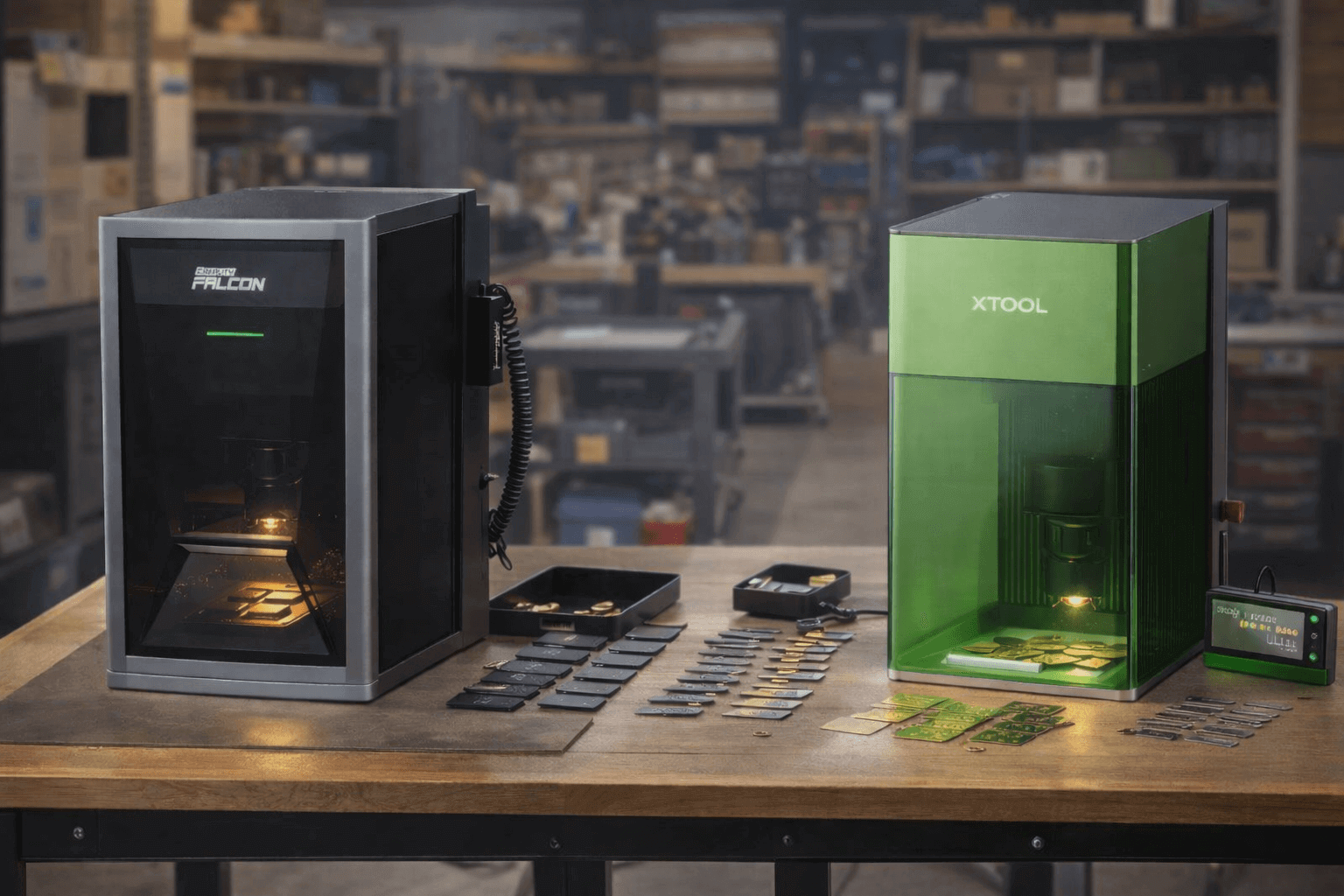
Last November, xTool advertised up to $2,858 off and Creality Falcon up to 70 percent off. Most of that money sat on a few flagships. Brand stores usually start cutting in early November, weeks before Black Friday on November 27, so your shortlist matters more than the date.
Quick verdict: For most makers, the Creality Falcon A1 Pro is the laser deal to watch. New to lasers? Start with the Falcon A1C. If you mostly mark metal, skip diodes and get a fiber unit like the Sculpfun G20.
The catch is choosing well. Lasers split into very different types, and the cheapest “20W” on a listing is rarely what it sounds like. Buy blind and you’ll end up with a scorch box that cuts plywood and little else. Our guide to the best laser engravers sorts the types by budget.
Laser Engraver Sale Dates for 2026: Prime Day, Black Friday, Cyber Monday
Amazon’s two Prime events for 2026 are done. Prime Day ran June 23 to 26, and Prime Big Deal Days followed on October 6 and 7. The next window is Black Friday on November 27, with Cyber Monday on November 30.
Laser brands don’t wait for those dates. In 2025, xTool opened its Black Friday sale on November 3 and kept it running through Cyber Monday. Creality Falcon’s main campaign covered November 3 to December 1. As of October 27, 2026, xTool’s German store already has its 2026 Black Friday page up, but the US store hasn’t posted one yet. Creality Falcon’s US sale page still shows last year’s event. Expect the first real US cuts in early November, so build your shortlist now.
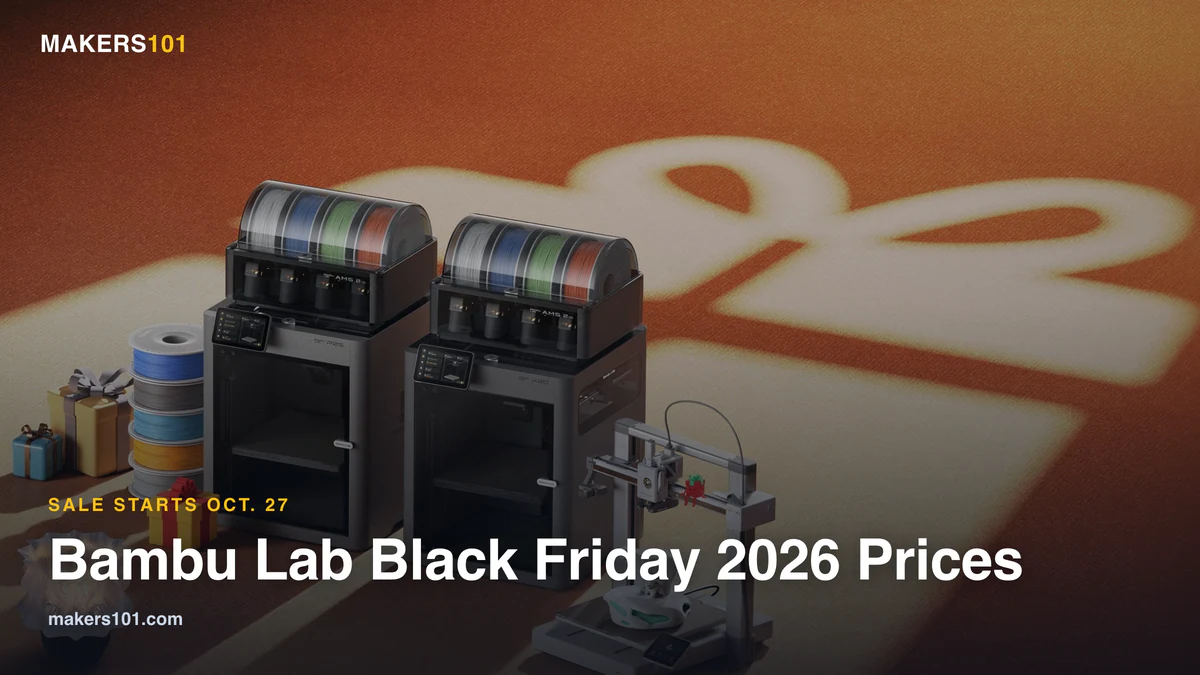
Bambu Lab, which also sells laser modules, opened its Black Friday 2026 sale on October 27, so the season has already started for some makers.
Is Prime Day a Good Time to Buy a Laser Engraver?
Yes, and lasers reward the patient shopper. Diode machines routinely fall 20 to 40 percent during the event, and bundle deals on rotary kits or air assist sweeten the better listings.
The harder question is which laser type fits your work. A diode laser is cheap and great on wood, acrylic, or leather, but it can only mark metal with a coating or a separate IR module. A galvo laser bounces the beam off fast-moving mirrors for blazing speed on small items. A fiber or MOPA laser is the one that marks bare metal cleanly and deeply. Pick the technology first. Then chase the discount. We sorted through the modes in our hands-on Falcon T1 testing, which covers galvo and fiber in plain language.
Black Friday vs Prime Day: Which Sale Is Better for a Laser Engraver?
For lasers, Black Friday is the bigger event. The reason is who joins in. Prime Day is an Amazon event, so the cuts sit on Amazon listings. In November, the big laser brands run month-long sales in their own stores, with bundles and gifts stacked on top. We put last year’s checkout prices next to today’s for every major machine.
Last year’s numbers show the scale. xTool’s 2025 sale advertised up to $2,858 off selected machines and up to 40 percent off supplies. It also gave a $79 gift set to the first 1,200 orders on Black Friday and again on Cyber Monday. Creality Falcon headlined up to 70 percent off its machines, plus buy-more discounts on material stock like wood and leather.
Read those headlines with care. An “up to” figure covers a handful of models, and a big dollar cut on a flagship tells you nothing about the $500 machine you actually want. Laser forums are also full of buyers who say a brand-store “sale” price was the normal price with a strikethrough. Check the brand store and Amazon on the same day, and look at what the bundle includes before you count the saving.
Need the laser for holiday orders? Don’t hold out for Cyber Monday. Buying in early November leaves time to learn the software, test your materials, and send back a dud before the gift rush starts.
Buying a Laser Engraver as a Christmas Gift This Black Friday
A laser makes a great gift and a risky one. This month on r/Laserengraving, a buyer asked for a cheap machine for a partner who tends to drop crafts, with two Cricuts that sat unused for eight months as proof. The top replies didn’t push a flagship. They pointed to a 10W xTool M2 or a used Creality Falcon A1.
That’s sound advice. If you’re not sure the hobby will stick, start with an enclosed entry machine like the Falcon A1C or a 10W M2, and skip the $1,000-plus cutters for now. Official refurbished stock from xTool and Atomstack is another cheaper way in.
Order early enough to check it works. Unbox it, run one test burn, and keep the packaging until the return window closes. Then wrap the safety gear with it: a vent route, proper glasses for any open-frame machine, and air assist if they plan to cut wood.
Best Laser Engraver Deals at a Glance
Ten picks, from a sub-$250 starter to a premium do-everything platform. Skim the table, then jump to the job that matches yours.
| Engraver | Best For | Laser Type | Power | Work Area | Where to Buy |
|---|---|---|---|---|---|
| LONGER Ray5 | Tightest budget | Diode | 5.5W | 400×400mm | Check price |
| Creality Falcon A1 Pro | Best overall value | Diode + IR | 20W + 2W | 400×415mm | Check price |
| Creality Falcon A1C | Beginners, small gifts | Diode (IR optional) | 5W / 10W | 150×150mm | Check price |
| Creality Falcon T1 | Metal + versatility | Galvo (swappable) | 20W–60W | 175×175mm | Check price |
| Atomstack A20 Pro V2 | Large diode cutting | Diode | 20W | 400×365mm | Check price |
| xTool S1 | 40W enclosed cutter | Diode | 40W | 498×319mm | Check price |
| xTool M2 | Crafts and color | Diode + camera | 20W | 300×250mm | Check price |
| Sculpfun G20 | Metal marking | Galvo fiber | 20W | 150×150mm | Check price |
| Sculpfun S30 Pro Max | Budget large area | Diode | 20W | 370×360mm | Check price |
| Glowforge Aura | Premium craft all-in-one | Diode | 6W | 305×305mm | Check price |
1. Best Budget Pick: LONGER Ray5 (5W)
If you just want to start burning wood without a big spend, the Ray5 is the sensible way in. It pairs a 5.5W optical diode with a roomy 400 by 400mm bed, so most coasters, signs, or cutting boards fit on the first try. A 3.5-inch color touchscreen runs the machine on its own. You can send a job from Wi-Fi, USB, the phone app, or a TF card, then walk away from the laptop entirely.
The 0.08mm spot keeps engraving crisp on wood, leather, or anodized metal, and you can cut thin plywood in multiple passes. Detail and cutting power won’t rival a 20W unit. But the frame is upgradable to 10W and 20W modules later, so the Ray5 grows with you instead of becoming e-waste. For a first laser, that upgrade path is worth as much as the low price.
Pros: Cheap entry, large 400×400mm bed, standalone touchscreen, upgradable to 20W.
Cons: Open frame needs ventilation, slow on cuts, assembly required.

2. Best Overall Value: Creality Falcon A1 Pro
The A1 Pro is the value champion of this list, and we’ve run one on the bench. It carries a 20W blue diode plus a 2W infrared laser inside an enclosed CoreXY frame, with air assist, a key lock, and an emergency stop built in. The dual-laser trick matters: the diode handles wood and acrylic, then the IR module marks stainless steel, gold, or silver without coating spray. The 400 by 415mm bed swallows large signs, and the enclosure keeps fumes and stray light contained.
One honest warning: the stock software fights you. Reviewers report finicky camera calibration and Wi-Fi drops, and the app feels half-finished. Switch to LightBurn early and the machine transforms into a genuine joy to run. Treat that learning curve as part of the buy-in. Get past it, and few enclosed diode machines give you this much capability.
Pros: Enclosed dual laser, marks metal with IR, air assist, huge value once tuned.
Cons: Stock software is rough, calibration takes patience, LightBurn strongly advised.

3. Best for Beginners: Creality Falcon A1C
New to lasers and want something that simply works? The Falcon A1C is the easiest start here. It's a compact, fully enclosed Class 1 machine, so the lid contains the beam and the smoke stays in the box. True autofocus finds the material height for you, and a lifting platform takes items up to 148mm tall. The diode comes in 5W or 10W, and you swap modules without tools. An optional 1.2W infrared module adds metal marking.
The trade-off is size. The work area is 150 by 150mm, which suits coasters and small gifts. Cutting boards won't fit. Top speed is 15,000mm/min, fine for small jobs but well behind a galvo. The AI camera version costs a little more and is worth it: the camera handles positioning and recognizes the material, which heads off the most common beginner mistakes.
Already own an xTool F1? Keep it. We've used ours on metal and wooden key tags, and it's still a fast little galvo. xTool no longer sells it new, though, and its portable successor, the F2, costs well over a thousand dollars, so it's out of beginner range.
Pros: Fully enclosed Class 1 body, true autofocus, tool-free module swaps, low entry price.
Cons: Small 150×150mm bed, IR module costs extra, slower than a galvo.

4. Best for Metal and Versatility: Creality Falcon T1
If you want one machine to do nearly everything, the Falcon T1 is it, though you'll pay flagship money. It's a modular galvo platform, and that word galvo matters. Instead of dragging a head across a gantry, it whips the beam across the work with mirrors at up to 10000mm/s. In published reviews it burned a finished sign in under a minute and a metal tag in seconds.
The real draw is the swappable modules. Run the 20W or 40W blue diode for wood and acrylic, then drop in the 20W fiber or 60W MOPA head to mark stainless steel, brass, or titanium with no spray at all. A 5W UV module even handles glass and plastics. The native bed is a focused 175 by 175mm, but the optional conveyor extends it to 850mm for batch jobs. A full class-1 enclosure, flame detection, and LightBurn support round out a serious tool. It's overkill for casual crafters and exactly right for a small business marking metal.
Pros: Galvo speed, swaps diode, fiber, or MOPA, marks bare metal, full safety enclosure.
Cons: Premium price, small native bed, modules cost extra.

5. Best for Large Diode Cutting: Atomstack A20 Pro V2
When your canvas is a big sign or a cutting board, small beds get frustrating. The A20 Pro V2 opens up a 400 by 365mm work area and drives a 20W diode through a fine 0.08 by 0.10mm spot, so one machine handles crisp engraving and real cutting. Atomstack rates it to cut wood and black acrylic, even thin steel plate. You also get a tip-over alarm and job resume, plus flame detection once you add Atomstack's Z2 slider.
This is still an open-frame gantry machine. Put it near a window or in a vented enclosure, and expect to set focus by hand. Watch the bundle, too. The bare machine ships without air assist, so pick a bundle that has it. Atomstack's Air Bundle adds the F80 air assist, and the Amazon bundle we link adds auto air assist plus a rotary chuck. Air assist does more for clean cuts than a lower sticker price. It connects over USB or 2.4GHz Wi-Fi and works with LightBurn.
Pros: 20W diode with a fine spot, large 400×365mm bed, LightBurn support, Wi-Fi control.
Cons: Open frame, manual focus, air assist only in bundles.

6. Best 40W Enclosed Cutter: xTool S1
The S1 is the pick when safety and clean cutting both matter. It's a fully enclosed diode machine offered in 20W and 40W. The 40W version is a beast. It clears 18mm cherry wood, 15mm dark acrylic, or 0.1mm stainless in a single pass, across a generous 498 by 319mm bed. A touch-probe focusing system measures material height automatically and even tracks curved surfaces, so you spend less time fiddling and more time cutting.
Because the light stays sealed inside and fumes route out cleanly, the S1 is the rare powerful laser you can run in a shared studio or a home with kids. Batch features and a passthrough design help it earn its keep on small production runs. It costs more than an open frame, but the enclosure and the auto-focus buy you real peace of mind.
Pros: Fully enclosed, 40W cuts deep, auto touch-focus, curved-surface mode.
Cons: Premium price, bulky on the desk, fan noise under load.

7. Best for Crafts and Color: xTool M2
For crafters chasing gift-shop output, the M2 is the wildcard. It runs as a print-and-cut machine with full-color output, which is why people keep calling it a Cricut killer. We found it's a home-craft machine at heart. That's the point. Stickers, layered cards, custom apparel transfers, or color-accurate keepsakes all come off it without a fight.
A built-in camera previews your art on the material before you commit, and the workflow stays friendly for someone who has never touched a laser. Multiple modules let it grow into heavier engraving later. It won't slice thick hardwood like a dedicated cutter, and it still asks a bit more than a pure engraver of similar power. That gap is smaller than it used to be, though, and if you sell colorful craft-shop products, nothing else here matches its workflow.
Pros: Full-color print and cut, camera preview, beginner workflow, modular.
Cons: Not a heavy cutter, premium price, niche versus pure engravers.

8. Best for Metal Marking: Sculpfun G20
If your business is metal, a diode laser will only frustrate you. A fiber laser at 1064nm is the right tool, and the Sculpfun G20 puts one on a desk. Its galvo scanner reaches 10,000mm/s and marks stainless steel, aluminum, brass, titanium, or gold without coating spray. The 150 by 150mm field suits tags, jewelry, and serial numbers, and an optional slide extension stretches it to 350 by 150mm for longer parts.
An electric Z-axis sets the height, and dual-light positioning shows where the mark will land before you fire. It runs over USB or Wi-Fi and works with LightBurn. Sculpfun says it can cut thin brass, stainless, and aluminum sheet. Where the Falcon T1 is a do-everything galvo, this is a specialist for marking metal at volume. Wood and acrylic belong on a diode machine, so buy it only if metal is your trade.
Pros: True fiber metal marking, 10,000mm/s galvo, light at 6.9kg, LightBurn ready.
Cons: Metal-focused, 150×150mm field without the extension, no Amazon listing.

9. Best Budget Large-Area Diode: Sculpfun S30 Pro Max
The S30 Pro Max is the value cutter for big jobs. It bundles automatic air assist that pushes up to 30 liters a minute, a replaceable-lens design, and a fine 0.08 by 0.1mm spot, all at a price that undercuts most enclosed rivals. The standard 370 by 360mm bed extends with optional rails up to a huge 890 by 900mm, so a side-hustle that outgrows its first frame doesn't need a new machine. With 20W of diode power, it clears 10mm plywood in a single pass.
The S30 won't mark bare metal like a fiber unit, and the open frame means ventilation is on you. But for slicing plywood, acrylic, or MDF across a large area, it punches well above its cost, and the smart air pump integrates cleanly with LightBurn. A sale price makes it an easy first cutter for someone selling at markets.
Pros: Auto air assist, extends to 890×900mm, replaceable lens, low price.
Cons: Open frame, diode only, ventilation not included.

10. Best Premium Craft All-in-One: Glowforge Aura
At the comfort end sits the Glowforge Aura. It's a fully enclosed, camera-assisted craft laser built around dead-simple software. You place your material, the camera previews your artwork right on top of it, and you tap go. The 6W diode is modest. So this is a finesse tool for crafters and classrooms. Production cutting belongs on a bigger machine. It engraves hundreds of materials from wood and leather to slate, and a passthrough slot lets long stock slide through for projects bigger than the 12 by 12-inch bed.
What you pay for is the polish and the near-zero setup, and on that front it delivers better than anything else here. It's the safest pick for a school or a craft room, certified class 1 for home use. Just know the cloud software leans on a subscription for the full library, and 6W won't cut thick hardwood. For gentle, gorgeous craft work with zero fuss, it's the easy answer.
Pros: Enclosed and camera-guided, effortless software, passthrough slot, classroom-safe.
Cons: Low 6W power, subscription for full features, weak on thick cuts.

Don't Forget Laser Accessories
A laser engraver is only half the setup. The cheap gear around it decides if your cuts come out clean or charred. It also protects your eyesight.
- Air assist. The single best upgrade. A steady stream of air clears smoke and stops flare-ups, so cuts run cleaner and edges char less. The kit listed below fits the Ray5 5W. Other machines need their own brand's kit.
- A honeycomb bed. Protects your table, lets fumes escape under the work, and keeps the back of your piece from scorching.
- OD6+ safety glasses. Match them to your laser's wavelength and wear them every time. Even a class-1 enclosed machine deserves this respect once you open the lid.
- A rotary attachment. Spins tumblers, rings, or bottles so curved surfaces engrave evenly.
- An enclosure or fume extractor. For indoor work, venting smoke outside or filtering it is not optional.
None of this costs much next to the machine, and a sale is the right moment to round out the kit. Laser deals usually ride along with the printer brands' fall sales, which we track on our Black Friday deals page.
Coupon codes: Brands release Black Friday codes through November. We add the ones that work to our coupon codes page.


How to Spot a Fake Laser "Deal"
Some discounts are real. Plenty are pure theater. Check the price history first, since a tool like CamelCamelCamel shows what a machine actually sold for over the past year. Then open the brand's own store, because xTool and Creality often match or beat Amazon during big sales. Finally, distrust wattage marketing. A listing screaming "20W" often means electrical input, not optical output, so read for the real laser power before you judge a price.
For codes that stack on top of a sale, keep our current coupon codes page open in a tab.
Don't Buy a Laser Engraver on Sale If…
A deal only counts when you'll actually use the machine. Skip it if you need a single one-off, since a local maker or an Etsy seller will cut it cheaper than a $600 tool. Skip it if the model you genuinely want isn't truly discounted, because settling for a worse laser is a false saving. And budget honestly for the extras, because ventilation, glasses, plus air assist are real costs that the sticker price hides.
Laser Engraver Deals FAQ
When is Amazon Prime Day 2026?
It ran June 23 to 26, 2026, a four-day event for Prime members. The dates moved earlier from the usual July slot. Amazon's second Prime event, Prime Big Deal Days, followed on October 6 and 7.
When is Black Friday 2026 for laser engravers?
Black Friday falls on November 27, 2026, and Cyber Monday on November 30. Brand-store laser sales tend to start weeks earlier. In 2025, xTool and Creality Falcon both opened theirs on November 3.
Diode, galvo, or fiber laser for makers?
Diode is the cheap all-rounder for wood and acrylic. Galvo wins on raw speed for small items. Fiber is what you need for crisp marks on uncoated metal. Match the type to the material you cut most.
What's the best budget laser engraver deal?
The LONGER Ray5 is the value entry point at the low end. If you can stretch, the Creality Falcon A1 Pro gives you far more machine once you load LightBurn.
Can a laser engraver cut wood and mark metal?
Some can. Dual-laser units like the Falcon A1 Pro pair a diode for wood with an infrared module for metal, and the Falcon A1C takes an optional IR module. For heavy metal work, a dedicated fiber laser like the Sculpfun G20 is still the better tool.
Do lasers discount much on Prime Day?
Yes. Expect 20 to 40 percent on diode machines, with bundle extras like rotary kits often thrown in on the better listings.
Do I need air assist and a honeycomb bed?
For cutting, yes to both. Air assist gives cleaner edges and fewer flare-ups, and a honeycomb surface keeps your desk safe while venting smoke from below.
Are laser engravers safe to use at home?
With sense, yes. Use wavelength-matched OD6+ glasses, vent the smoke, never leave a cut running unattended, and an enclosed machine adds a real layer of protection.
The Bottom Line on Laser Engraver Deals
For most makers, the Creality Falcon A1 Pro is the deal to beat this year, since one enclosed machine cuts wood and marks metal once you load LightBurn. Beginners should start with the Falcon A1C. If you'd rather stay with xTool, see how the whole xTool range stacks up before you commit. Anyone whose trade is metal should jump to a fiber unit like the Sculpfun G20. If budget is no object and you want one platform for everything, the Falcon T1 earns its premium. Then put a few dollars toward air assist and proper glasses, since they shape your results and your safety more than any spec line.
This guide is part of our wider Prime Day deals guide for makers. For the next round of sales, see our Black Friday deals guide.
CERTAIN CONTENT THAT APPEARS ON THIS SITE COMES FROM AMAZON. THIS CONTENT IS PROVIDED ‘AS IS’ AND IS SUBJECT TO CHANGE OR REMOVAL AT ANY TIME.
Price details
Product prices and availability are accurate as of the date/time indicated and are subject to change. Any price and availability information displayed on Amazon.com at the time of purchase will apply to the purchase of this product.