
I earn a commission if you buy through links on this page, at no extra cost to you. As an Amazon Associate, I earn from qualifying purchases.
The Creality Raptor Pro Max launched on November 19, expanding its handheld scanner’s cross blue laser mode from the Raptor Pro’s 22 lines to 42. For bumper shells, body panels and custom trim, the upgrade targets how much surface you can capture at once. The stated blue laser accuracy has not improved.
The scanner costs $1,619 at Creality’s US store, or $1,799 with Scan Bridge, checked November 19, 2026 (Pacific Time). These promotional prices exclude tax. Both options were available to order, with estimated shipping from November 20 to 22. That is an estimated dispatch window, not a guaranteed shipping or arrival date.
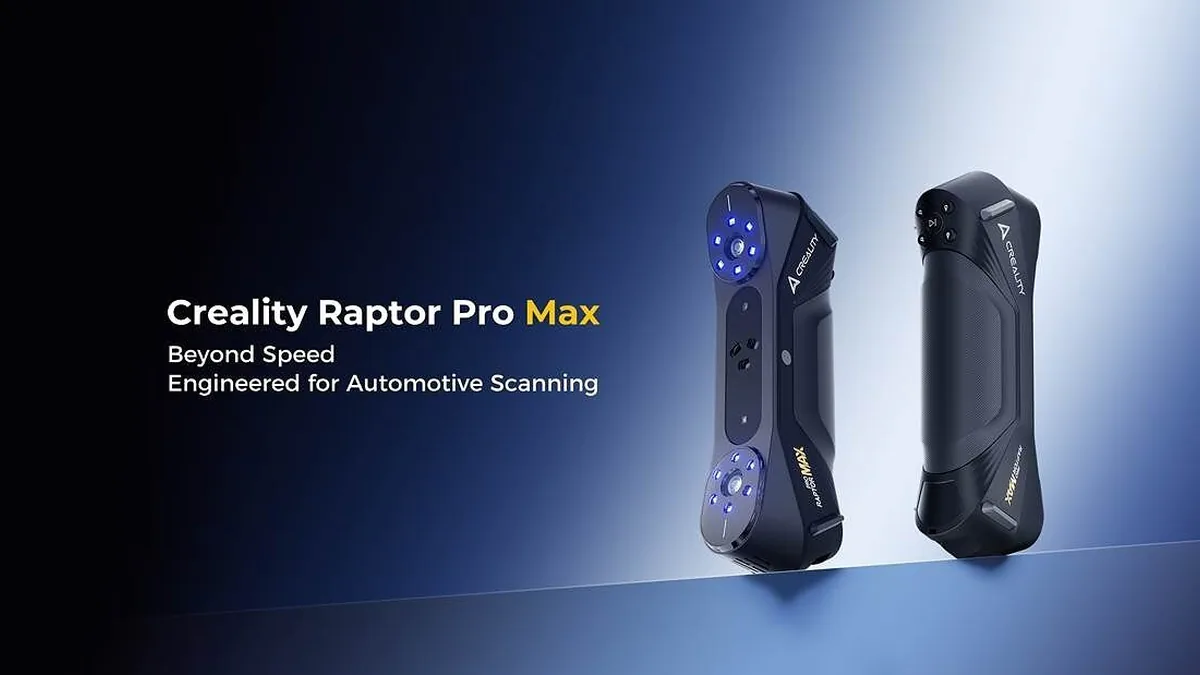
Creality Raptor Pro Max vs Raptor Pro
Cross laser capture is rated at up to 1,260,000 points per second on the Max, compared with 660,000 on the Pro. At the same 550 mm working distance, the single-frame field of view grows from 420 × 300 mm to 480 × 330 mm. Those rates and frame sizes don’t establish the time needed for a complete scan, mesh cleanup or CAD rebuild.
Broader coverage could reduce the number of passes needed along a large outer panel while maintaining overlap between frames. It cannot reveal a hidden underside or the back of an edge. Repositioning the part and aligning scans remain separate work.
The seven parallel blue laser lines retain the same rated maximum of 420,000 points per second. Both scanners share the same rated blue laser accuracy of up to 0.02 mm and volumetric accuracy of 0.02 mm + 0.08 mm/m, under Creality’s laboratory conditions. That leaves little specification-based reason for an existing Pro owner to upgrade solely for finer dimensional accuracy on small brackets or detailed parts.
Scan Bridge cost and scanning requirements
The Scan Bridge bundle costs $180 more than the scanner alone at those US prices. A suitable computer is still part of the cost. For scanning on Windows, the recommended hardware is a 13th-generation Intel Core i7, an RTX 4060 with 8 GB of video memory and 32 GB of RAM. On a Mac, it is an M3 with 32 GB of RAM and macOS 14.
Marker-free blue laser scanning is limited to wired PC use with suitable objects. The older Raptor Pro has that wired-only capability too. Choosing Scan Bridge for movement around a vehicle does not also satisfy the stated marker-free requirement.
Skipping markers and skipping scanning spray solve different problems. Creality’s spray-free claim applies only to suitable black and metallic surfaces. That doesn’t guarantee success on glossy paint, mirror finishes or transparent parts. A broad panel with few tracking features still needs a preparation plan.
Creality Inspect is a Windows beta
Creality Inspect V1.0.0 is in beta on Windows and is free for a limited time. With no announced end date or promise of a permanent free license, it shouldn’t be counted as a long-term software saving. Inspect’s independent hardware requirements remain unspecified.
For comparing a scanned part with a CAD reference, the Inspect workflow requires matching units and registering the models before deviation analysis or dimensional checks. A Creality account is required. The software can export a PDF inspection report, but it doesn’t automatically rebuild a scan into editable CAD.
For a replacement bumper or printed trim piece, that comparison can help locate differences from the reference design. Correct alignment and measured surface data remain essential: a digitally filled hole is not evidence that the missing surface meets a tolerance.