Heads up — some of the links below are affiliate links. If you buy through them, I earn a small commission (at no extra cost to you), which helps cover the gear I test. Thanks!
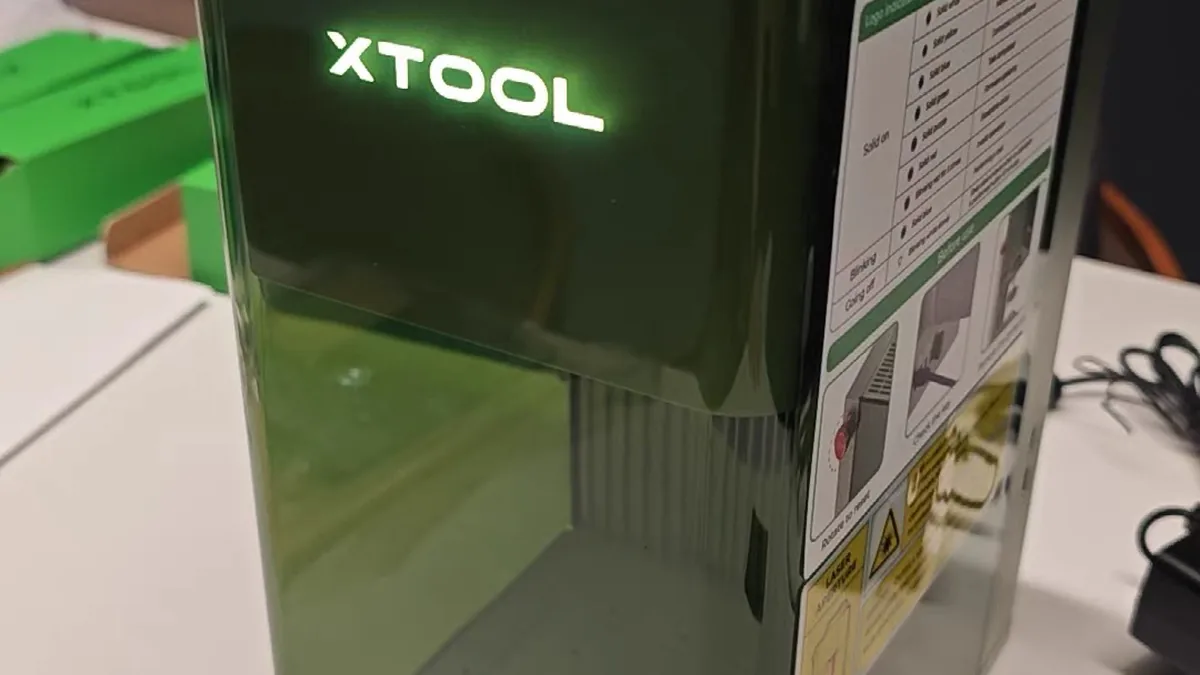
- Best mixed-material pick: Choose the xTool F1 Ultra when you need both small wood work and true metal marking. Its dual-source design covers more material types than the other compact choices here, but its galvo work area is still small, so it is not a replacement for a large CO2 bed or a full production fiber setup.
- Best for cutting wood: xTool P3, because CO2 power suits larger non-metal work.
- Best for bare metal: ComMarker B6 60W JPT MOPA Fiber.
- Best budget wood machine: Creality Falcon A1 Pro.
- Best portable option: xTool F1 for small ornaments, jewelry, and tags.
Table of Contents
- Best Laser Engraver for Wood Metal at a Glance
- What “Wood and Metal” Actually Means for a Laser Engraver
- How Diode, CO2, Fiber, MOPA, and Infrared Lasers Differ
- xTool F1 Ultra: Best Overall Laser Engraver for Mixed Wood and Metal Work
- xTool P3: Best CO2 Laser Engraver for Cutting Wood
- ComMarker B6 60W JPT MOPA: Best Fiber Laser for Bare-Metal Engraving
- Creality Falcon A1 Pro: Best Budget Laser Engraver for Wood
- xTool F1: Best Portable Laser for Small Wood and Metal Projects
- Buying Criteria: What to Check Before You Choose a Laser
- Budget Reality: Why the Cheapest Laser Can Cost More
- Laser Safety and Materials You Should Not Experiment With
- Which Laser Engraver Should You Buy?
- FAQ: Best Laser Engraver for Wood and Metal
- Final Recommendation
Best Laser Engraver for Wood Metal at a Glance
The quickest decision rule is simple: let your main material lead. A diode laser is a sensible wood-first choice. CO2 is better for serious wood cutting. Fiber or MOPA handles bare-metal engraving best.
| Pick | Laser type | Best for | Main limit | Price snapshot |
|---|---|---|---|---|
| xTool F1 Ultra | 20W fiber + 20W diode | Mixed small-format work | Small area | $2,899* |
| xTool P3 | 80W CO2 | Large wood cutting | Bare metal | $6,399* |
| ComMarker B6 | 60W MOPA fiber | Bare-metal work | Wood cutting | $3,999* |
| Falcon A1 Pro | 20W diode + 2W IR | Budget wood projects | Coated metal | $899* |
| xTool F1 | 10W diode + 2W IR | Portable small work | Small area | $999* |
*Price snapshots from product fact cards, verified June 2026. Prices and bundles change. Check the live listing before buying.
What “Wood and Metal” Actually Means for a Laser Engraver
Wood and metal are different laser jobs. A blue diode can engrave wood and some coated metal. A CO2 laser is built around non-metal cutting. A fiber laser is the serious choice for bare-metal engraving.
Wood engraving versus wood cutting
Engraving removes a thin surface layer. Cutting has to move enough energy through the material to separate it. That difference is why a machine can produce attractive wood photos yet struggle with thick plywood.
Bare-metal engraving versus coated-metal marking
“Metal capable” can mean several things. It may mean removing paint from a tumbler, marking anodized aluminum, or engraving stainless steel itself. Ask which one you need before comparing wattage.
Why one machine rarely does both jobs perfectly
The xTool F1 Ultra is a useful exception for small-format mixed work. It pairs a fiber source with a diode source, though it cannot replace a large CO2 machine for sheet goods or every dedicated fiber workflow.
How Diode, CO2, Fiber, MOPA, and Infrared Lasers Differ
Choose diode for budget wood work, CO2 for serious non-metal cutting, and fiber or MOPA for bare metal. Infrared modules add marking options, but they do not magically turn a compact craft machine into a full metal-production system.
Diode lasers for wood and coated metal
Diode lasers are usually the easiest entry point. They work well on wood, leather, cork, paper, and some dark plastics. They can mark anodized or painted metal, but a typical blue diode should not be sold as a bare-metal engraver.
CO2 lasers for wood, acrylic, and large-format cutting
CO2 lasers are the workhorses for wood, acrylic, leather, cardboard, and similar materials. They also make more sense when you need a large bed or repeated cuts. They are a poor fit when your main product is deep metal engraving.
Fiber and MOPA lasers for bare metal
Fiber lasers operate in a wavelength range that interacts strongly with metals. A MOPA source adds pulse-width control, which can help with color marking, fine detail, and different metal finishes. That capability comes with a higher price and a steeper learning curve.
Infrared and dual-laser systems
Infrared modules can expand the marking range of a small machine. Treat them as an extra tool. Material claims still need a specific test. The right question is always: what material, what thickness, what finish, and what production speed?
Read our diode vs CO2 vs IR laser guide for a deeper technology comparison.
xTool F1 Ultra: Best Overall Laser Engraver for Mixed Wood and Metal Work
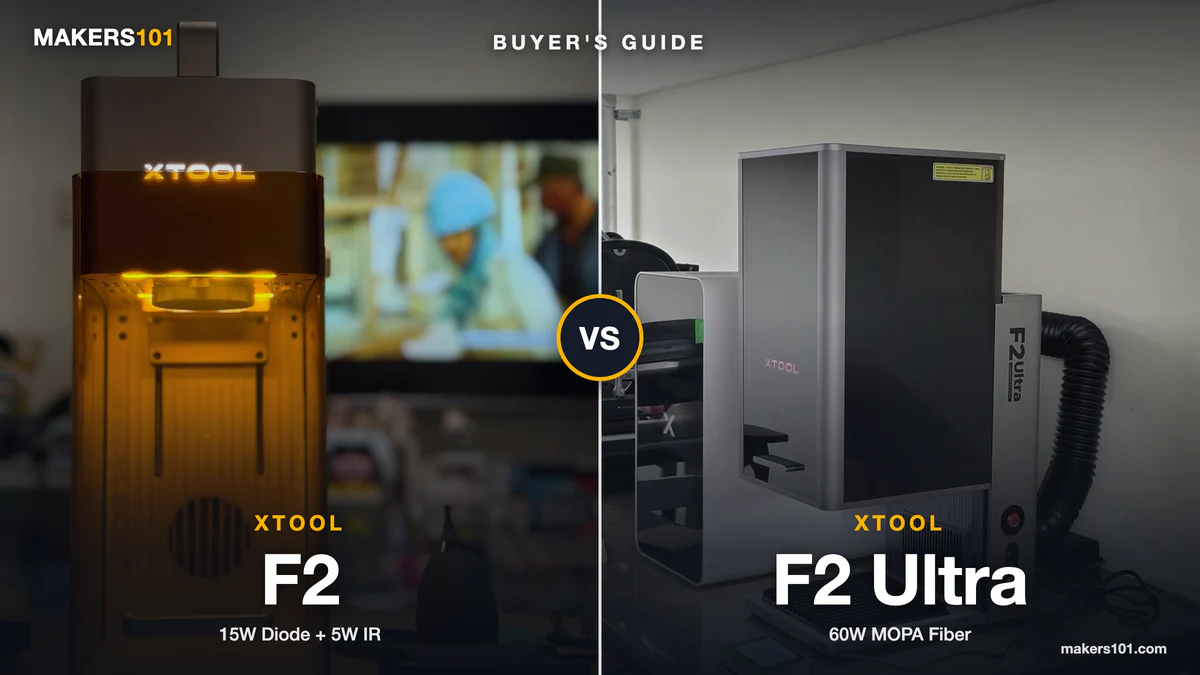
xTool F1 Ultra is the strongest fit here when you need one machine for small wood projects and real metal work. The product card records a galvo 20W fiber laser plus a 20W blue diode, with support for LightBurn and xTool Creative Space. See the official xTool F1 Ultra page for live model details.
Specs and material fit
The diode source handles selected wood, leather, and acrylic work. The fiber source handles metal marking, deeper engraving, and color work on suitable materials. The galvo layout is fast, but the work area is compact.
- Covers two important material families in one machine.
- Strong fit for personalized products and small-business batches.
- Supports both beginner-friendly and advanced software paths.
- Expensive for casual wood engraving.
- Compact galvo work area limits large panels and signs.
Best for
Choose it for small mixed-material products, jewelry, tags, tools, and repeatable personalization. Skip it if your main plan is cutting large sheets of wood.
Nik’s Take
The documented specifications make this model the closest match to “wood and metal” in one product. The tradeoff is work area. You are buying flexibility in a compact workshop format, not a large-sheet cutter.

- NOTE: This is xTool F1 Ultra, with 16mp camera, 20w fiber laser, support 3D emobossing engraving.
- Support Almost All Materials Ultra-Fast: Introducing the world’s first 20W fiber and diode dual lasers, achieving speeds up to 10,000mm/s. The fiber…
- 3D Embossing and Deep Engraving: With 20W power in both fiber and diode lasers, the F1 Ultra laser engraving machine handles intricate, multi-level 3D…
- Factory-Level Productivity: xTool’s exclusive Auto Streamline Production, powered by the Auto Conveyor (available separately) and a 16MP SMART CAMERA…
- Revolutionary Working Area and HD Resolution: The F1 Ultra boasts the largest desktop fiber laser engraver working space at 220mm x 220mm, expandable…
xTool P3: Best CO2 Laser Engraver for Cutting Wood
xTool P3 is the wood-first choice in this list. The product card records an 80W CO2 tube and a 36 × 18-inch work area. Its published top speed is 1,200 mm/s, and its enclosed Class 1 design includes built-in cooling.
The same card notes that an optional IR module is needed for metal marking. See the official xTool P3 page for the current configuration. Tom’s Hardware also lists the P3 as a CO2 cutting option in its laser buying guide.
Specs and material fit
Use the P3 for plywood, wood panels, acrylic, signs, decor, and repeated cutting. Its large gantry area matters more than a headline speed number when your projects are physically large.
- Best fit for serious wood cutting in this group.
- Large work area supports signs and small production runs.
- Enclosed workflow is easier to plan for a home workshop.
- High-end price and large footprint.
- Bare-metal engraving is outside its core role.
Best for
Buy it when wood cutting is the dominant job and you need volume or sheet size. If you only engrave small plaques, this is more machine than you need.

- Flagship 80W CO2 Laser Power for Industrial-Grade Cutting: Unleash powerful performance. This professional-grade xTool P3 CO2 laser engraver…
- Revolutionary Automated Creation System: Experience a true “Place & Go” workflow. ACS integrates LiDAR ranging for perfect autofocus, dual HD cameras…
- Largest Desktop Area & Dual-Cam Precision: Command a massive 36″ × 18″ workspace. The Evolved Dual HD Camera system (16MP SkyView + close-range…
- Streamlined Pro Workflow: Maximize efficiency & minimize waste. AI-powered Smart Nesting achieves 98.7% material utilization. Use Variable Batch Fill…
- Class 1 Safety & Multi-Layered Protection: Work with total peace of mind. Features a fully enclosed Class 1 safety-rated design with lid interlocks…
ComMarker B6 60W JPT MOPA: Best Fiber Laser for Bare-Metal Engraving
ComMarker B6 60W JPT MOPA is the metal-first pick. Its product card records a JPT MOPA fiber source and a 150 × 150 mm work area that can expand with accessories. The machine is rated up to 15,000 mm/s and supports LightBurn plus EzCad2. Confirm the exact wattage variant on ComMarker’s B6 product page and the linked product listing.
Specs and material fit
This laser class suits stainless steel, aluminum, brass, titanium, and similar metal work. It can support deep engraving, color marking, and thin-metal work. Wood cutting belongs to another laser class.
- Designed around fast, repeatable metal engraving.
- MOPA control supports advanced metal marking.
- Automatic focus and optional larger areas improve workflow flexibility.
- Poor fit for wood and organic materials.
- Requires more metal-specific setup knowledge.
Best for
Choose it for tools, plates, serial numbers, metal gifts, and small-business production. If wood is half of your business, pair a fiber laser with a separate diode or CO2 machine instead of forcing one workflow to do everything.

- ComMarker B6 laser engraving machine uses 60W JPT M7 laser source with engraving speed 15,000mm/s. color marking on stainless steel.
- ComMarker B6 60W mopa fiber laser engraving machine with touch screen for auto focus, compact size only 13kg. 2 in 1 design, portable laser engraver…
- 60W 110V. Fiber laser marking engraver supports Lightburn and EzCad2 (we provide). Laser wavelength: 1064nm, System: Windows 7/8/10/11, MAC…
- Packaged include :1x B6 Laser Engraver,1x Power Adaptor,1x Data Cable,1x Foot Switch,1x Type -C,1x Riser,1x Allen Wrench,1x Placing Helper,1x Ruler,1x…
- Wide application: This fiber laser engraving machine can engrave stainless steel (best results), aluminum, gold, silver and alloys, and mark most…
Creality Falcon A1 Pro: Best Budget Laser Engraver for Wood
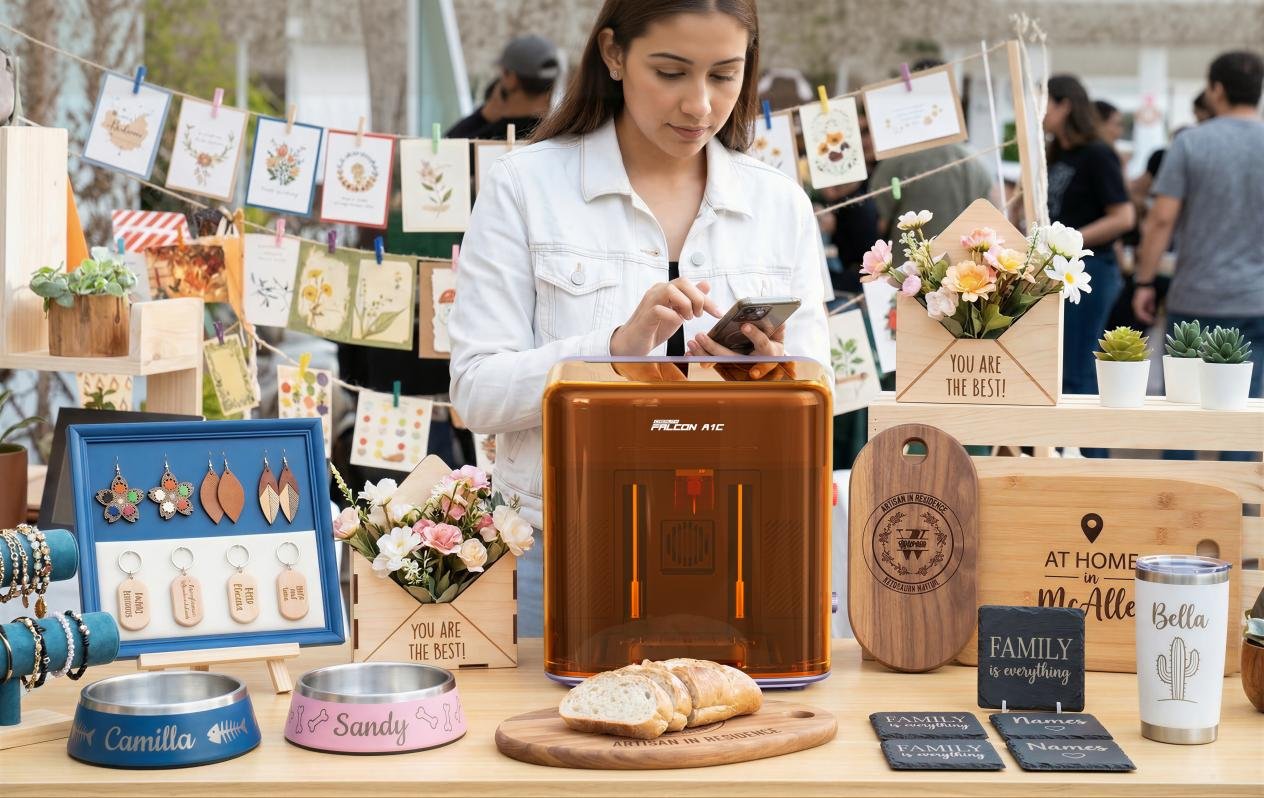
Creality Falcon A1 Pro is the practical wood-first recommendation when you want an enclosed machine and a larger bed without starting at CO2 pricing. The product listing and fact card give it a 20W blue diode paired with a 2W IR source, a 400 × 415 mm CoreXY work area, built-in air assist, a key lock, and an emergency stop.
Specs and material fit
The diode source suits wood engraving and thin wood cutting. The IR source broadens marking options on selected metal surfaces. A fiber laser remains the correct class for bare metal. The fact card also notes that LightBurn may be preferable to the original software.
- Enclosed 20W diode workflow with a useful work area.
- Better wood-first value than buying a metal-focused machine.
- Built-in safety and air-assist features reduce accessory clutter.
- Bare-metal expectations must stay realistic.
- Camera calibration and Wi-Fi can require patience.
Nik’s Take
The Falcon A1 Pro has a stronger trust signal here than a bare manufacturer claim because the Makers101 fact card also records a first-party review. That does not make it a fiber replacement; it supports a wood-first, occasional coated-metal recommendation.
Best for
Pick it for signs, plaques, craft blanks, and occasional coated-metal marking. It is a sensible starting point for a small maker business that is primarily wood-based.

- 【Smart Touch】The Creality laser engraver comes with a smart touchscreen, simplifying everyday tasks with no messy cables or complicated steps…
- 【Autofocus + HD Camera】Auto focus in ~3s with full-bed preview for precise placement—a laser engraving machine that delivers clean laser…
- 【3× Faster CoreXY】Up to 600 mm/s on a laser cutter and engraver machine; the A1 Pro 20w laser engraver boosts batch productivity without…
- 【Clean Cuts, Less Work】As a wood engraver and wood laser cutter, A1 Pro handles 10 mm basswood and 8 mm black acrylic with smooth edges and fewer…
- 【Safer, Cleaner Shop】The enclosed laser cutter’s transparent cover not only filters out 99% of laser radiation, it also effectively blocks noise…
xTool F1: Best Portable Laser for Small Wood and Metal Projects
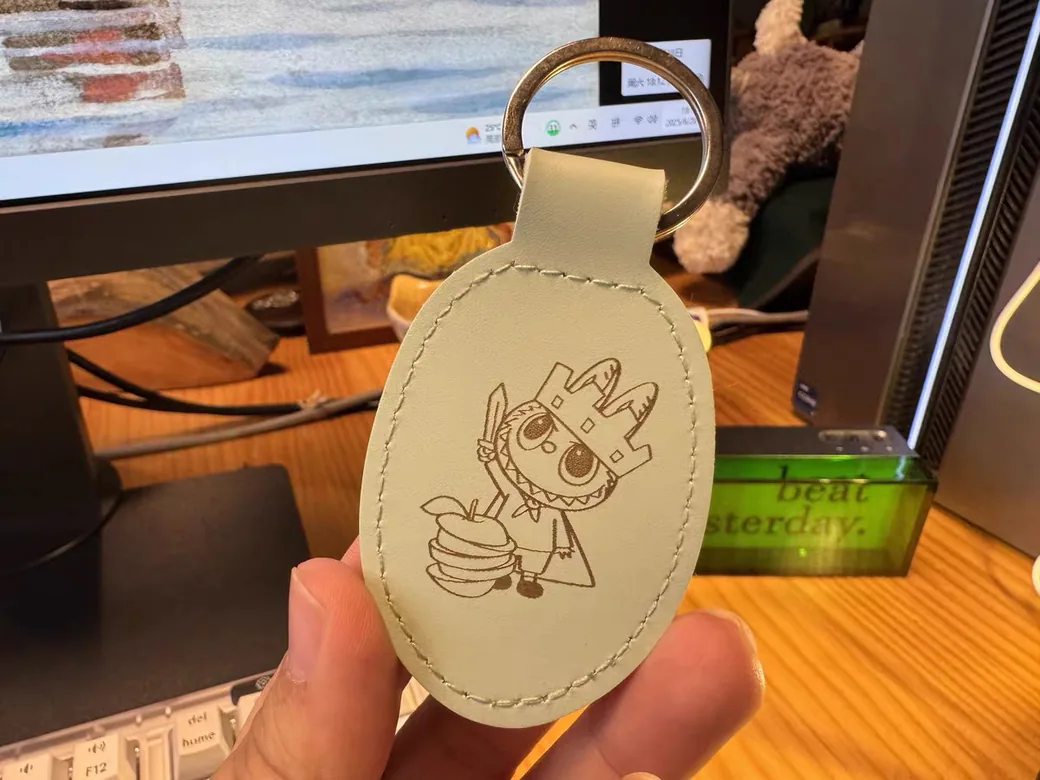
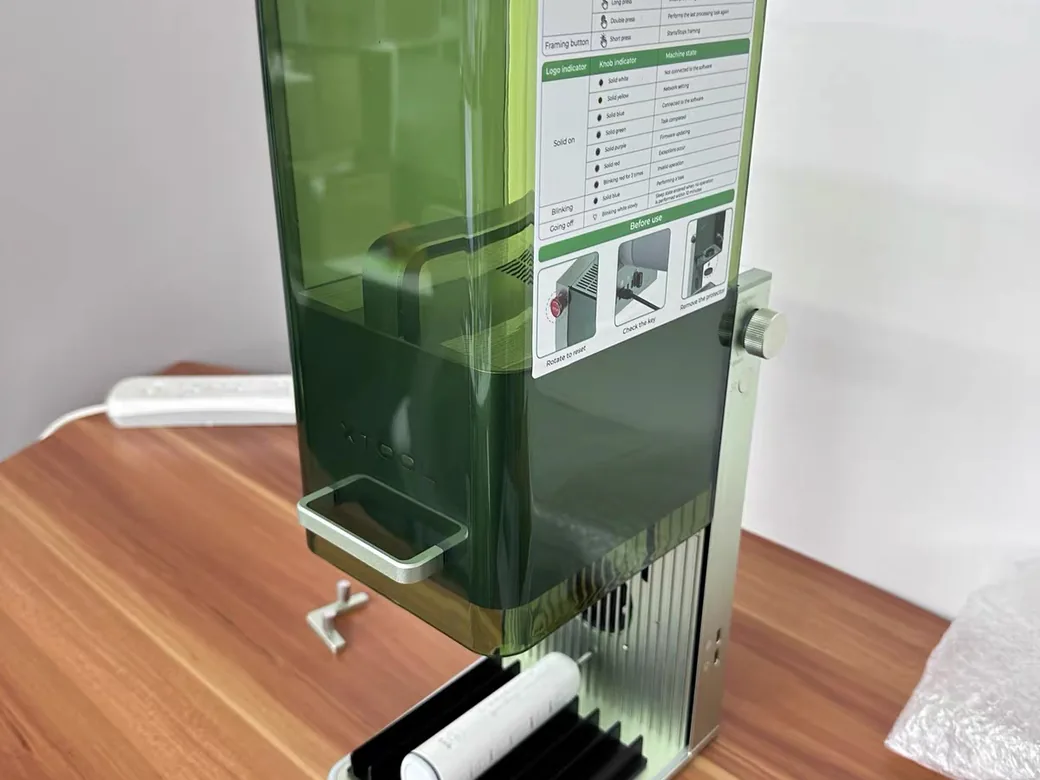
xTool F1 is the portable option. Its product card identifies a galvo 10W blue diode and 2W infrared source, a 115 × 115 mm work area, and a weight of about 4.6 kg. The linked product listing provides a current model reference. Its small bed keeps the machine focused on portable personalization.
Specs and material fit
The F1 fits small ornaments, jewelry, pens, tags, and market-stall personalization. It is easy to move and quick to position. The small bed makes it a poor choice for furniture parts, large signs, or full panels.
- Easy to carry and deploy in a small workspace.
- Diode plus IR covers a wider range of small jobs.
- Fast galvo motion suits personalization work.
- The 115 × 115 mm area is genuinely small.
- Price per work area is high.
Best for
Buy it when portability and small products matter more than cutting capacity. For a workshop machine, the Falcon A1 Pro gives you a more practical wood area.

- Highest Speed, 10 X Productivity and Efficiency: The industrial-grade metal engraving machine can reach 4000mm/s. The laser engraver for metal can…
- Dual lasers fit 300+ Materials: The xTool F1 2-in-1 laser engraving machine is the world’s first 2W infrared(for all metal materials) and 10W diode…
- Free of Smoke and Odor: The xTool F1 wood engraver comes pre-assembled with an fully enclosed cover that blocks smoke and filters the laser with no…
- Revolutionary Accuracy and HD Resolution: Thanks to the Ultra galvo systems, the mini laser engraver offers 0.00199mm motion accuracy and…
- Beginner-Friendly: The xTool F1 laser marker supports XCS software and Lightburn, and can be used with phones, iPads, and laptops. This laser engraver…
Buying Criteria: What to Check Before You Choose a Laser
Material fit, optical power, work area, safety, software, and total ownership cost matter more than the largest wattage number on a product page.
Material capability and real optical power
Check whether the listed wattage is optical output or electrical input. A “20W laser” should identify the source and the measurement. Do not compare a diode’s electrical draw with a fiber source’s optical output.
Work area, gantry, and galvo motion
Gantry machines move across rails and usually offer larger working areas. Galvo machines steer the beam with mirrors, which makes them fast for small parts. Your sign-making workflow needs different hardware from a jewelry-personalization workflow.
Enclosure, ventilation, and fire safety
An enclosure is only one part of safety. You still need appropriate ventilation, a clear work area, matched protective equipment, and a plan for unexpected fires. Never assume included goggles are correct without checking the laser wavelength.
Air assist, honeycomb beds, rotary tools, and filtration
Air assist helps manage smoke and improves cutting consistency. A honeycomb bed reduces scorching under wood. Rotary tools matter for tumblers and cylindrical products. Filtration or exhaust planning matters before the machine arrives.
Software, LightBurn, cameras, and framing
Software can turn a capable machine into a frustrating one. Check file import, material presets, camera calibration, LightBurn support, and whether framing is reliable on reflective objects.
Use a laser project cost calculator to compare machine cost, blanks, accessories, and wasted time.
How the picks were ranked
These are editorial recommendations, not results from a new lab test. I weighted material fit first, then work area and workflow, safety features, software support, and total setup cost. Product specifications and price snapshots come from the local verified fact cards and the linked product or manufacturer pages; creator test observations are labeled as observations rather than treated as universal performance claims.
Budget Reality: Why the Cheapest Laser Can Cost More
The cheapest machine is rarely the cheapest workflow. A private note summarizing a creator’s test of ultra-budget diode machines reported connection failures, very slow engraving, weak construction, and safety-goggle problems. A roughly $300 machine produced usable hobby results, but its software still had clear limits; treat this as one test, not a universal result.
What a viable entry-level budget buys
Budget for the machine, ventilation, air assist, a bed, test material, and time spent learning. If the machine is unreliable, the lost time becomes part of the purchase price.
Hidden costs beyond the machine
Common extras include rotary attachments, exhaust or filtration, replacement lenses, honeycomb beds, clamps, and better software. Price the complete setup, including the base machine and required accessories.
When upgrading to CO2 or fiber makes sense
Move to CO2 when wood cutting volume, thickness, or bed size becomes the bottleneck. Move to fiber when bare-metal work becomes the product.
Laser Safety and Materials You Should Not Experiment With
Never treat an open laser as a casual craft tool. Match protective equipment to the wavelength, control fumes, keep a fire plan, and verify every material before cutting.
Fume extraction and ventilation
Wood, paint, leather, plastics, and coatings can produce very different fumes. Vent outside or use a filtration system designed for the material and machine. “It smells fine” is not a safety test.
Reflective metal and back-reflection risks
Highly reflective metals require extra caution with fiber systems. Settings that work on steel may fail on copper, silver, or gold. Start with the manufacturer’s guidance and proper training. Random presets can mislead.
Material coatings, plastics, and toxic fumes
Never cut unknown PVC or vinyl. Confirm the material composition before running it. A clean-looking result can still come with hazardous fumes.
Read Makers101’s essential workshop tools before setting up a laser workspace.
Which Laser Engraver Should You Buy?
Buy the xTool P3 if wood cutting dominates. Buy the ComMarker B6 if bare metal dominates. Choose the Falcon A1 Pro for budget wood work. Choose the xTool F1 Ultra only when mixed small-format work justifies its premium.
Choose by your dominant material
Wood-first buyers should start with diode or CO2. Metal-first buyers should start with fiber or MOPA. Mixed-material buyers need to decide whether “metal” means coated marking or true bare-metal engraving.
Choose by project size and production speed
Large wood projects need a gantry bed. Small batches of metal tags need galvo speed. Portable craft sellers may value setup time more than maximum cutting thickness.
Choose by your tolerance for setup and maintenance
A simpler machine can be the better business choice if you will use it every week. A more capable machine only earns its cost when you use the capability.
FAQ: Best Laser Engraver for Wood and Metal
Which is better, xTool or LaserPecker?
Neither brand wins for every job. Compare the exact laser source, work area, software, safety setup, and material tests for the model you want. Brand reputation cannot override a poor material fit.
What is the best dual laser engraver?
For mixed-material work, the xTool F1 Ultra is the guide’s most flexible choice. Its fiber and diode coverage helps with small products and personalization, while the compact area sets a firm limit on project size.
What laser engraver do you need to engrave metal?
For the best laser engraver for wood metal, separate the two jobs first. For bare-metal engraving, choose a fiber or MOPA fiber laser. A diode or CO2 machine may mark coatings, paint, or anodized surfaces, but that is a different job.
What is the best laser engraving machine for wood?
Choose a diode machine for affordable hobby engraving and a CO2 machine for larger or thicker wood cutting. The xTool P3 is the wood-cutting pick here. The Falcon A1 Pro is the more accessible wood-first option.
Can a diode laser engrave bare metal?
Typical blue diode lasers should not be treated as bare-metal engravers. They can work on some coated or anodized metal. For direct, deep, repeatable metal engraving, use fiber or MOPA equipment.
Is CO2 or diode better for cutting wood?
CO2 is generally the better choice when cutting speed, thickness, and volume matter. Diode is cheaper and can be enough for thin wood and occasional projects. Your material thickness and weekly workload decide the sensible option.
Final Recommendation
There is no single best laser engraver for wood and metal. The dual-source F1 Ultra is the closest one-machine answer for small mixed work. The xTool P3 wins for serious wood cutting, while the ComMarker B6 wins for bare-metal engraving. Start with your dominant material, verify optical power and safety requirements, then price the complete workflow before ordering.